
Plain-language Swift generation
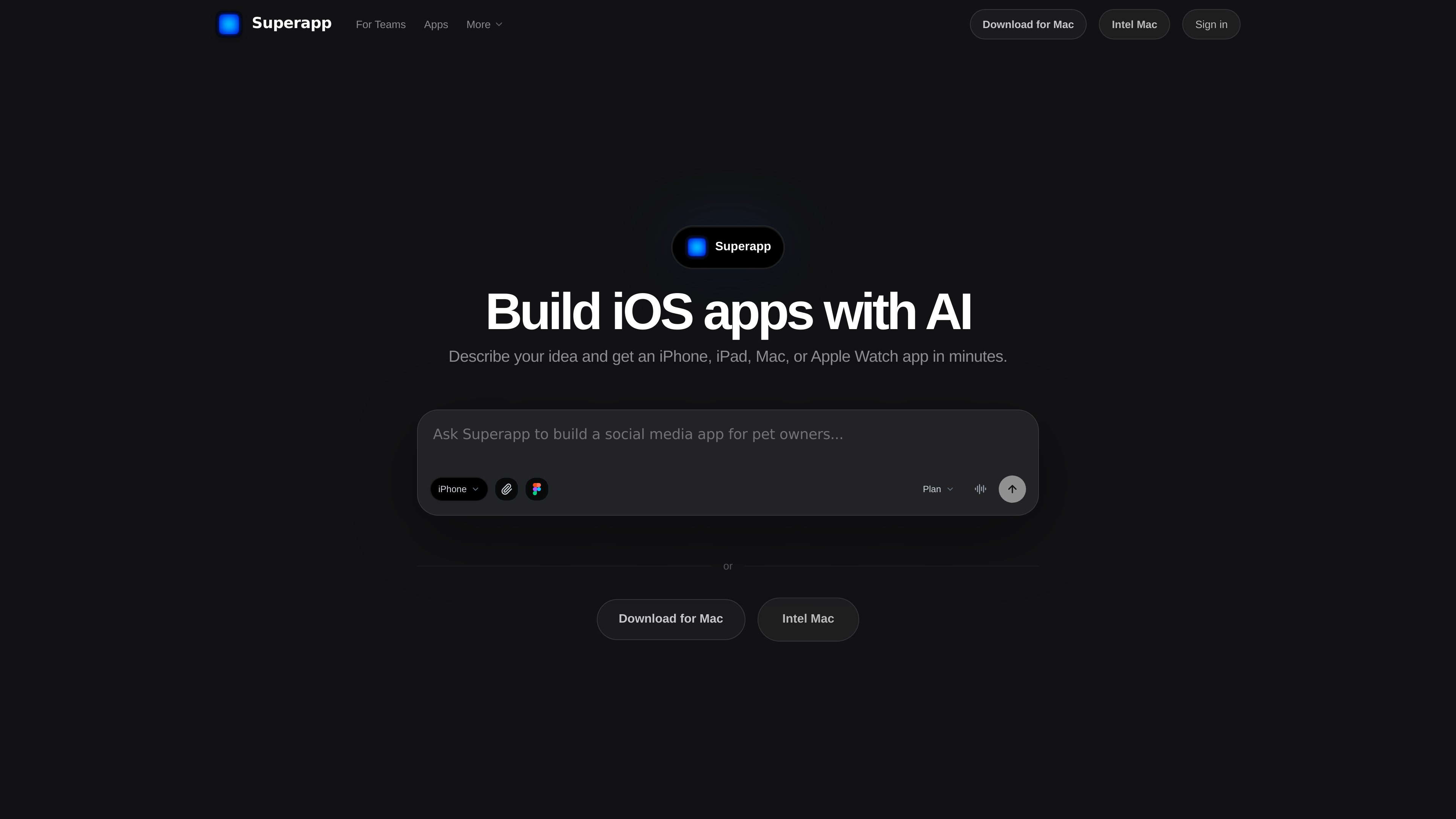
Describe screens, workflows, data, or design changes conversationally; Superapp generates and refines native SwiftUI code.

Superapp is an AI app builder that turns plain-English product descriptions into native Swift apps for Apple platforms. It supports browser-based building without a Mac, cloud previews, code export, and App Store publishing workflows.
Superapp is an AI app builder for creating native Swift applications across Apple platforms. Users describe an app in plain language, and Superapp generates SwiftUI code, interface structure, data models, and a standard Xcode project. The platform is designed for people who want to build and publish an Apple app without writing the initial code themselves.
Projects can target iPhone, iPad, Apple Watch, Mac, and Vision Pro, with layouts and capabilities suited to each platform. Superapp can also generate apps that use Apple frameworks such as WidgetKit, ActivityKit, SiriKit, App Intents, HealthKit, HomeKit, MapKit, Core Location, and Apple Push Notification service. Large engine-heavy games may still require a dedicated game engine.
Users can work in a browser without a local Mac or Xcode installation. Superapp runs Macs with Xcode in the cloud to write, compile, test, and correct Swift code, and its previews run in the iOS Simulator. Users can install an app on their own iPhone for testing before publishing. A separate Mac version provides local previews and keeps the code on disk, with a one-time Xcode setup.
For backend functionality, a project can use Superapp Cloud or a user’s own Supabase project. The platform also supports connections to services including Airtable, Google Sheets, Notion, and custom APIs, while generated Swift can be extended in Xcode or with coding tools such as Claude Code and Codex. App Store workflows can prepare builds, metadata, screenshots, privacy declarations, and submission materials, but publishing still requires an Apple Developer account.
Describe screens, workflows, data, or design changes conversationally; Superapp generates and refines native SwiftUI code.
Build native apps for iPhone, iPad, Apple Watch, Mac, and Vision Pro from an Apple-focused project.
Superapp uses cloud-hosted Macs and Xcode to compile projects, read build errors, rebuild, and provide simulator-based previews.
Generated projects can use Apple frameworks for widgets, Live Activities, Siri, health and home features, maps, location, notifications, AR, games, and motion tracking.
Choose Superapp Cloud or bring a Supabase project, and connect services such as Airtable, Google Sheets, Notion, or a custom API.
Export a standard Xcode project, continue development outside Superapp, and use the App Store workflow to prepare submission assets and metadata.
Start with a plain-English description, generate a working first version, and refine screens and flows through conversation before investing in a larger build.
Build an iPhone or iPad experience alongside Watch, Mac, or Vision Pro versions, using platform-specific layouts and capabilities from a shared project.
Use a Figma file, website, or Lovable or Replit project as a reference while recreating its screens and flows in Swift rather than wrapping the original web experience.
Connect authentication, database models, subscriptions, or external services through Supabase, Superapp Cloud, RevenueCat, and supported third-party connections.
Use the publishing workflow to organize the build, metadata, screenshots, privacy declarations, and submission process after testing on the simulator or a personal iPhone.
No. The web version works from a browser without a local Mac or Xcode installation. A Mac version is also available for users who want local previews and code stored on disk.
It generates native Swift and SwiftUI projects in a standard Xcode format. The project can be exported, opened in Xcode, and continued with external coding tools.
No. The documented focus is the Apple ecosystem, including iPhone, iPad, Apple Watch, Mac, and Vision Pro.
Yes. Cloud previews run in the iOS Simulator, and users can install the app on their own iPhone for testing before submitting it to the App Store.
You need an Apple Developer account, which Apple charges $99 per year. Superapp can prepare much of the build and submission material, including metadata, screenshots, privacy declarations, and ASO information.
トラフィックデータは参考情報としてご利用ください。

thunkable.com
Thunkable is a no-code app development platform for building, testing, and publishing native iOS and Android apps. Its AI Builder lets users create and update app projects through prompts, with visual and code-based tools for further control.

bubble.io
Bubble is a no-code platform for building, customizing, and launching web and native mobile apps. It combines AI-assisted generation with visual editing for founders, teams, agencies, and other builders who want to create applications without writing code.

about.appsheet.com
Google AppSheet is a no-code platform for building business applications and automations from connected data sources. It supports desktop and mobile apps for workflows such as operations, field work, project management, human resources, sales, and marketing.

adalo.com
Adalo is a no-code app builder for creating database-driven iOS, Android, and responsive web apps from one visual project. It helps entrepreneurs and business teams design, test, connect, and publish apps without writing code.

kissflow.com
Kissflow is an AI-powered low-code and no-code enterprise platform for building custom applications, automating workflows, and connecting business processes. It supports IT teams, transformation leaders, and business users working on operational applications.

vulk.dev
VULK is a multimodal AI app builder for generating full-stack web apps, 3D/WebGL experiences, mobile projects, stores, images, and video from prompts and other inputs. It is designed for creators and developers who want editable source code, backend services, previews, and deployment targets in one workflow.