

Model-based stem separation
Choose a separation model before dropping an audio file into the uploader. The help documentation covers 5 Stem Standard and 2 Stem Pro, and describes cleaner vocal separation with the Pro model.
Splitter.ai uses AI to isolate musical sources in a recording. Select a model, upload an audio file, and track it through a shared processing queue. When processing finishes, the upload window shows when the results are ready to download. Its separation technology is based on Deezer’s Spleeter research project.
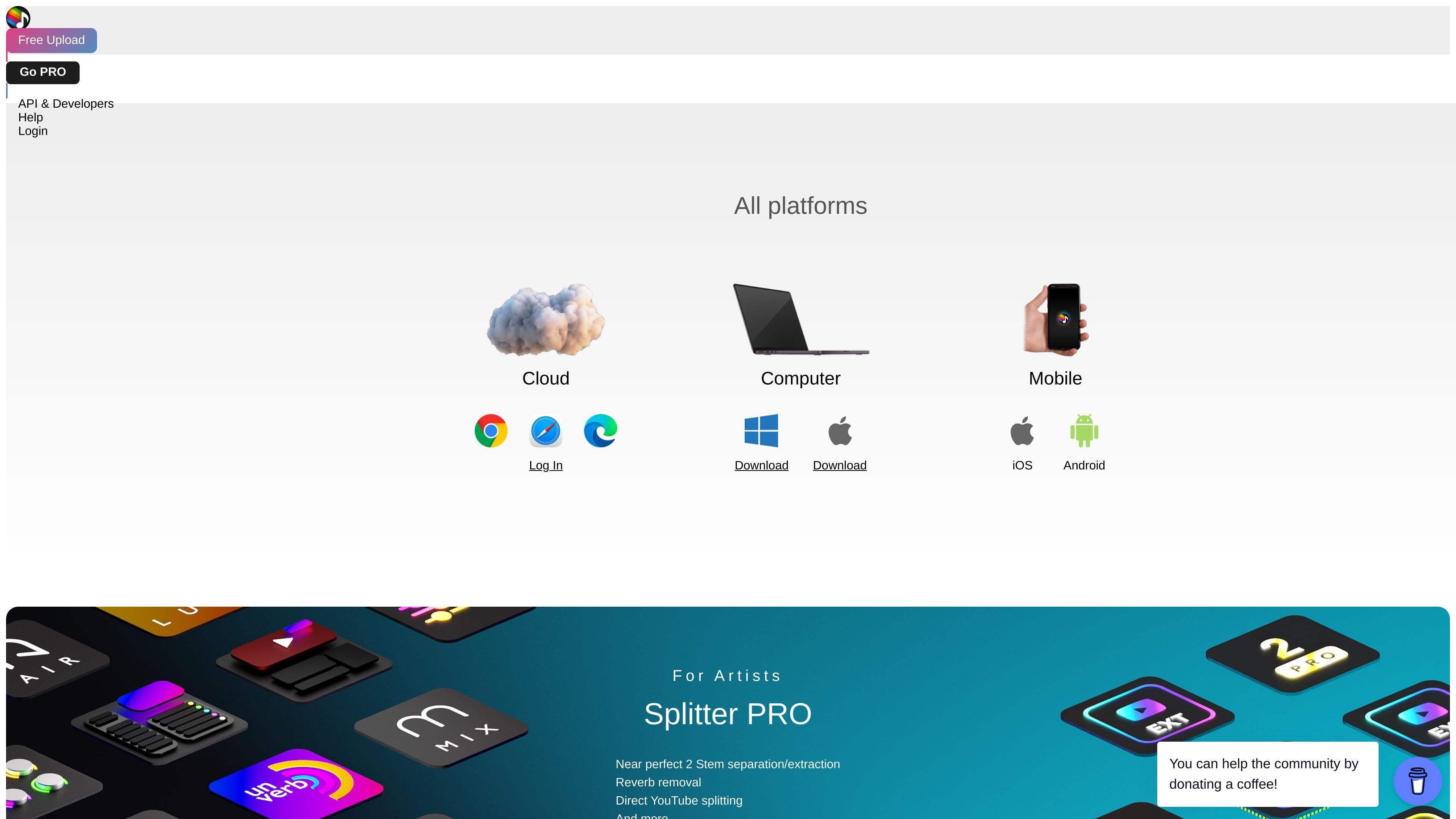
Free uploads provide an entry into the service. Splitter PRO lists two-stem extraction and reverb removal. A separately purchased Chrome extension can split YouTube audio after you sign in and unlock that feature in your Splitter account. Model choice affects vocal separation quality; no separation result is guaranteed to be artifact-free.
Choose a separation model before dropping an audio file into the uploader. The help documentation covers 5 Stem Standard and 2 Stem Pro, and describes cleaner vocal separation with the Pro model.
Splitter PRO lists two-stem extraction and reverb removal for isolating parts of a recording or reducing its reverberant sound.
Use My Uploads to see whether a file is queued, processing, being uploaded to the cloud, or ready to download. High traffic can increase queue times.
On Google Chrome for Windows or macOS, the extension adds a Start Splitting button to YouTube videos and shows processing status. It requires a Splitter account, purchase, installation, and an unlocked YouTube Splitting feature.
Separate a recording to listen more closely to an individual part while learning an arrangement.
Isolate sources for editing or analysis, or use the PRO reverb-removal option when a less reverberant recording is useful.
Use the purchased extension to start a split from a video page and follow its progress there or in your Splitter account.
Select a model, drag an audio file into the uploader, and open My Uploads to track progress. You can also click the uploader to select a file. Check its displayed file requirements for accepted formats and limits.
Queue bypass is available for some models through purchased CPU units, which require Splitter Studio. Ordinary uploads use a shared queue, and high traffic can increase the wait.
Uploaded files expire after one hour and are automatically deleted. Download completed results promptly rather than treating Splitter as long-term audio storage.
After uploading, you can optionally request an email notification. For free uploads, the email is stored temporarily for that notification.
Use Google Chrome on Windows or macOS with a Splitter account. Purchase the extension, install it, sign in from the extension, and unlock YouTube Splitting in your account.
トラフィックデータは参考情報としてご利用ください。

lalal.ai
ボーカル・楽器分離や音声クリーニングに対応するAI音声分離

emastered.com
eMasteredはアップロードしたトラックをWAVまたはMP3のマスターファイルに仕上げ、リファレンスマスタリング、ステム分離、ボーカル除去、配信、アーティスト向けリンクページにも対応します。

freemusicdemixer.com
Music Demixerは楽曲をステムに分離し、音声をMIDIや楽譜の下書きに変換します。

aimastering.com
AI Masteringは、音楽トラック向けの自動オンライン音声マスタリングサービスです。ブラウザ版、分析ツール、オフライン版を提供します。

stockmusicgpt.com
ロイヤリティフリー音楽や効果音、カバー曲を作るWeb型AI音楽生成器

vocalremoveroak.com
VocalRemoverは、曲や動画からボーカルの除去・分離、伴奏の抽出、ステム分割ができるブラウザベースのAI音声分離ツールです。一般的な音声・動画ファイルと一部の共有リンクに対応し、料金はホームページに分単位で表示されます。