
Interview talking points
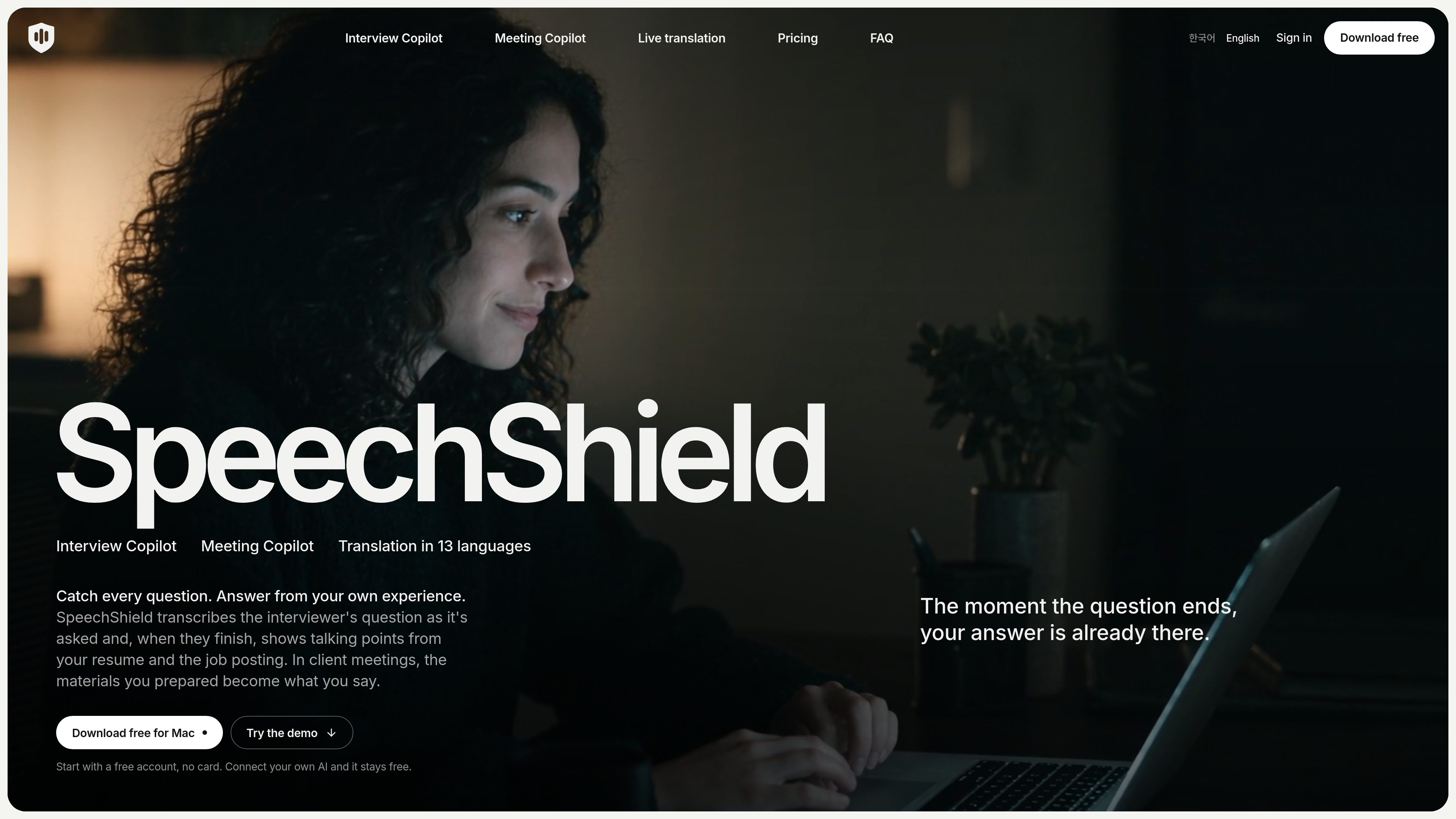
Add a resume PDF and job posting to create an interview profile. SpeechShield transcribes the interviewer and suggests relevant talking points when the question ends, with follow-up answers based on the conversation so far.

A Mac copilot for interviews, meetings, and live translation using your own materials.
SpeechShield is a Mac-based copilot for interviews, work meetings, and live translation. It transcribes spoken audio and surfaces talking points based on materials the user provides. Interview users can add a resume and job posting; meeting users can create a client or project context with agendas, proposals, price lists, and notes. The app is designed to help users respond from their own prepared information rather than generate unsupported experience, figures, or commitments.
SpeechShield also provides live translated captions for meetings, videos, lectures, and other audio played by a Mac. Users can show the original language, the translation, or both, and can change languages during a session. Sessions can be reviewed later through encrypted history, with notes and bookmarks available for important moments.
Add a resume PDF and job posting to create an interview profile. SpeechShield transcribes the interviewer and suggests relevant talking points when the question ends, with follow-up answers based on the conversation so far.
Create a context for a client or project with company details, attendees, goals, and an agenda. Import PDF, Word, RTF, text, or Markdown materials; figures, prices, dates, and commitments in suggestions are tied to the source title.
Transcribe Mac audio and place the translation beneath each completed sentence. Users can listen to system audio, microphone input, both, or a single app, and can choose original-only, translation-only, or combined captions.
Choose This Mac for macOS speech recognition and translation, or configure SpeechShield-hosted AI and supported personal AI options. Local translation works offline after sign-in and language-model downloads, while cloud requests go to the selected provider.
Read suggestions or captions in the Mac overlay without requiring a meeting bot. A phone paired by QR code on the same Wi-Fi can display the session in its browser; supported remote controls include requesting an answer and taking screenshots.
History is encrypted on the Mac, with notes, bookmarks, and optional recording for later review. The overlay is designed not to appear in screen shares, screenshots, or recordings, and can be hidden from the Dock and menu bar on supported plans.
Prepare an interview profile from a resume and job posting, then use suggested talking points when questions finish. Separate interview and answer languages can help when the conversation and preferred reading language differ.
Load proposals, price lists, and prior notes into a client context before a call. During the discussion, SpeechShield can surface source-backed numbers and commitments; when the materials do not answer something, it suggests a question instead.
Maintain a context for a client or project and update its goal or agenda between sessions. Meeting history can be filtered by context and mode, while notes and bookmarks help locate decisions afterward.
Use translated captions for Zoom, Google Meet, Microsoft Teams, Webex, Slack huddles, browser videos, lectures, or any other audio played by the Mac. A phone can show the same captions as a second reading screen.
Review ordered session history, notes, bookmarks, and optional recordings to revisit questions, suggestions, and moments where an answer was difficult to formulate.
The product pages specify an Apple silicon Mac, M1 or later, running macOS 26 or later. Phones connect through iOS Safari or Android Chrome on the same Wi-Fi; no phone app is required.
No. It listens to audio on the Mac and presents suggestions or captions in an overlay. The site says it works with Zoom, Google Meet, Microsoft Teams, Webex, Slack huddles, and other applications that play sound.
Translations are available in Korean, English, Japanese, Chinese, Spanish, French, German, Italian, Portuguese, Russian, Hindi, Indonesian, and Vietnamese. Speech recognition supports more than 50 languages. The exact source-language behavior depends on whether local or cloud processing is selected.
Yes. With This Mac selected, macOS speech recognition and translation run locally, including offline use after sign-in and language-model downloads, and the audio does not leave the Mac. Cloud processing sends requests to the AI provider selected by the user.
Yes. A free account requires no card. It includes a one-time trial of SpeechShield-hosted AI, while local processing and supported bring-your-own-AI or local CLI options are unlimited according to the pricing page. Hosted-AI usage limits apply to the free trial.