ShroomPen logo

ShroomPen

Freemium
訪問

ShroomPenは、使用中のページ上で文章の作成、書き換え、文法修正、翻訳ができるローカルファーストのChrome拡張機能です。現在のページ、選択したタブやテキスト、直近のセッション情報を活用し、ユーザーが設定したプロバイダーのエンドポイントへリクエストを直接送信します。

ShroomPenとは?

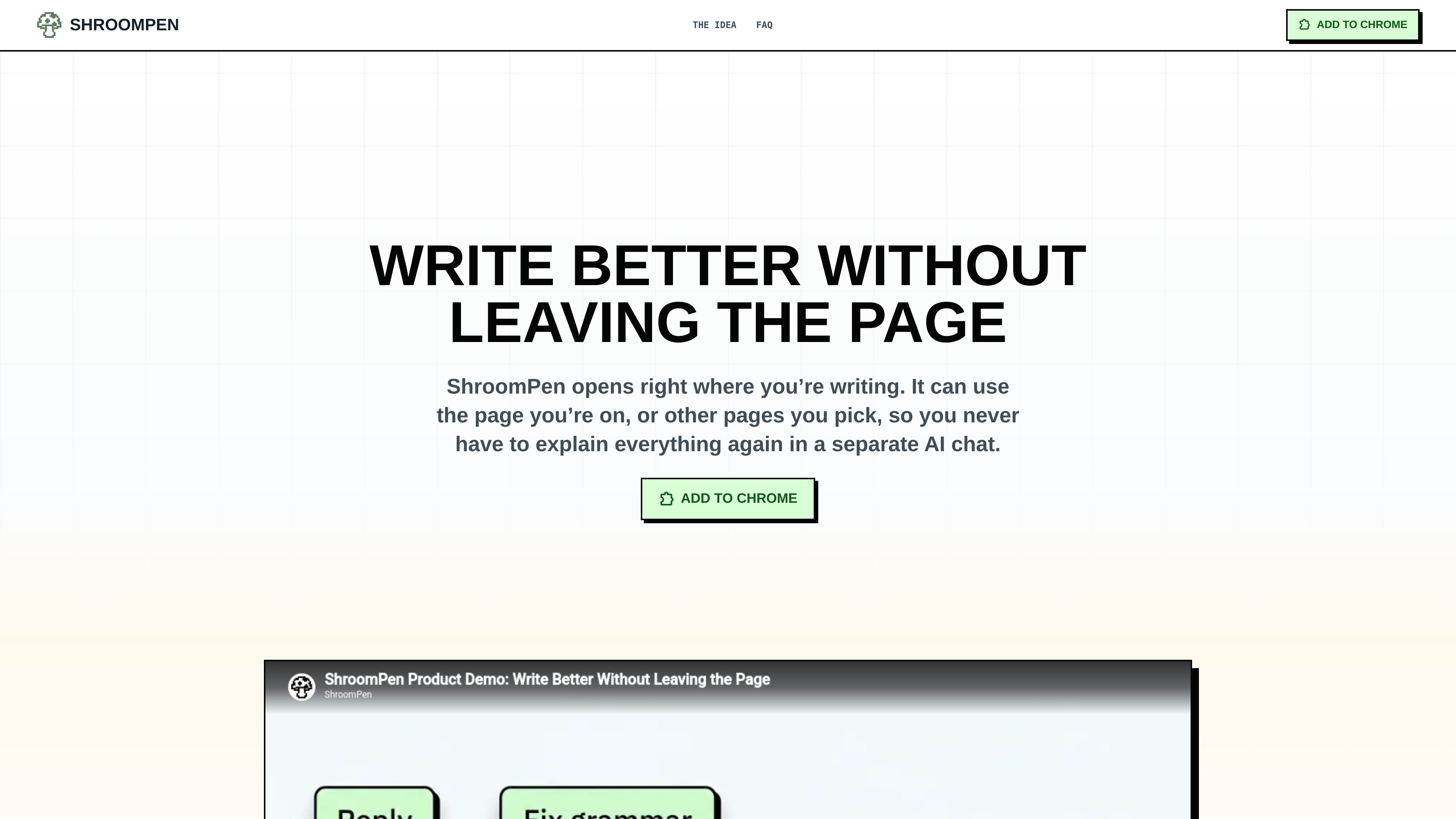
ShroomPen is a local-first writing assistant for browser-based work. It opens beside the field where you are writing and can use the current page, selected tabs, selected text, and session recents as context. This is intended for practical writing where details matter, such as support replies, billing answers, quotes, and long-form responses in browser tools.

The extension operates on the text in the active field and offers four actions: Reply, Rewrite, Fix Grammar, and Translate. For a reply, the rough note in the field serves as the brief; when enabled, selected pages or tabs can supply supporting facts. The result is inserted into the field, replacing only the text selected for the action rather than requiring a separate AI chat.

ShroomPenでできること

Context-aware drafting

ShroomPen can use the page currently open or other tabs that the user explicitly selects. This allows a draft to draw on customer notes, invoices, documents, CRM pages, or a product page without manually restating all of that context.

Four writing actions

Reply turns a rough note into a response, Rewrite makes text clearer and more natural while keeping its meaning, Fix Grammar addresses spelling and punctuation in the language written, and Translate converts selected text into a language chosen by the user.

Explicit source control

Users choose which tabs provide context and can remove a source before generating. Current-page and tab text are read only when those sources are enabled.

Direct provider routing

Generation requests go from the extension to the provider endpoint configured by the user. Listed connection options include OpenRouter, OpenAI, Anthropic, Gemini, and OpenAI-compatible endpoints.

Browser-local control layer

Provider settings are stored in Chrome extension local storage. The product states that it does not require a ShroomPen account, hosted model, application backend, extension telemetry, or ads, and it provides a provider request preview before or after generation.

Sensitive-input exclusions

ShroomPen stays off pages the browser keeps to itself and excludes disabled domains and sensitive fields, including password fields, from the writing flow.

利用シーン

“Customer support replies”

An agent can write a rough note in a helpdesk reply field, select relevant customer or order tabs, and generate a response containing details such as a customer name, order number, or delivery date.

“Billing and operational answers”

For a billing answer or similar factual response, users can select the invoice, notes, or other browser pages that contain the details, then use the active field as the drafting destination.

“Proposals and document responses”

Someone preparing a proposal in a browser document can combine the current draft with selected notes, CRM information, or feature pages to help produce a more complete response.

“Editing existing browser text”

Users can select text in an editable field and choose Rewrite or Fix Grammar to improve clarity, spelling, and punctuation without moving the work into a separate chat window.

“Translation in context”

A user can select text in a browser field, choose Translate, and specify the destination language while remaining in the original workflow.

よくある質問

Does ShroomPen work on the sites I already use?

It is designed to open on normal websites, including inboxes, CMSs, support tools, and browser-based documents. It stays off pages the browser keeps to itself. The site does not establish support for every browser or website.

How do I set it up?

The documented setup path is to add the Chrome extension, connect OpenRouter or add a key for OpenAI, Anthropic, Gemini, or an OpenAI-compatible endpoint, then open ShroomPen with Ctrl+Q and attach only the context you want.

Does ShroomPen require an account or use its own hosted AI model?

No ShroomPen account or hosted model is required. The product states that it has no ShroomPen backend, application backend, extension telemetry, or ads, and that requests go directly to the provider endpoint configured in the extension.

What text can it change?

The extension works on the text in the active field or the text selected for the action. Reply, Rewrite, Fix Grammar, and Translate are available; only the chosen text is replaced.

クイック情報

Category
Browser writing assistant
Platform
Chrome extension
Primary workflow
Drafting and editing text inside browser fields
Context sources
Current page, selected tabs, selected text, and session recents
Provider connections
OpenRouter, OpenAI, Anthropic, Gemini, and OpenAI-compatible endpoints
Listed access
Free at $0; provider costs or limits are not specified

ShroomPen のトラフィック分析

トラフィックデータは参考情報としてご利用ください。

ドメイン評価
1