
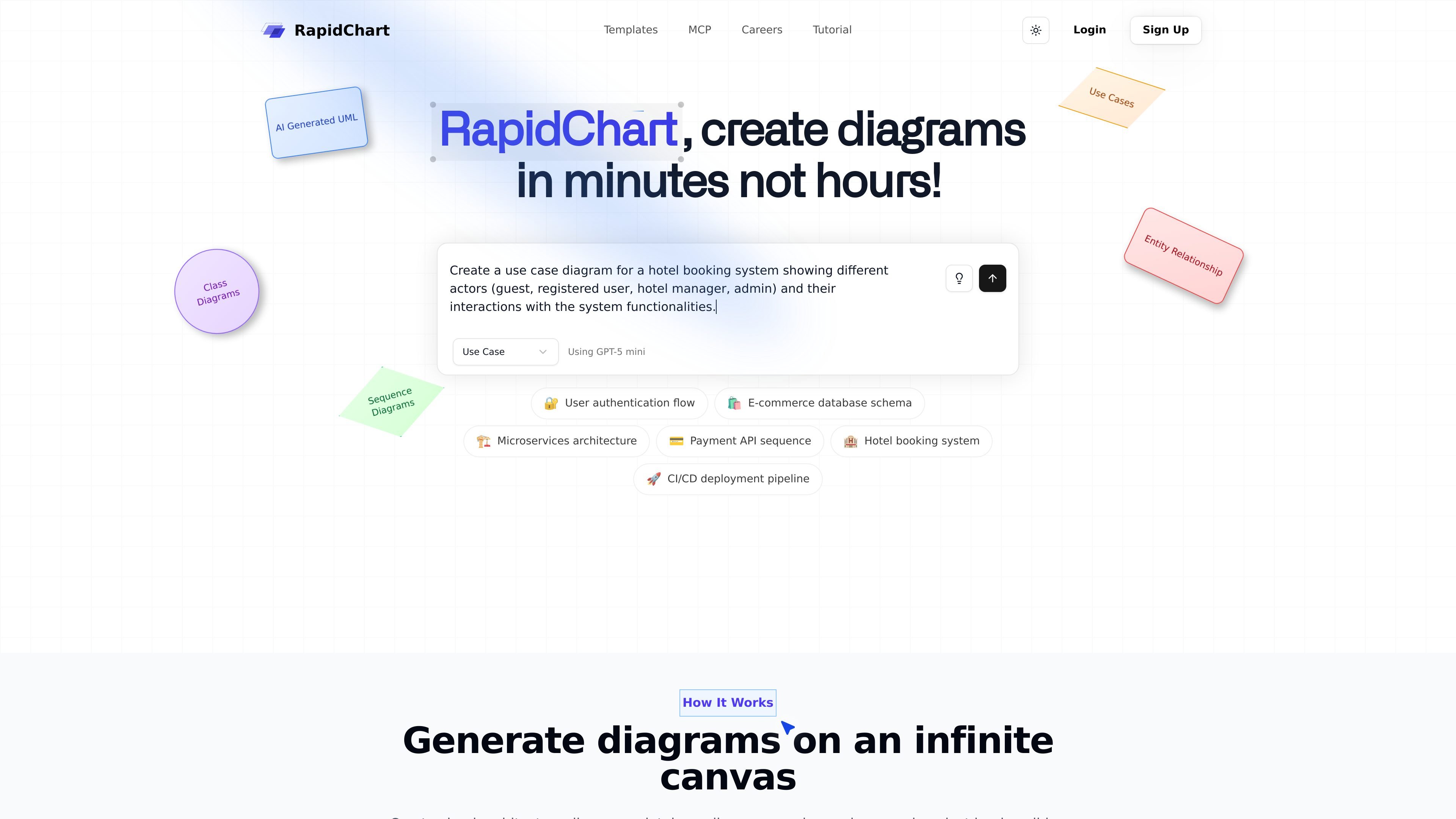
AI-powered diagram generation
Describe a diagram in plain language or paste code, and RapidChart generates technical diagrams on an infinite canvas.

RapidChartは、プロンプトやコードから図を生成・編集できるAI搭載のUML・技術図エディターです。UML、ER、C4、クラウドアーキテクチャ、Cursorベースのワークフローに対応します。
RapidChart is an AI-powered UML and technical diagram editor that turns prompts or pasted code into structured diagrams on an infinite canvas. The home page positions it as a way to create diagrams in minutes instead of hours, with support for class diagrams, sequence diagrams, use case diagrams, ER diagrams, C4 diagrams, and cloud architecture diagrams.
The product combines AI generation with manual editing tools, community templates, import and export features, and a Cursor MCP integration for generating diagrams directly from code. The tutorial also notes optional API keys for unlimited AI generation requests and access to premium models, while the site’s pricing page was unavailable in the collected evidence.
Describe a diagram in plain language or paste code, and RapidChart generates technical diagrams on an infinite canvas.
Work with flowcharts, sequence diagrams, class diagrams, use case diagrams, C4 diagrams, ER diagrams, and cloud architecture diagrams in one editor.
Adjust nodes and edges directly on the canvas, including text editing, styling, deletion, drag-and-drop placement, and arrow settings.
Create diagrams from code in Cursor using the MCP workflow, including support for diagram generation, updates, workspace browsing, and model checks.
Import PNG, JPG, JPEG, GIF, WebP, and SVG files into the canvas, including multiple files at once.
Export and share diagrams through PNG output, public links, website or document embeds, and team sharing with permissions.
Describe a system, workflow, or codebase in plain language and generate a starting diagram on the canvas, then refine the result with direct editing.
Map database structures with tables, relationships, and constraints using the ER diagram tools for schema planning or documentation.
Visualize service boundaries, components, and interactions with C4 diagrams, sequence diagrams, or architecture-oriented templates.
Use the Cursor MCP workflow to generate or update diagrams from source code without leaving the IDE.
Import reference images or logos and combine them with generated content when you need a diagram to reflect existing visual assets.
RapidChart generates UML and other technical diagrams from text prompts, and the tutorial also describes support for updating existing diagrams and creating diagrams from code in Cursor through the MCP workflow.
The site highlights flowcharts, sequence diagrams, class diagrams, use case diagrams, C4 architecture diagrams, ER diagrams, and cloud architecture diagrams for AWS, Azure, and Google Cloud.
Yes. The MCP page describes a Cursor integration that lets you generate diagrams directly from code after installing the package, creating an API token, and configuring Cursor.
The tutorial says diagrams are automatically saved locally, with manual save available via Cmd/Ctrl + S, and it also mentions public links, embeds, team sharing, and permissions for sharing diagrams.
The pricing page returned a 404 error in the collected evidence, so the site copy here does not confirm current plan details, pricing, or trial terms.
トラフィックデータは参考情報としてご利用ください。

migma.ai
Migmaは、マーケティングメールやトランザクションメールの生成、編集、送信、追跡に対応するAIメール作成プラットフォームです。プロンプトでの作成に加え、Figma、スクリーンショット、HTML、Webサイトのブランド素材からもインポートできます。

impeccable.style
AIコーディングハーネス向けのデザインスキル。構造化セットアップ、コマンド編集、ブラウザでのリアルタイム反復を実現します。

alloy.app
Alloyは、既存プロダクトからインタラクティブなデモを作れるチーム向けAIプロトタイピングツールです。ブラウザキャプチャ、コードベース接続、クラウド共有、GitHub・MCP・Figmaワークフローへの引き継ぎに対応します。

wonder.design
Wonderは、デザインの作成・編集とコード連携に対応するAIネイティブなデザインツールです。

hidingelephant.com
An AI design workspace for generating, editing, and processing on-brand visuals.

pm-ai.cn
PMAIは、テキストプロンプトからプロトタイプ画面とPRD草案を生成するWebベースのAIツールです。