
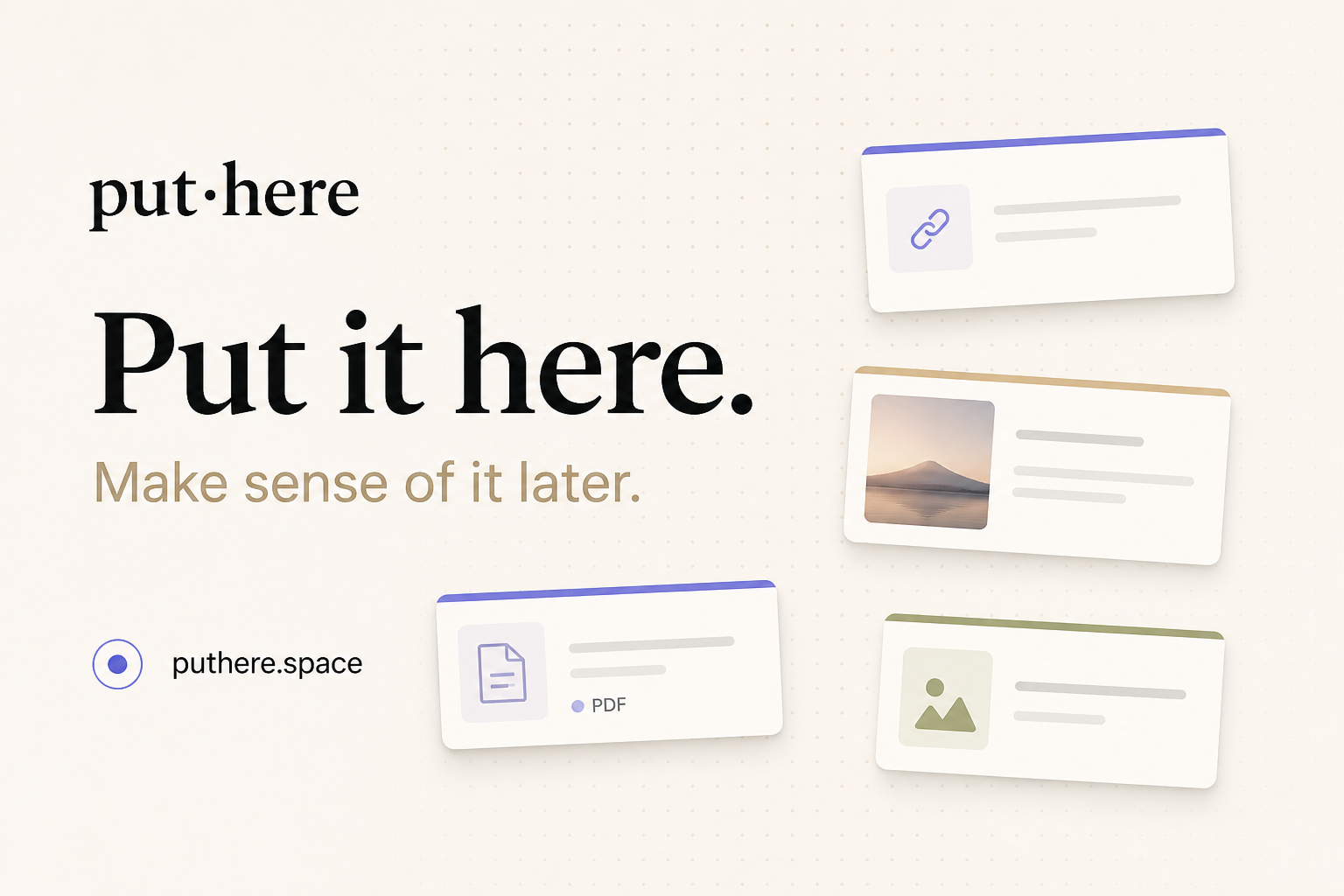
Spatial canvases and cards
Paste or drag in text, URLs, images, and files. Cards can be moved, resized, selected together, and opened in working windows while the rest of the canvas stays in place.
A local-first Mac workbench for collecting files, connecting ideas, and researching questions with sources.
put·here is a spatial workbench for Mac for collecting material that is still being figured out. It places notes, web links, images, and files on canvases, where position, groups, and user-drawn connections can help keep the context between items visible. Rather than requiring an organizational system up front, it lets users gather first and make sense of the material later.
Canvases correspond to Finder folders. Notes are stored as Markdown, while images and other files remain in their original formats. Optional AI can research a question using the user's material and the web, then return findings with sources in a separate workspace. The app is available for macOS 14 or later, on Intel and Apple silicon.
Paste or drag in text, URLs, images, and files. Cards can be moved, resized, selected together, and opened in working windows while the rest of the canvas stays in place.
Text cards are editable Markdown files; link cards provide browsing with card-specific history; PDFs can be read inline, and other files use system preview. Images and files remain real files rather than being converted into a proprietary document format.
Group related cards with a frame, convert a group into its own canvas and folder, or use search to find material. Tidy Up can rearrange cards; changes can be undone, and users choose when to organize.
Hand a question card to AI to work from relevant saved material and research the web. Findings and their sources are returned in a separate workspace, rather than being written onto the main canvas automatically.
Use put·here's built-in AI allowance, connect a personal API key, or use a local model. With built-in AI, only the text needed for a feature is sent; local-model processing stays on the Mac.
Each canvas maps to a Finder folder, and saved content remains accessible in its native or Markdown format. Users can export a share bundle; hosted publishing is a separate feature that currently requires an invitation code.
Collect source links, excerpts, notes, and screenshots on one canvas, then hand a question card to AI to investigate the web and return sourced findings in a separate workspace.
Keep explanatory notes, reference PDFs, and related ideas together spatially. Move among them or draw connections as understanding develops, without needing to decide on a final structure first.
Gather rough ideas, competitor or reference links, and supporting files on a canvas. Groups can separate emerging themes and can later become their own canvas and Finder folder.
Place web links and personal notes together so the path between a reading item and the thought it prompted remains visible; link cards retain their own browsing history.
The listed release supports macOS 14 or later on both Intel and Apple silicon Macs.
No account is required. Everyone is on Free today: canvases, folders, writing, and search are free without limits, with a monthly built-in AI allowance. Plus is marked coming soon, not currently on sale. A new Mac receives a 7-day Plus preview on its first AI use, with no card required; it then returns to Free without a charge. After the allowance runs out, wait for the monthly reset or use your own API key and pay the provider directly.
No. AI research returns findings and sources in a separate workspace. The user controls the main canvas and starts actions such as grouping; canvas connections are drawn by the user.
The privacy policy says only the text needed by a particular AI feature is sent; files, file paths, and web logins are not sent. Built-in AI relays requests through put·here's server to its providers; a personal API key sends content directly to the chosen provider, and a local model processes it on the Mac. The service says it does not store or log relayed AI content, but it does retain anonymous device records for AI usage, preview status, onboarding gifts, early AI-use dates, and experiment grouping until the device registration is deleted. Publishing and paired iPhone capture have separate data flows.
You can export a share bundle. Publishing a canvas to a hosted link currently requires an invitation code and is not part of the standard download experience.