

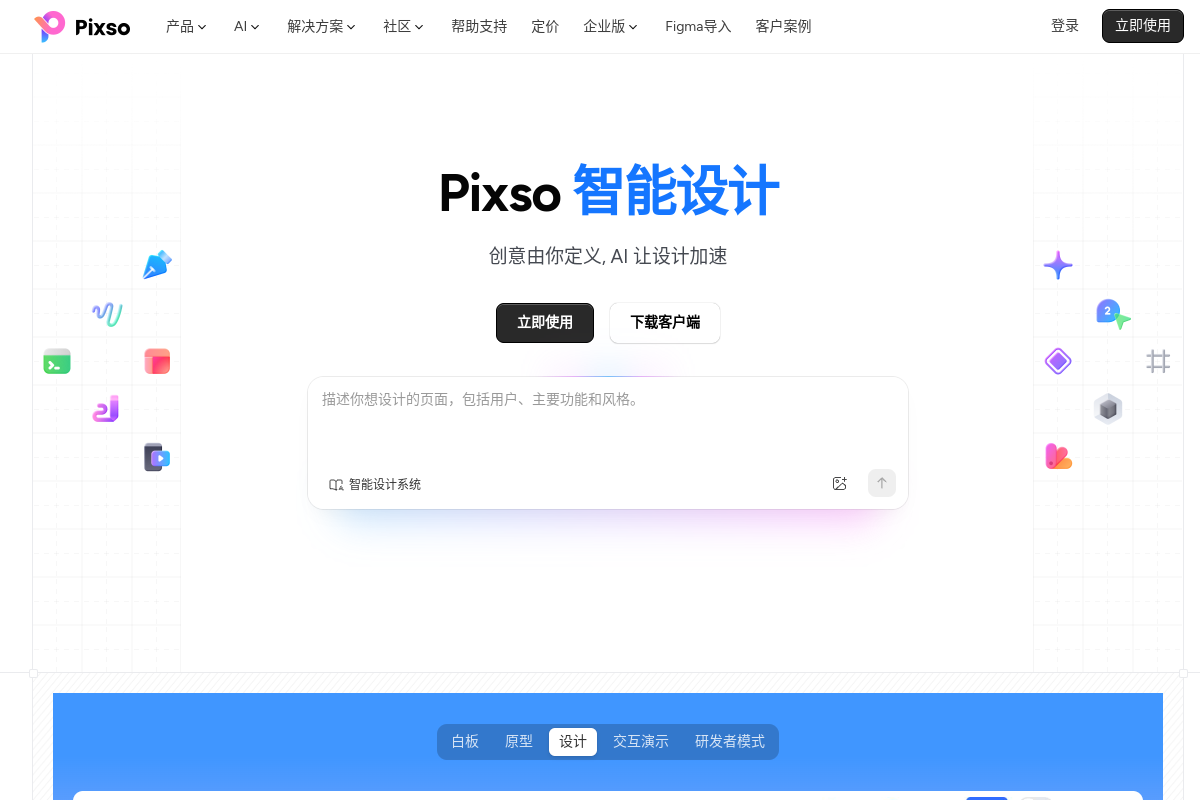
Integrated product design workflow
Pixso brings whiteboard, prototype, design, interaction demo, and delivery workflows into one cloud product so teams can move from idea to handoff without switching tools as often.
Pixso is a cloud-based product design collaboration tool positioned as an AI-native UI design platform. The site presents it as a single environment for inspiration capture, product planning, wireframing, UI design, prototyping, interaction demos, design systems, and developer handoff.
The product is aimed at product, design, engineering, and operations teams that need to work on the same files, keep versions organized, and move from concept to implementation with fewer exports, imports, and manual handoff steps. Pixso also includes a free AI design product that can generate images, icons, design systems, and writing assistance inside the Pixso workflow.
The site highlights collaborative editing, version management, team resource libraries, file organization, and code-oriented delivery. It also emphasizes AI-assisted generation for UI-related tasks, including design drafts, design elements, and design-system setup.
Pixso brings whiteboard, prototype, design, interaction demo, and delivery workflows into one cloud product so teams can move from idea to handoff without switching tools as often.
The whiteboard area supports inspiration capture, competitor analysis, user research, brainstorming, product roadmaps, PRDs, mind maps, process diagrams, and Kanban-style tracking.
The prototype tools include reusable components, dynamic panels, drag-to-connect interactions, richer motion effects, device-frame previews, and template assets for high-fidelity demos.
The design area includes vector editing, auto layout, grid layout, variable fonts, path text, bidirectional text, and visual effects such as blur and glass-like treatments.
The design system area supports styles, components, variables, team libraries, and DSM-based management so teams can keep tokens and reusable assets consistent.
The delivery workflow provides shareable links, layer-level specs, code information, slice export, page annotations, and code generation for platforms including Web, Android, iOS, ArkUI, HTML, SwiftUI, and Vue.
Use the whiteboard to collect ideas, organize screenshots and references, run competitor analysis, and turn workshop output into a roadmap or PRD before moving into design.
Build wireframes and high-fidelity UI with vector editing, auto layout, reusable components, and responsive layout tools for product and web interfaces.
Create clickable prototypes with drag-connected interactions, motion effects, device-frame previews, and embedded media to show how a product behaves before development.
Set up shared styles, components, variables, and team libraries so multiple designers can reuse the same system and keep output consistent across files.
Share spec links, layer measurements, code data, annotations, and generated code with developers to reduce manual handoff and keep implementation aligned with the design.
Yes. The download page states that Pixso currently supports personal free use, including creating projects and files and inviting team members to collaborate online.
The download page lists Windows, macOS, HarmonyOS, and a mobile app download option. The app page also notes that whiteboard and prototype files are not supported for mobile preview and should be opened in the web or desktop client.
Pixso is presented as a collaborative product design tool that combines whiteboard, prototype, design, interaction demo, developer mode, and delivery workflows in one cloud-based product.
The download page says enterprise users can apply for a free trial of the enterprise version and will be contacted by support after submitting requirements.
The download page says download or installation problems can be reported through the quick feedback channel during working hours.
トラフィックデータは参考情報としてご利用ください。

modao.cc
墨刀は、プロダクト・デザイン・開発チーム向けの一体型AIプロトタイピングと開発協業プラットフォームです。

onestory.art
OneStoryは、フリーキャンバスでのコンテンツ制作、チーム協業、プロジェクトクレジット管理、オープンAPI連携に対応するWebベースのAIクリエイティブワークベンチです。

balsa-ui.com
Balsa UIは、VueとReact向けのエージェントネイティブなオープンコードのコンポーネントシステムです。エージェント支援ワークフローを通じて、チームによるデザインシステムの作成とインターフェースの構築を支援します。

www.generatorwebsite.com
Generator Websiteは、文章作成、デザイン、引用、画像生成、テストデータ生成に使える無料のオンライン生成ツールとAIツールのライブラリです。基本機能は登録不要で、手軽に実用的な結果を得られます。