
Spaces and reusable context
Keep projects and team contexts in separate Spaces, with their own skills and memory instead of one undifferentiated conversation history.

A desktop AI workspace for connected tools, project memory and actions you can review.
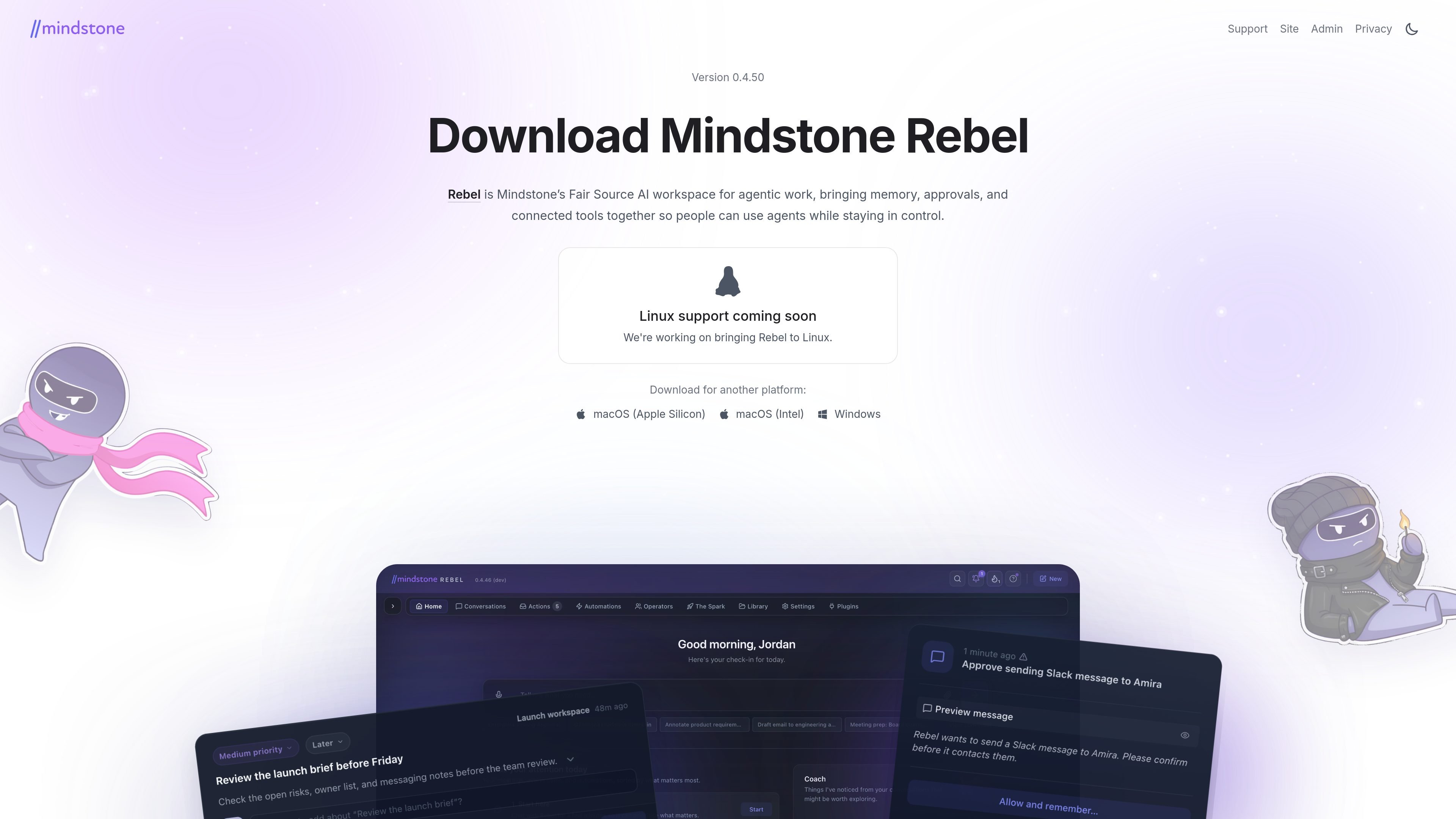
Mindstone Rebel brings AI conversations, files and connected work tools into a desktop workspace. You choose a workspace folder, organize projects into Spaces, connect an AI provider and authorize the services you want to use. Then type or speak a request to produce drafts, summarize connected information or prepare follow-up work.
Spaces keep project context, skills and memory organized. Connected services let an agent work with your email, calendar or documents when you grant access. Sensitive actions can be staged for approval. Rebel is experimental and in active development, so workflows can change.
Keep projects and team contexts in separate Spaces, with their own skills and memory instead of one undifferentiated conversation history.
Enable connectors in Settings, complete any required authentication, and let requests use connected email, calendars, documents and other supported services.
Review staged actions before they are carried out. Privacy Mode asks before each tool use and memory write; it is an interaction control, not a confidentiality guarantee.
Start a conversation with a spoken or typed request. Conversation drafts remain available when you switch away and return.
Connect your calendar and ask for a weekly summary, then use the result to prepare meeting notes or follow-up drafts.
Give Rebel a topic and relevant project context to draft an email; inspect the text and any proposed action before sending.
Store project context in a Space and describe a repeatable workflow in an editable Markdown skill.
Use the desktop download at rebel.mindstone.com, choose a workspace folder, connect your AI and authorize the tools you need. The setup wizard guides these steps.
Yes. Settings → Connectors lets you browse, enable, authenticate and remove connections after the initial setup.
The source build uses your own AI-provider keys, omits the managed Mindstone cloud, and has no automatic updater. Its telemetry is off by default; the ordinary desktop download includes product metrics and built-in authentication.
The BSL-1.1 local-stack license permits non-production use and grants internal-business production use for up to 100 installed seats across an organization. Production use beyond that grant requires a commercial license. It is source-available, not an unrestricted open-source license.
トラフィックデータは参考情報としてご利用ください。