

Online photo editing
Edit photos online with tools for text, graphics, cropping, resizing, format conversion, compression, and other common image adjustments.
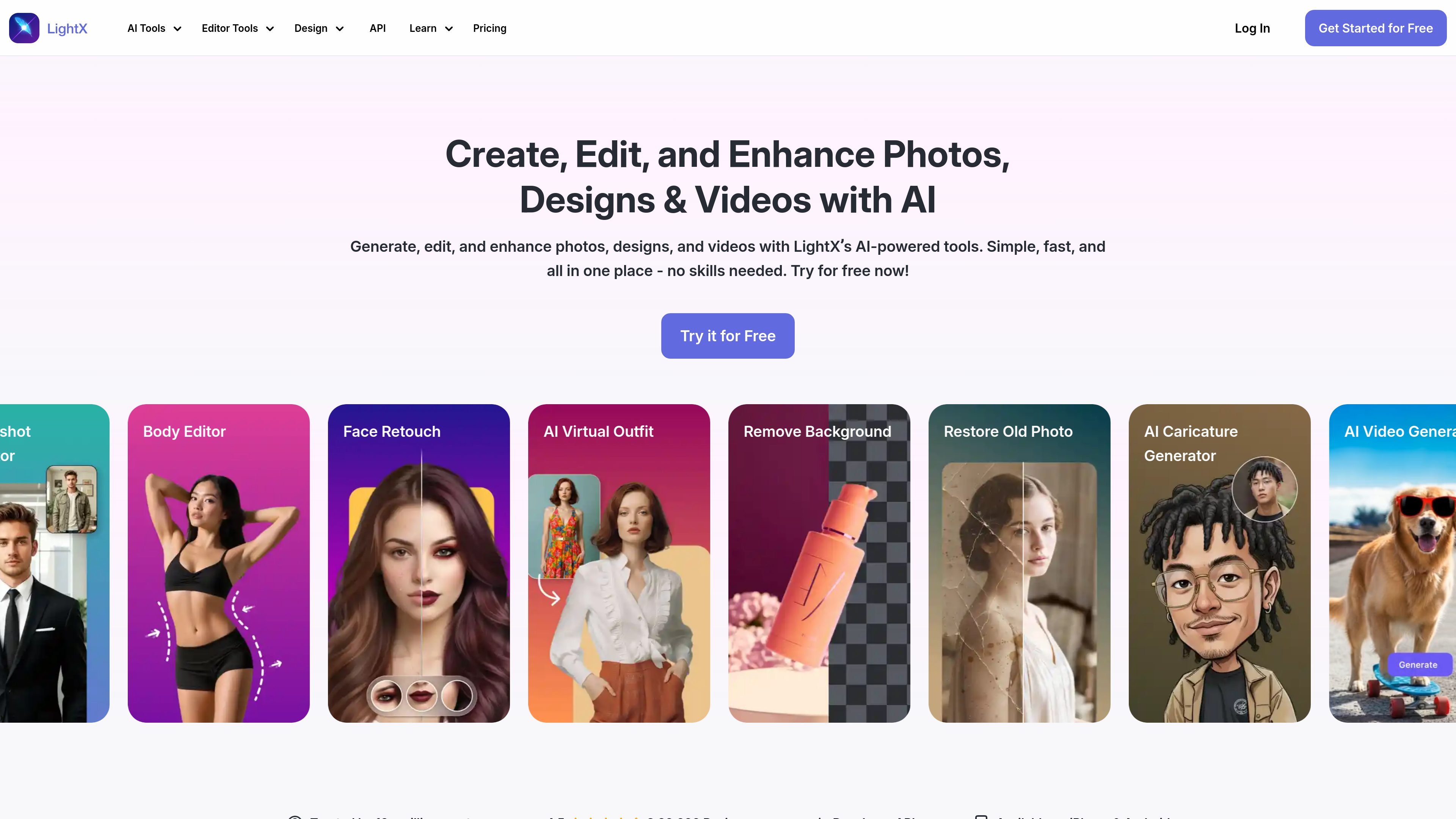
LightX is an online AI editor for photos, designs, and videos. It combines browser-based editing tools with generative features so users can make quick adjustments, create new visuals, and work across image and video tasks in one place.
The product pages position LightX as a tool for everyday photo cleanup, portrait retouching, background editing, restoration, design creation, and AI-assisted video generation. The site also offers a developer API for image-processing workflows such as background removal and cleanup.
Edit photos online with tools for text, graphics, cropping, resizing, format conversion, compression, and other common image adjustments.
Use AI tools to enhance portraits with retouching, face reshaping, body editing, and related look-improvement controls.
Remove or replace backgrounds, blur backgrounds, and work with background templates or custom uploads for portraits and products.
Restore old or damaged photos, including colorizing black-and-white or sepia images, removing scratches, and recovering detail.
Generate visuals with AI, including headshots, avatars, caricatures, logos, and design assets such as posters and packaging.
Create or edit videos with AI tools, including text-to-video generation and video-focused editing workflows.
Clean up portraits by retouching faces, refining body shape, and improving lighting or clarity before sharing or publishing.
Edit product photos by removing backgrounds, replacing scenes, or creating cleaner e-commerce visuals for listings and promotions.
Restore older images by repairing scratches, colorizing faded photos, and recovering detail from damaged files.
Create branded assets such as logos, posters, packaging concepts, and social graphics from the browser.
Turn short prompts or existing images into motion content with AI video generation and online video editing tools.
Yes. The photo editor page says you can upload an image, use the selected tool, and then download the result. The pricing page also shows a starter tier with free credits and a Pro subscription with more features.
The photo editor page describes steps for uploading an image, using a tool, and downloading the finished file. The pricing page indicates free and paid plans, and the starter plan includes limited free access to tools and credits.
The pricing page states that Pro projects can be downloaded without a watermark, and the photo editor page asks about watermark-free download options. This suggests watermark-free export is part of the paid workflow.
The home page presents LightX as an all-in-one editor for photos, designs, and videos, while the photo-editing page focuses on image editing and the video-editing page covers online video editing. It can be used for marketing designs and ads according to the photo editor FAQ listing.
Yes. The pricing page includes a LightX API section with API pricing, documentation-oriented FAQs, and examples for image-processing tasks such as background removal and cleanup.
トラフィックデータは参考情報としてご利用ください。

pixlr.com
写真編集、画像・動画生成、背景削除に対応するブラウザベースのAIフォトエディター。

z-image-ai.run
テキストプロンプトやアップロードした写真から画像を作成・編集できるウェブベースのAI画像生成ツール。複数モデル、無料クレジット、商用利用可能なウォーターマークなしの出力に対応。

beautyplus.com
写真補正、背景除去、物体削除、ビジュアル制作に対応するAI画像編集ツール

photoeditor.ai
30以上のツールを備えたブラウザ対応のAI写真編集・画像生成サービス。背景除去や高画質化、復元などを無料で利用でき、会員登録不要。

vivago.ai
vivago.ai は、画像と動画の生成・高画質化・編集ツールを備えたWebベースのAI制作プラットフォームです。新規アカウントには30クレジットを無料で提供し、テキストから画像、画像から画像、画像から動画、4Kアップスケールに対応します。

aifaceswap.io
写真・動画・GIF・一括処理に対応するWebベースの顔交換ツール