
Design import
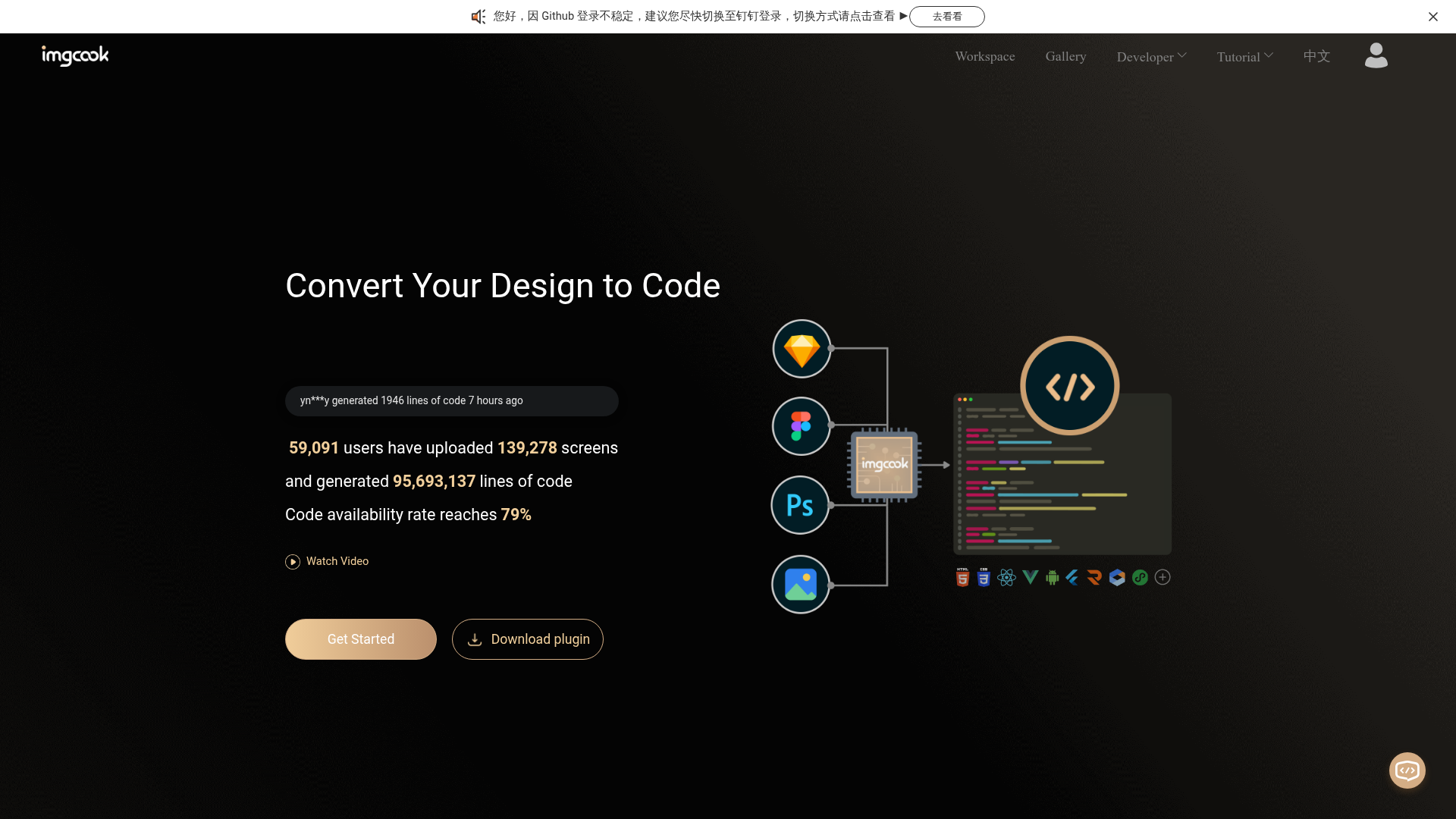
Sketch and Photoshop plugins export a design description for the visual editor. In the documented Sketch workflow, select an area, export its JSON and paste it into imgcook.

A design-to-code tool with visual editing, configurable code generators and exports into frontend projects.
imgcook turns visual designs into frontend code. Export a design through a Sketch or Photoshop plugin, or upload supported design material to the editor. You can then adjust the view, bind data, add logic and generate code through a selected DSL. A DSL is the generator that translates the design's structured description into the output code.
The workflow includes manual editing and code confirmation before export. Plan to review the generated layout and behavior in your project rather than treating conversion as a complete, tested application.
Sketch and Photoshop plugins export a design description for the visual editor. In the documented Sketch workflow, select an area, export its JSON and paste it into imgcook.
Modify layouts and styles, configure repeated elements, bind data fields and add events or custom methods before generating code.
Generate code with supplied DSLs such as React, Rax and Vue, or write a custom DSL for your output requirements.
Save changes, inspect the generated code and export a package for the selected language. The example places its exported images in an images folder.
Use imgcook-cli or the VS Code plugin to move generated code into a project. Custom plugins can process output, including image uploads or directory conversions.
Group related layers, export a selected design area and inspect its reconstruction in the editor before handing the code to a frontend developer.
Turn a visual module into repeated content by configuring its layout and data bindings, then preview events and confirm the generated code.
Choose or customize the generator and export processing to match your project's code and asset structure.
The tutorial says there are no strict design constraints, but recommends simple preparation such as grouping layers that belong to the same module and merging drawings. Its worked example uses a Sketch plugin to export structured JSON into the editor.
The homepage lists image-to-code for formats such as JPG and PNG as beta. This is separate from the documented Sketch and Photoshop plugin workflow; do not assume the same input detail or result for every source.
The tutorial includes editing layouts, binding fields, adding logic and previewing behavior. It asks users to save changes and confirm the code before export. Check the output in your project; visual reconstruction does not establish complete application behavior or compatibility.
The official repository recommends mobile modules and promotional pages, and also lists mobile full pages and consumer desktop applications. It does not recommend complex interactive desktop applications or game development. Use a representative design to assess the output for your own project.
トラフィックデータは参考情報としてご利用ください。
| 6月 | 402 |
|---|---|
| 7月 | 0 |
| 8月 | 0 |
トラフィック分析データはまだありません。
トラフィック分析データはまだありません。