
Local and bring-your-own-model options
Run an assistant on Apple silicon through Linda’s MLX engine, connect to local Ollama, LM Studio, or mlx-lm services, or add a key for supported online providers and OpenAI-compatible HTTPS servers.

A private AI coworker for Apple silicon Macs that handles browser, file, and app tasks with approval controls.
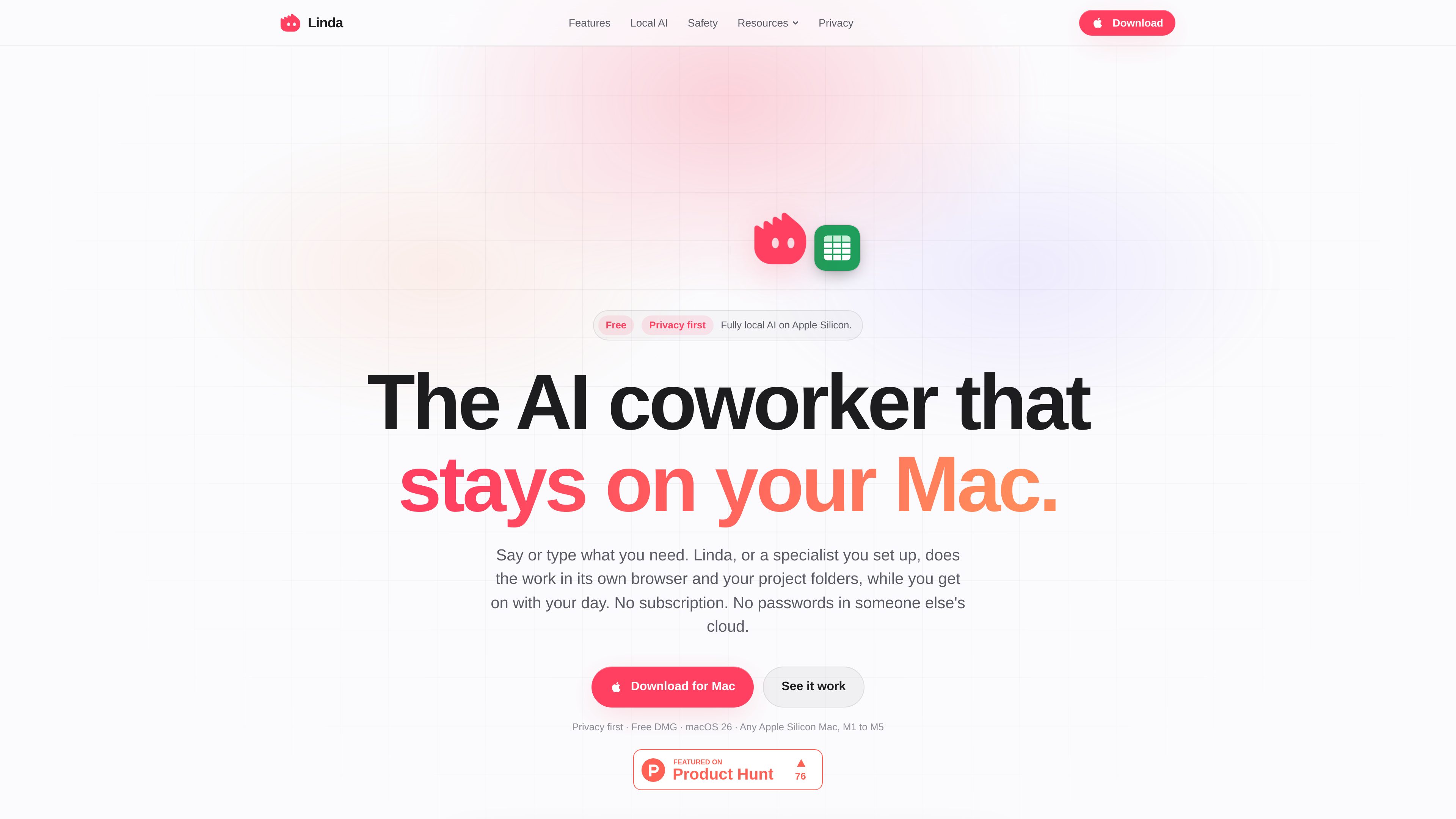
Linda is a native AI coworker for Apple silicon Macs. It accepts typed or spoken requests and carries out multi-step work in its own browser, task folders, projects, and supported apps. Typical jobs include gathering invoices, comparing prices, organizing scanned files, and creating documents or spreadsheets.
The app can use a locally run assistant through MLX, connect to Ollama, LM Studio, or mlx-lm on the same Mac, or use an online model with a key supplied by the user. Local mode keeps the task, files, memory, passwords, and voice transcription on the Mac. Linda also provides approval gates for consequential actions, so sending, buying, deleting, posting, or submitting personal data requires confirmation.
Run an assistant on Apple silicon through Linda’s MLX engine, connect to local Ollama, LM Studio, or mlx-lm services, or add a key for supported online providers and OpenAI-compatible HTTPS servers.
Linda works in a browser profile of its own, where it can sign in, click, read, and download without taking over the user’s mouse. A live Computer view lets users watch, stop, or take over.
Each task has its own folder, while related tasks can share a project folder. Within the permitted location, Linda can read, rename, merge, and create PDFs, spreadsheets, and documents.
The app pauses before sending, buying, deleting, posting, or submitting personal data. Passwords remain in Keychain and are entered through secure browser fields rather than placed in chat.
Users can configure named specialists with instructions, skills, projects, and tool switches, turn completed tasks into daily, weekly, or monthly routines, and manage saved personal memory in Settings.
On-device speech input supports a press-and-hold workflow. Linda can search the web and connect with listed Mac apps and services, including Outlook, Teams, Numbers, Pages, Notes, Calendar, Reminders, Notion, Todoist, Linear, GitHub, and Stripe.
Ask Linda to download bills or invoices, rename scans by date or supplier, combine files, and place the results in a designated project folder.
Have Linda compare prices across shops, collect links, or check a page on a schedule and notify you if a specified price changes.
Use a task folder containing receipts to create an expense sheet with totals, then keep the output available to later tasks in the same project.
After completing a task, convert it into a daily, weekly, or monthly routine for recurring checks and file-processing workflows.
Configure a specialist for a repeated role such as research or bookkeeping, let it work in the background, and review sensitive actions in the chat before approval.
The documented requirements are an Apple silicon Mac, from M1 to M5, running macOS 26. Microphone permission is needed for voice input, and Accessibility permission supports the talk key and browser operation while other apps are in use.
Yes. Linda can download and run a local assistant through its MLX engine. In that mode, the task, pages Linda reads, files, memory, passwords, and voice transcription stay on the Mac. Local mode requires no account, model key, or provider bill.
Yes. Linda supports local Ollama, LM Studio, and mlx-lm services through OpenAI-compatible APIs. The documented local connection accepts localhost or another loopback address, not a remote server.
Linda stops and displays the proposed action in the chat before sending, buying, deleting, posting, or submitting personal data. You can approve or decline it, and the site states that these approval gates cannot be bypassed by settings, specialists, pages, or instructions.
Yes. You can add your own key from providers including OpenRouter, OpenAI, Anthropic, Google, Groq, Mistral, or DeepSeek, or use another OpenAI-compatible HTTPS server. Provider charges and usage are handled by the selected provider.
トラフィックデータは参考情報としてご利用ください。

www.tinyfish.ai
TinyFish is web infrastructure for AI agents that searches, fetches, browses, and completes tasks on live websites. It helps developers and enterprise teams gather current web data, use authenticated portals, and automate browser-based workflows.

www.notte.cc
Notte is browser infrastructure for AI agents and production web automation. It provides managed cloud browsers, AI-driven workflows, developer interfaces, and operational tools for authenticated or recurring web tasks.

steel.dev
Steel is open-source browser infrastructure for AI agents and web automation. It provides cloud browser sessions through an API, with support for common browser automation tools and workflows such as scraping, research, RPA, and agent-driven web tasks.