

Grammar and usage editing
Request corrections to grammatical errors and typos, including agreement, verb tense and sentence-structure issues.
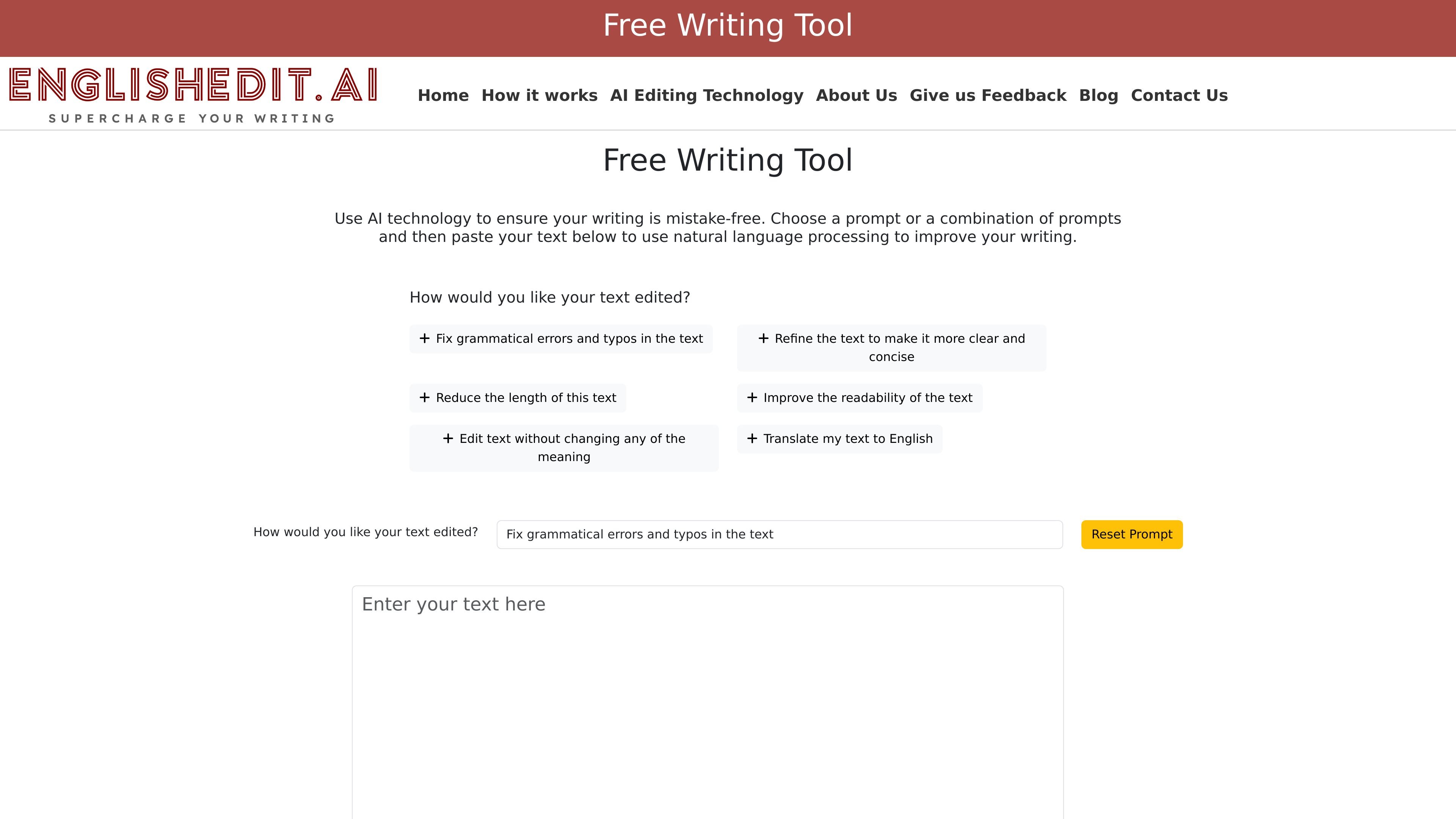
EnglishEditAI is a free browser-based tool for revising existing English text without sign-up. Choose an editing prompt, combine prompts or write your own instruction, then type or paste a draft and select Edit My Text.
The revised text highlights additions in green and deletions in red so you can compare the changes. Toggle Show Changes for a clean view, copy the result into your document or clear the editor for another passage. Use the prompt to request grammar fixes, clearer wording or a shorter draft, and review the revision for your intended meaning.
Request corrections to grammatical errors and typos, including agreement, verb tense and sentence-structure issues.
Select an editing instruction, combine goals or customize the prompt for the kind of revision you want.
Compare green additions and red deletions with the original, or turn off Show Changes to read the revised version.
Copy revised text to the clipboard and clear the text/prompt fields when starting another edit.
Paste an email, paragraph or other English draft and request grammar or wording improvements before sharing it.
Ask for a clearer or more concise version, then compare the changes with the message you intended to convey.
Use the highlighted changes to see what was added or removed before returning the text to your own document.
The AI editor is free and does not require sign-up or log-in. Grammar Labs’ premium human-editing services are separate.
Yes. Choose multiple prompts or customize the editable prompt field to combine goals, such as correcting grammar and making a paragraph more concise.
Type or paste the passage into the text field, choose your editing instruction and select Edit My Text. Review the revision and use Copy to paste it back into your document.
The result marks additions in green and deletions in red. Show Changes switches between the marked version and a clean view, so you can compare the revision before copying it.
Revisions are produced by AI. Grammar Labs’ premium human-editing services are separate. Review changes to meaning, names, numbers and specialized terms yourself; an instruction to preserve meaning is an editing goal, not a guarantee.
トラフィックデータは参考情報としてご利用ください。
| 3月 | 63423 |
|---|---|
| 4月 | 75599 |
| 5月 | 66877 |