
Multi-source screen capture
Record a display, window, or selected area with microphone, webcam, system audio, and keystrokes from one control. Recording can also be paused and resumed, or scheduled for a later start.

Dinaは、ズーム、カーソルの動き、字幕、レイアウト、映画のようなエフェクトで録画を自動的に仕上げるmacOS向け画面録画・動画編集ツールです。洗練されたデモ、チュートリアル、プレゼンテーションなど、すぐに発表できる動画を作成できます。
Dina is a macOS tool for recording screens and turning captures into presentation-ready videos. It records a display, window, or selected area alongside microphone, camera, system audio, cursor activity, and keystrokes.
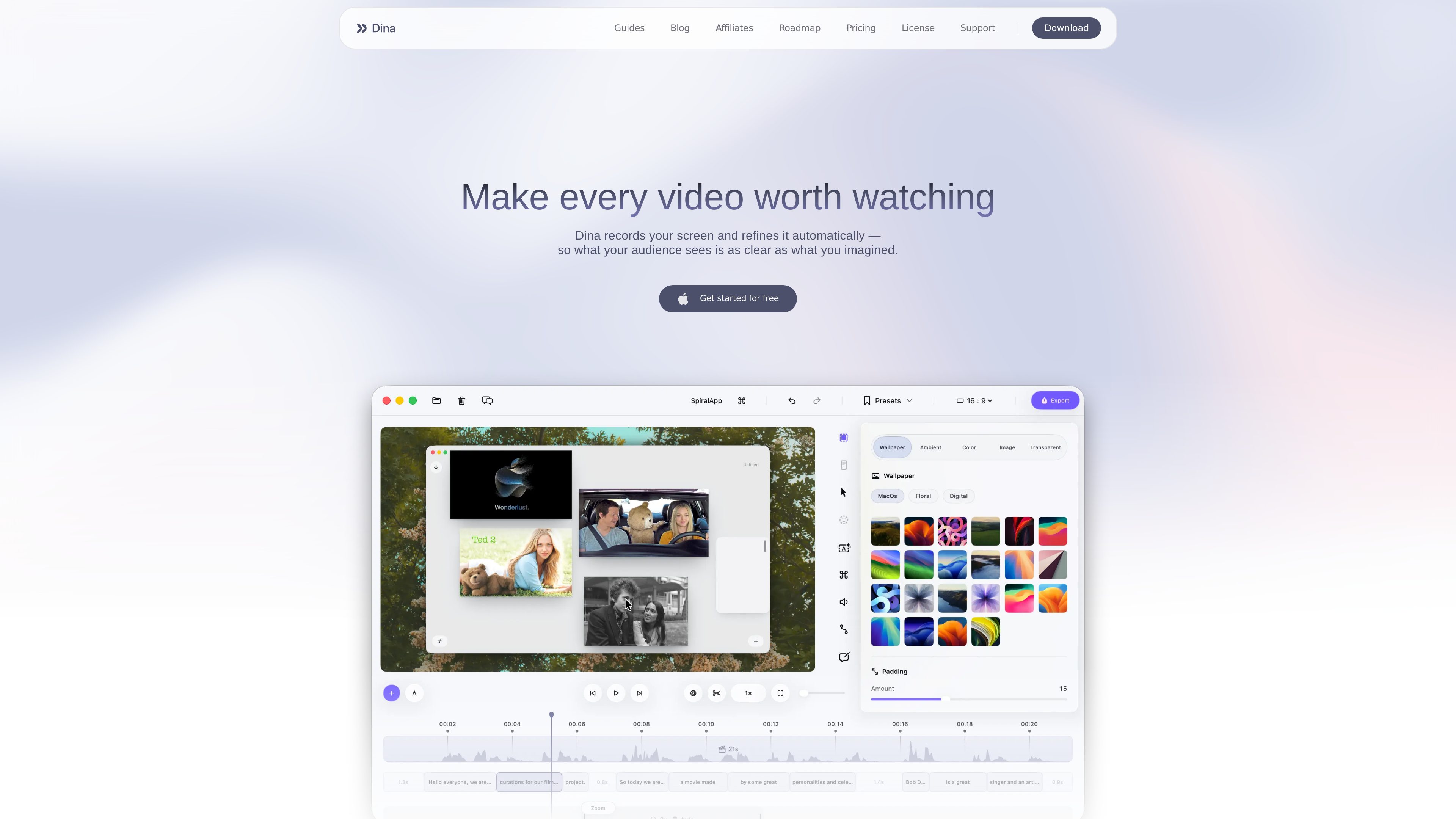
Its editing workflow combines a timeline with transcript-based controls and presentation effects. Automatic zoom, cursor refinement, captions, layouts, annotations, voiceovers, and 3D motion help shape a recording without requiring a separate tool for each step.
Record a display, window, or selected area with microphone, webcam, system audio, and keystrokes from one control. Recording can also be paused and resumed, or scheduled for a later start.
Dina can detect key interactions and zoom into them automatically, while manual controls let you choose the focal point and adjust zoom animations.
Edit recordings on a full timeline or by changing the generated transcript. AI-assisted editing can remove words, filler phrases, and silences while keeping the video synchronized.
Use backgrounds, spacing, text, slides, masking, highlights, callouts, shapes, and arrows to organize scenes and direct attention. Cursor appearance, webcam placement, and keyboard-shortcut display are configurable.
Generate editable captions, record voiceovers into the timeline, or create AI voiceovers from a written script. Webcam size, shape, roundness, and position can be adjusted within the frame.
Add 3D camera movement, perspective, roll, distance, and depth blur. iPhone recordings can be presented in device mockups, while exports support original resolution, 4K options, and separate layers such as the cursor.
Record an application while automatic or manual zoom keeps important interactions visible. Annotations, callouts, and cursor effects can clarify the sequence for viewers.
Capture a complete workflow with system audio, narration, captions, and keyboard shortcuts, then remove pauses or filler through the timeline or transcript.
Combine screen footage with text, slides, backgrounds, and webcam video to create structured presentations or asynchronous project updates.
Record an iPhone through a USB connection or an iPhone mirroring window, then place the footage in supported device mockups for app demos and user-flow explanations.
Schedule a recording when the capture must begin unattended, save presets for recurring visual treatments, and share completed videos through generated links.
Dina is available for Mac and the download page specifies macOS Sequoia 15.0 or later.
It can capture a display, window, or selected area, along with microphone, camera, system audio, cursor activity, and keystrokes. It also supports recording an iPhone through a USB connection or an iPhone mirroring window.
Yes. Dina generates a transcript that can be edited to remove words, filler phrases, and silences, with the changes synchronized to the timeline.
Yes. You can record voiceovers directly into a project, generate AI voiceovers from text, and edit automatically generated captions for wording and timing.
The source describes original-resolution and 4K exports, separate layer exports for elements such as the cursor, and shareable links that let viewers watch without downloading or installing Dina. Specific integrations and destination services are not established.
トラフィックデータは参考情報としてご利用ください。