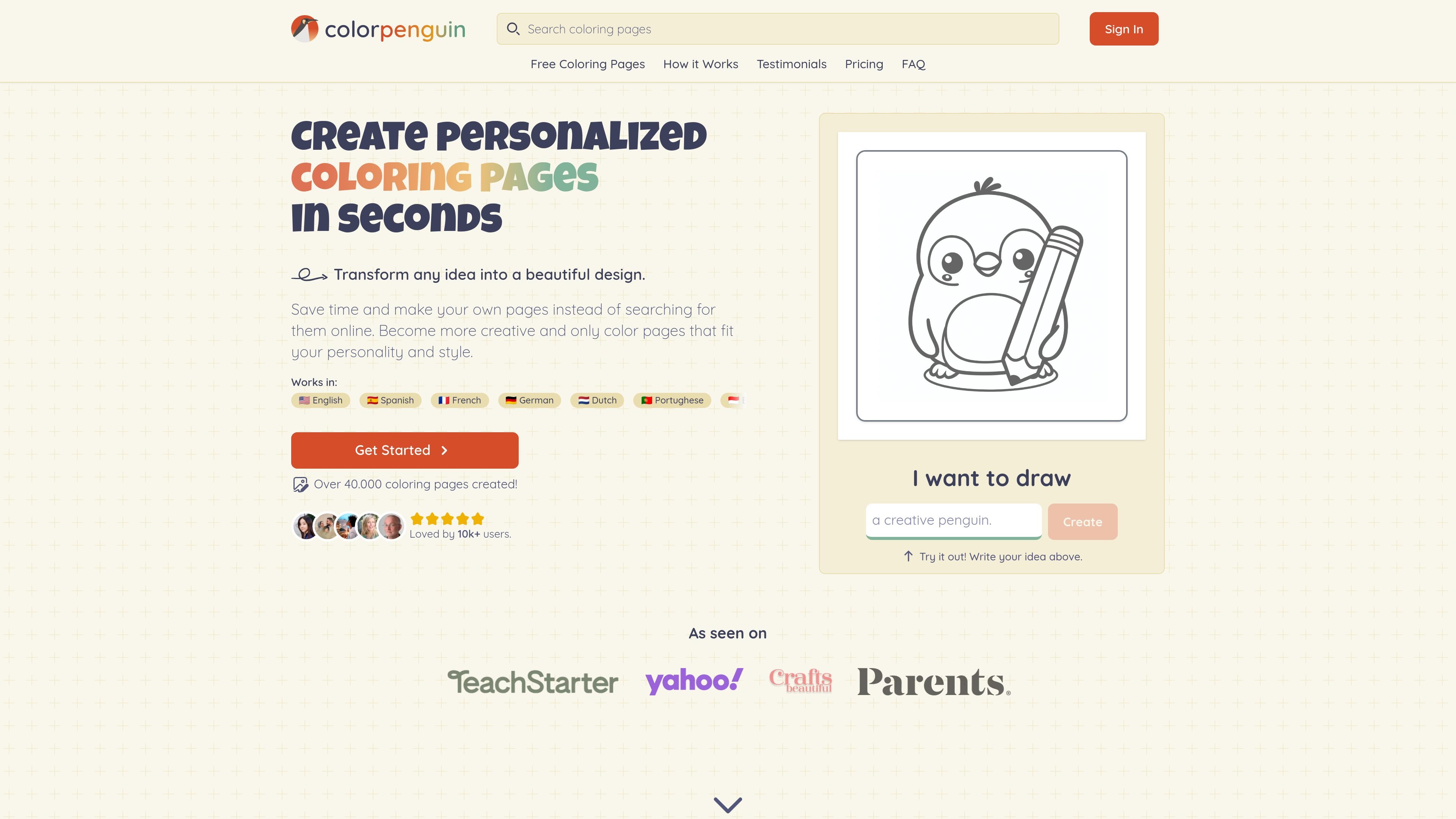
Idea-to-page generation
Enter an idea ranging from a simple prompt to a detailed scene, then generate a coloring page from it.
ColorPenguin is an AI coloring page generator that helps people create custom pages instead of searching for printable art online. The site positions the product as a way to turn a written idea into a finished coloring page in seconds, with output that can be downloaded, printed, or saved for later use.
The product supports a range of use cases, including parent-led activities, classroom materials, adult coloring, and coloring book creation. Users can start with a free plan that includes 5 images per week, then move to paid plans for higher limits, private pages, photo-based generation, and bulk workflows.
Enter an idea ranging from a simple prompt to a detailed scene, then generate a coloring page from it.
Choose an age level for preschoolers, older children, or teens and adults so the output matches the intended complexity.
Export finished pages as PDF for printing or as PNG for later use.
Make pages in multiple sizes on paid plans, including tall, wide, and square formats.
Generate pages from photos on the Premium plan, alongside text-based creation.
Create in over 100 languages and access the interface in multiple supported languages listed on the homepage.
Parents can generate pages around a child’s interests, such as animals, space, or fairy tales, and adjust the complexity to keep the activity age-appropriate.
Teachers and educators can create pages for letters, numbers, history, and other lesson topics to support classroom activities.
Adult colorists can make more intricate designs such as mandalas, floral patterns, or bold-and-easy pages that match their preferred style.
Coloring book creators can generate original pages tailored to a target audience instead of relying on stock illustrations.
Users who want a printed or saved file can export a finished page as PDF for printing or PNG for later use.
ColorPenguin lets you enter an idea, choose an age level, generate a coloring page, and export it as a PDF or PNG. The homepage says the workflow takes place in four steps.
Yes. The pricing page says you can make coloring pages from photos on the Premium plan.
The Free plan includes 5 free images per week and creates public pages with watermarks. Premium and Business add higher limits and additional controls such as private pages and bulk download.
The site says payment is processed through Stripe and that credit card information is not stored by ColorPenguin.
ColorPenguin says free-plan coloring pages are public, while Premium lets you make pages private. The company also says users retain ownership of the pages they create through the service.
トラフィックデータは参考情報としてご利用ください。