

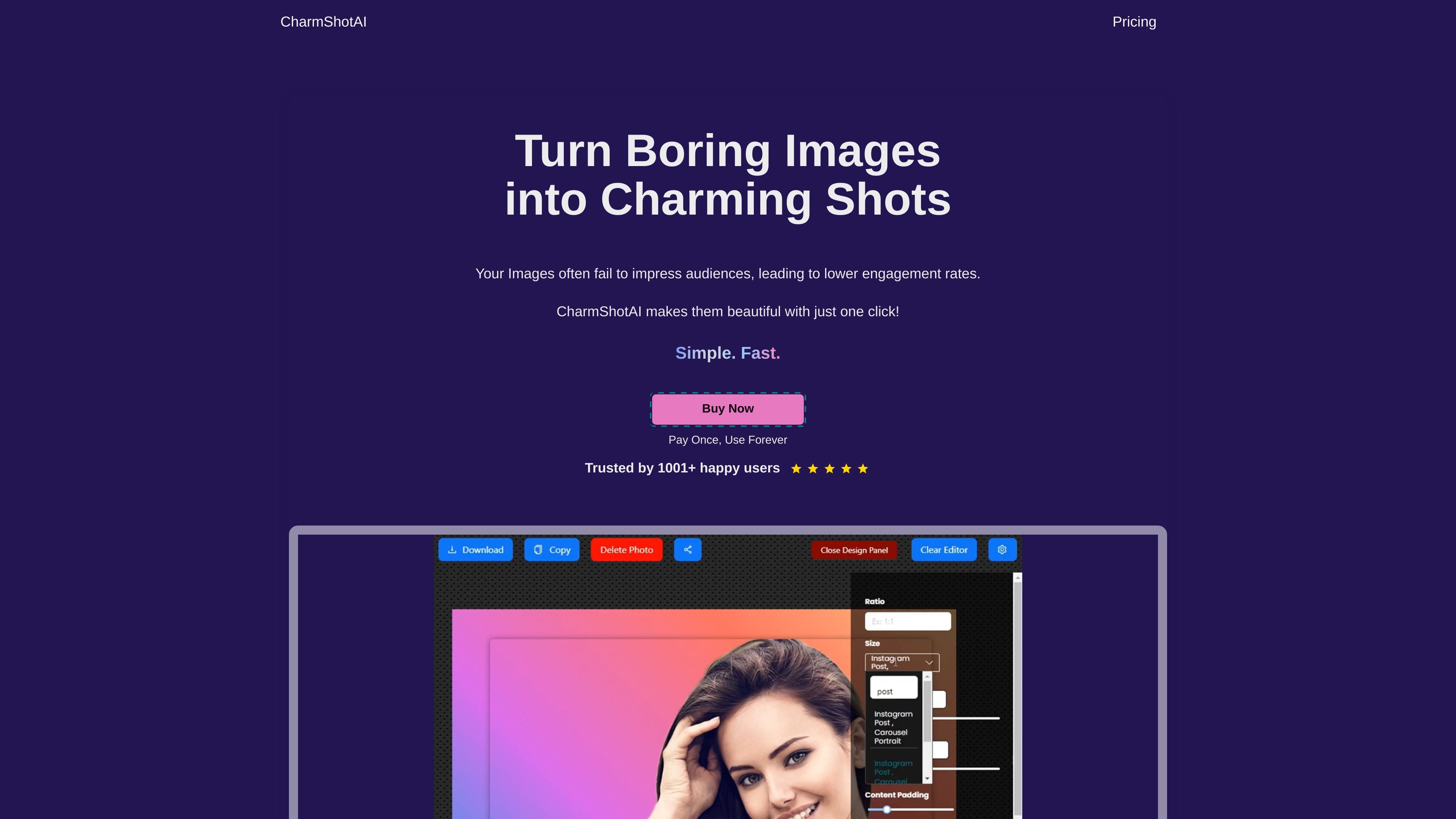
Attention-grabbing backgrounds
Create stylized image backgrounds with gradients, patterns, and colors. The home page describes these as unlimited fresh background options.
Charm Shot AI is a browser-based image styling tool that turns plain screenshots and other images into cleaner, more polished visuals. Its main purpose is to help users make images easier to share by improving layout, adding styled backgrounds, and handling text-heavy screenshots without manual editing.
The product focuses on quick, one-click workflows. According to the site, it can balance text, detect background color for padding, overlay text with AI, hide sensitive details, and extract text from an image. The site also says it runs in the browser and that images never leave the browser.
Create stylized image backgrounds with gradients, patterns, and colors. The home page describes these as unlimited fresh background options.
Balance text inside an image with one click to remove uneven white space and improve layout symmetry.
Detect the background color in an image and extend it as padding so the finished image looks consistent around the edges.
Hide sensitive details such as emails, dollar amounts, API keys, and license keys before sharing an image.
Overlay text in the right position with AI instead of manually dragging text into place.
Copy individual text or all text from an image with one click, using the text extraction feature.
Improve screenshots before posting them in tutorials, social updates, or product announcements by adding cleaner backgrounds and better spacing.
Prepare code images and source snippets for blogs or documentation by styling the capture into a more presentable visual format.
Remove or hide emails, API keys, license keys, and other sensitive details before sending an image to teammates or customers.
Extract text from an image when you need to copy a label, paragraph, or full screenshot caption into another app.
Use the browser-based app on different devices through the PWA option, which the site says lets users add it to the home screen.
Charm Shot AI runs directly in the browser and the site says your images never leave your browser. The pricing page also states that it does not serve third-party ads.
Yes. The pricing page says that if you purchased a license, you can use Charm Shot AI for commercial purposes.
The pricing page says many of its text detection features, including text redaction, replacement, and balancing, support 110+ languages.
Yes. The pricing page says you can cancel your subscription at any time.
The pricing page says purchased licenses are not refundable. It also says that if you lose your license key, you can retrieve it through the Manage License option using your purchase email.
トラフィックデータは参考情報としてご利用ください。

dzine.ai
Dzineは、ビジュアルの生成・編集・書き出しに対応したWebベースのAI画像・デザインツールで、AI動画のワークフローも備えています。テキストのみの生成よりも、構図やスタイル、プロンプトによる編集を細かくコントロールしたいユーザー向けです。

photoeditor.ai
30以上のツールを備えたブラウザ対応のAI写真編集・画像生成サービス。背景除去や高画質化、復元などを無料で利用でき、会員登録不要。

photiu.ai
背景除去、オブジェクト消去、画像高画質化、ビジュアル生成に対応するブラウザ版AI画像編集

newroom.io
空間コーディネートやバーチャルステージングに対応するAIインテリアデザイン

underlayx.com
背景除去、文字の背面効果、部分修復、クローンなどに対応するWebベースのAI画像エディター。

pixlr.com
写真編集、画像・動画生成、背景削除に対応するブラウザベースのAIフォトエディター。