
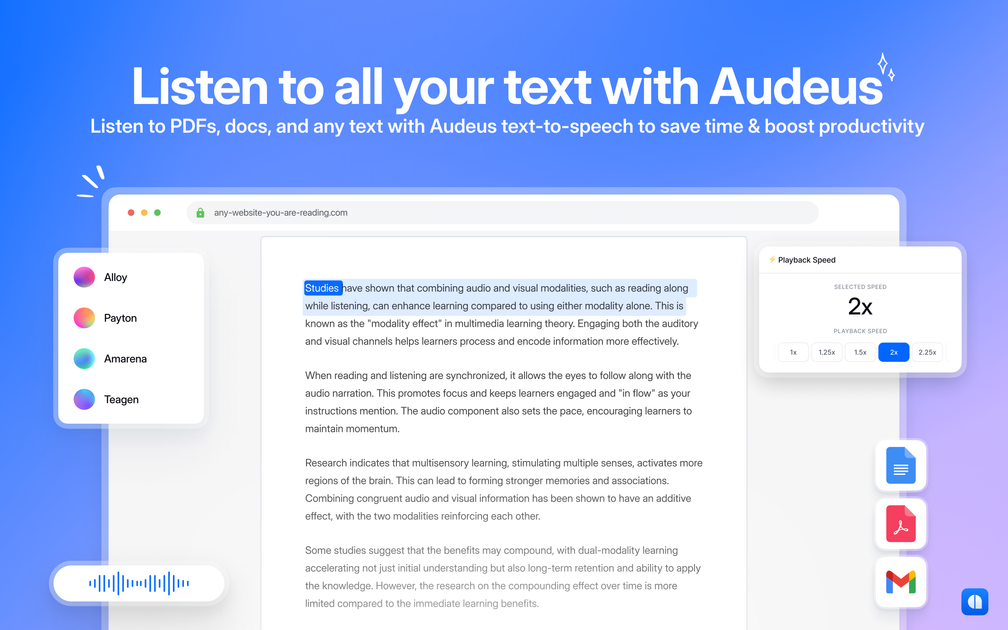
Document and web page reading
Reads PDFs, Word files, non-DRM EPUBs, web articles, and pasted or typed text aloud. Browser extensions support listening to web pages in Chrome and Edge.

Text-to-speech reader for PDFs, documents, web pages, images, and pasted text.
Audeus is a text-to-speech reader for turning written content into spoken audio. It can read PDFs, Word documents, non-DRM EPUB files, web pages, pasted text, scans, screenshots, and other images across its web app, iOS app, Android app, and browser extensions.
Users can upload or scan content, choose a voice, and listen while following synchronized text highlighting. Playback speed controls, annotations, image text recognition, and support for more than 50 languages make it suitable for studying, proofreading, reviewing documents, and listening when reading on screen is inconvenient.
Reads PDFs, Word files, non-DRM EPUBs, web articles, and pasted or typed text aloud. Browser extensions support listening to web pages in Chrome and Edge.
Provides AI voices with support for content in more than 50 languages, including voices described as natural or native-sounding.
Highlights spoken text as it is read, helping users follow their place and adjust the highlight color.
Lets users adjust reading speed, with the Pro plan listing playback of up to 3.5x faster speeds.
Uses a camera to scan books, papers, notes, and multiple pages, and converts text in images, screenshots, handwriting, and scanned PDFs into speech.
Supports highlighting documents, adding notes and comments to annotations, and marking up images and graphs with shape highlights.
Listen to textbooks, assigned readings, research material, and scanned handouts while following the text to support longer study sessions.
Paste or type a draft into the notepad and listen for run-on sentences, awkward phrasing, and other issues during the editing process.
Listen to articles and documents in different languages to practice comprehension, pronunciation, and vocabulary.
Scan books, paper documents, handwritten notes, or classroom materials and listen to the extracted text while commuting or away from a screen.
Listen to work documents and web articles across devices, use playback controls for dense passages, and annotate important findings as you go.
Audeus supports PDFs, Word documents, non-DRM EPUB files, web articles and pages, pasted or typed text, scans, screenshots, images, and handwritten or printed material captured with the scanning tools.
Audeus is available through a web app, iOS app, Android app, Chrome extension, and Edge extension.
Yes. Its scanning and image text-to-speech tools extract text from photos, screenshots, scanned PDFs, printed pages, notes, and handwriting before reading it aloud.
Yes. The product describes support for more than 50 languages and offers voices intended for multilingual listening.
Yes. Audeus lists a free plan with standard voices, listening across devices, limited document uploads, and a free text-to-speech extension. A Pro plan and an Enterprise contact-sales option are also listed.
トラフィックデータは参考情報としてご利用ください。