VEED icon

VEED

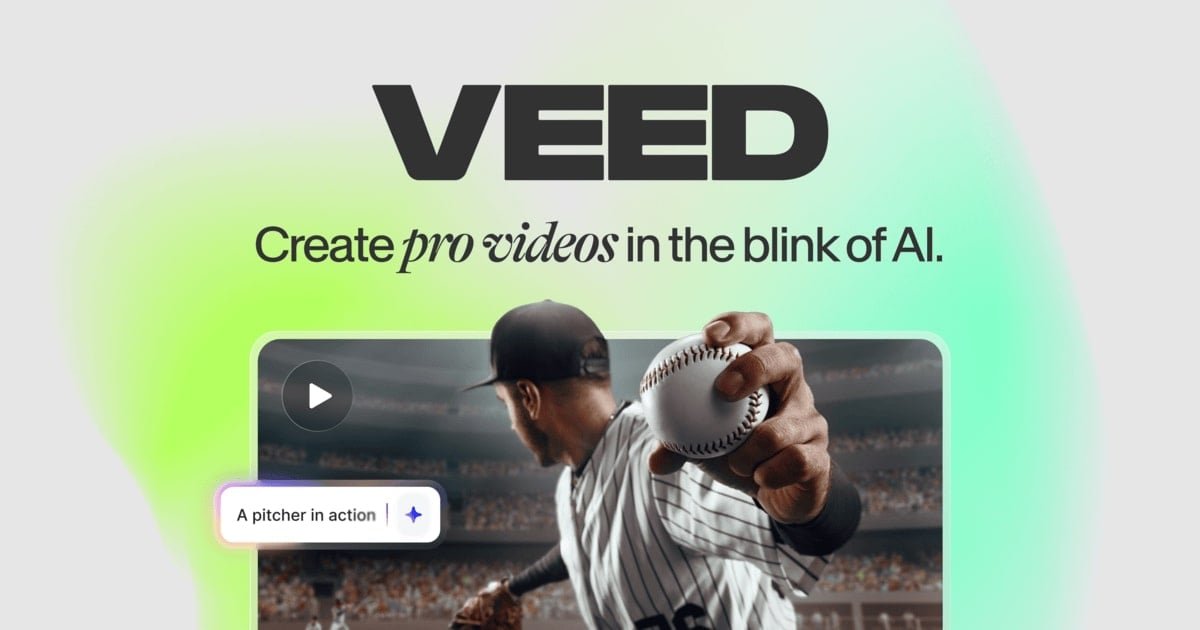
VEED is a web-based AI video creation platform for generating, editing, subtitling, dubbing, and branding videos in one workflow. It helps marketers, solopreneurs, and creators turn prompts, scripts, images, or raw footage into publishable videos.

VEED

Overview

VEED is a browser-based AI video creation platform that combines generation, editing, subtitles, dubbing, and basic brand styling in one workflow. The site positions it for people who want to turn an idea, script, image, or raw clip into a video ready for publishing.

The product page emphasizes practical production tasks: generating videos from text, auto-editing existing footage, cleaning audio, adding subtitles, translating content, and exporting for social formats. Pricing information shows free access to start, with paid plans that add more credits, watermark-free exports, and expanded team-oriented features.

Core capabilities

AI video editing from uploaded footage

Upload existing footage and let Auto Edits remove pauses, clean audio, add subtitles, insert B-roll, and resize the video for a chosen social format.

AI video generation workflows

Generate videos from a prompt, script, or reference image, including text-to-video, image-to-video, and video-to-video workflows described on the site.

Automatic subtitles and transcript export

Create subtitles automatically, then export them as burned-in captions or subtitle files such as SRT, VTT, and TXT.

AI dubbing and translation

Translate and dub videos into multiple languages using VEED’s AI dubbing and translation tools.

Branding controls for repeatable output

Apply brand elements such as colors, fonts, logos, and voice so videos can match an established style across outputs.

One workflow for creation and editing

Start from templates, prompts, or raw footage and work in a single browser-based workflow rather than switching between separate tools.

Common use cases

  • Social media marketing content

    Produce short marketing videos for social channels by generating a draft from a prompt or refining uploaded footage, then resizing it for platform-specific formats.

  • Editing interviews and recorded footage

    Turn raw recordings into cleaner deliverables by removing pauses, improving audio, inserting B-roll, and adding subtitles before export.

  • Localized video distribution

    Create multilingual versions of the same video with dubbing and translation tools so one asset can serve different audiences.

  • Consistent brand output

    Publish branded content at scale by applying the same colors, fonts, logos, and voice across many videos.

  • Captions and transcription workflows

    Generate accessible captions and transcripts for videos and audio files, then download subtitle files or burn captions into the final video.

Pros and Cons

Pros

  • Combines AI generation, editing, subtitles, and dubbing in one product.
  • Supports both starting from scratch and improving existing footage.
  • Offers automatic subtitle generation with downloadable subtitle file formats.
  • Includes branding controls for colors, fonts, logos, and voice.
  • Provides a free starting option and paid plans for heavier use or team needs.

Cons

  • The public pages reviewed do not provide a complete integrations list or detailed platform compatibility information.
  • Some advanced capabilities are tied to paid tiers, including watermark-free exports and higher usage limits.
  • The source coverage reviewed is partial, so some feature limits and workflow details are not spelled out on these pages.

FAQ

Is VEED free to use?

Yes. The pricing page lists a free starting option and paid plans, and the AI video editor page says the editor is free to try. Premium plans add watermark-free exports and fuller access to the platform.

What kinds of videos can VEED create or edit?

VEED’s AI video editor can enhance uploaded footage automatically, and the site also describes text-to-video, image-to-video, and video-to-video generation for creating videos from scratch or references.

What subtitle export options does VEED support?

The subtitle tool can generate subtitles automatically, let you style and animate them, and export hardcoded subtitles or subtitle files such as SRT, VTT, and TXT.

Does VEED offer team or business plans?

The pricing page shows separate plans for Creator, Pro, Studio, and Enterprise, with higher tiers adding more credits, brand kits, translation limits, and team or privacy features.

What integrations does VEED support?

The source describes VEED as an online video suite with AI editing, subtitles, dubbing, and generation, but it does not provide a full integration list on the pages reviewed.

Quick Facts

Category
AI video creation platform
Platform
Web-based
Primary users
Marketers, solopreneurs, and creators
Source domain
veed.io
Pricing model
Free start with paid plans
Core workflow
Generate, edit, subtitle, dub, and brand videos in one place

VEEDの代替品

Pika icon

Pika

Pika is an AI video generation platform for creating and editing short videos from prompts, images, and existing footage. It also offers plan-based commercial use, watermark-free downloads on higher tiers, and select partner API access.

Nim Video icon

Nim Video

Nim Video is a web-based AI video and image creation platform for turning prompts, images, and source footage into editable visuals. It offers a free tier and paid subscriptions with added credits, higher output options, and commercial-use features.

HappyHorse icon

HappyHorse

HappyHorse is a web-based AI video generator for turning text prompts, images, and video references into short clips. It offers free starting credits plus paid plans and credit packs for creators who need more output.

AI Image to Video Pro icon

AI Image to Video Pro

AI Image to Video Proは、画像やテキストから短い動画を作成できるブラウザ型AI動画生成ツール。無料枠とクレジット制プランに対応し、プロンプトや動画ワークフロー向けの関連機能も備えています。

freebeat icon

freebeat

Freebeat is an AI music video generator that turns songs into dance videos, lyric videos, and cinematic music videos from supported music links or uploads. It is aimed at creators who want rhythm-synced visuals, style control, and lyric timing without manual editing.

PixelPrompt icon

PixelPrompt

PixelPrompt is a browser-based AI image and video workspace for prompt optimization, text-to-image, and text-to-video generation. It supports ecommerce visuals, ad creatives, and short-form UGC-style content without requiring a local GPU.

VEED - AI Tool, Features, Use Cases & Alternatives | Findings24