
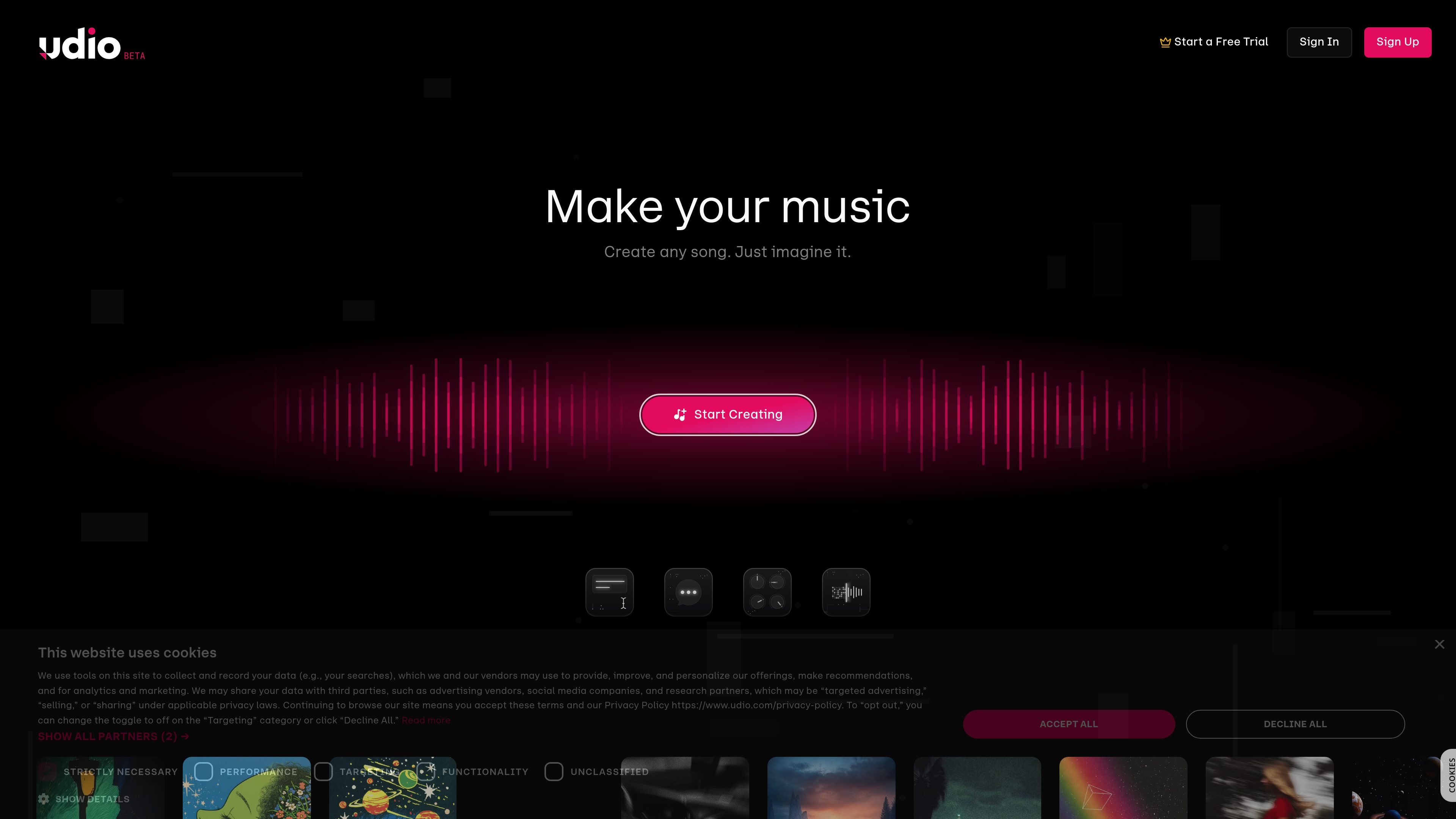
Prompt- or audio-based creation
Type a text prompt to generate a song, or upload your own audio clip to begin from existing material. The home page presents this as the main entry point for creation.
Udio is an AI music generator for creating, editing, and sharing music through a web-based workflow. The homepage presents it as a place to start from a text prompt or an uploaded audio clip, then generate songs with controls for genre, clip length, and lyrics.
The pricing page shows a free plan with limited daily usage, plus Standard and Pro plans that add higher generation limits and features such as Voice Control, editing music and lyrics, uploads from audio files, style reference workflows, and custom cover art. That makes Udio useful both for trying out AI-assisted song creation and for more hands-on production work on paid tiers.
Type a text prompt to generate a song, or upload your own audio clip to begin from existing material. The home page presents this as the main entry point for creation.
Choose from visible controls such as genre, clip length, and lyrics to shape the generation request before you create.
Paid plans add tools for editing music and lyrics, which lets users refine a track after generation instead of starting over.
The pricing page says paid tiers can generate songs from uploaded audio files and use existing songs as a style reference, supporting transformation and stylistic variation workflows.
Users can generate cover art and upload custom cover art, then adjust song access permissions when sharing their work.
Higher tiers increase credits and simultaneous generation limits, with the Pro plan including the highest available generation limits and all features from other plans.
Start with a text prompt when you have a genre, theme, or lyric idea and want the system to generate a song draft from scratch.
Upload a short audio clip to build on existing material, then use the product's transformation and extension workflows to explore variations.
Use paid-plan editing tools when a generated track needs lyric adjustments, music refinement, or more direct control over the result.
Create and share songs with cover art and adjustable access permissions when you want to publish work to listeners or collaborators.
Compare free, Standard, and Pro plans when deciding whether limited daily usage is enough or whether you need higher credits and more simultaneous generations.
Udio supports creating music from a text prompt or by uploading an audio clip to begin the creation process. The home page also shows options for genres, clip length, and lyrics to guide generation.
The pricing page shows a free plan with a limited daily quota and basic features, plus paid Standard and Pro plans with higher generation limits and additional tools. It also offers a free trial for Standard and separate credit purchases.
According to the pricing page, paid plans can unlock features such as Voice Control, editing music and lyrics, generating songs from uploaded audio files, using an existing song as a style reference, and uploading custom cover art.
The pricing page says you can create songs up to 32 seconds on the free plan and up to 130 seconds on the Standard plan. It also notes a limit of 3 full-length song generations per day on the free plan and monthly credits on paid plans.
The sources provided do not describe third-party app integrations. The home page and pricing page focus on Udio's own web-based creation workflow and account plans.
トラフィックデータは参考情報としてご利用ください。

musicfy.lol
Musicfy AIは、楽曲やカバー、音声主導のトラックを作れるWebベースのAI音楽生成ツールです。

makebestmusic.com
MakeBestMusicは、テキストからロイヤリティフリーの楽曲、インストゥルメンタル、ボイスカバーを作れるWebベースのAI音楽生成ツールです。

aijinglemaker.com
AI Jingle Makerはブラウザでジングル、DJドロップ、ポッドキャストのイントロ、プロモを作成できます。

dub.ninja
アンダーグラウンド電子音楽を配信する自律型AI DJ

freemusicdemixer.com
Music Demixerは楽曲をステムに分離し、音声をMIDIや楽譜の下書きに変換します。

songr.ai
数個のキーワードから共有できるオリジナル曲を作成