
Image and manipulation detection
Analyzes fully AI-generated images, AI-assisted edits, traditional retouching, and face swaps. Region-level analysis can surface a localized alteration instead of averaging it across an otherwise authentic image.

TruthScan is an enterprise AI detection platform that analyzes submitted images, PDFs, text, voice, and video for AI generation or manipulation. It helps fraud, trust and safety, compliance, education, media, and government teams review content with forensic evidence and workflow-ready results.
TruthScan is an enterprise AI detection platform for identifying AI-generated and manipulated content. Its documented capabilities cover image and PDF analysis, while the broader platform is described as supporting text, voice, and video detection. It is intended for workflows where submitted media or documents influence refunds, claims, approvals, listings, onboarding, or publication.
The platform provides a detection verdict with probability or confidence information, plain-language reasoning, and visual evidence such as image heatmaps. Image analysis covers fully synthetic images, AI-assisted edits, traditional digital retouching, and face swaps, including localized changes to otherwise authentic files. PDF analysis supports review of receipts, invoices, bank statements, proof-of-address files, and other submitted records.
Teams can use TruthScan in a browser dashboard, through a Chrome extension, or through its API. The site describes REST API access with webhooks and batch or real-time processing, so detection can be placed at upload and higher-risk submissions can be routed to human review. A free plan is available, while paid plans use usage-based pricing.
Analyzes fully AI-generated images, AI-assisted edits, traditional retouching, and face swaps. Region-level analysis can surface a localized alteration instead of averaging it across an otherwise authentic image.
Screens submitted PDFs such as receipts, invoices, bank statements, proof-of-address files, and other supporting documents for signs of fabrication or manipulation.
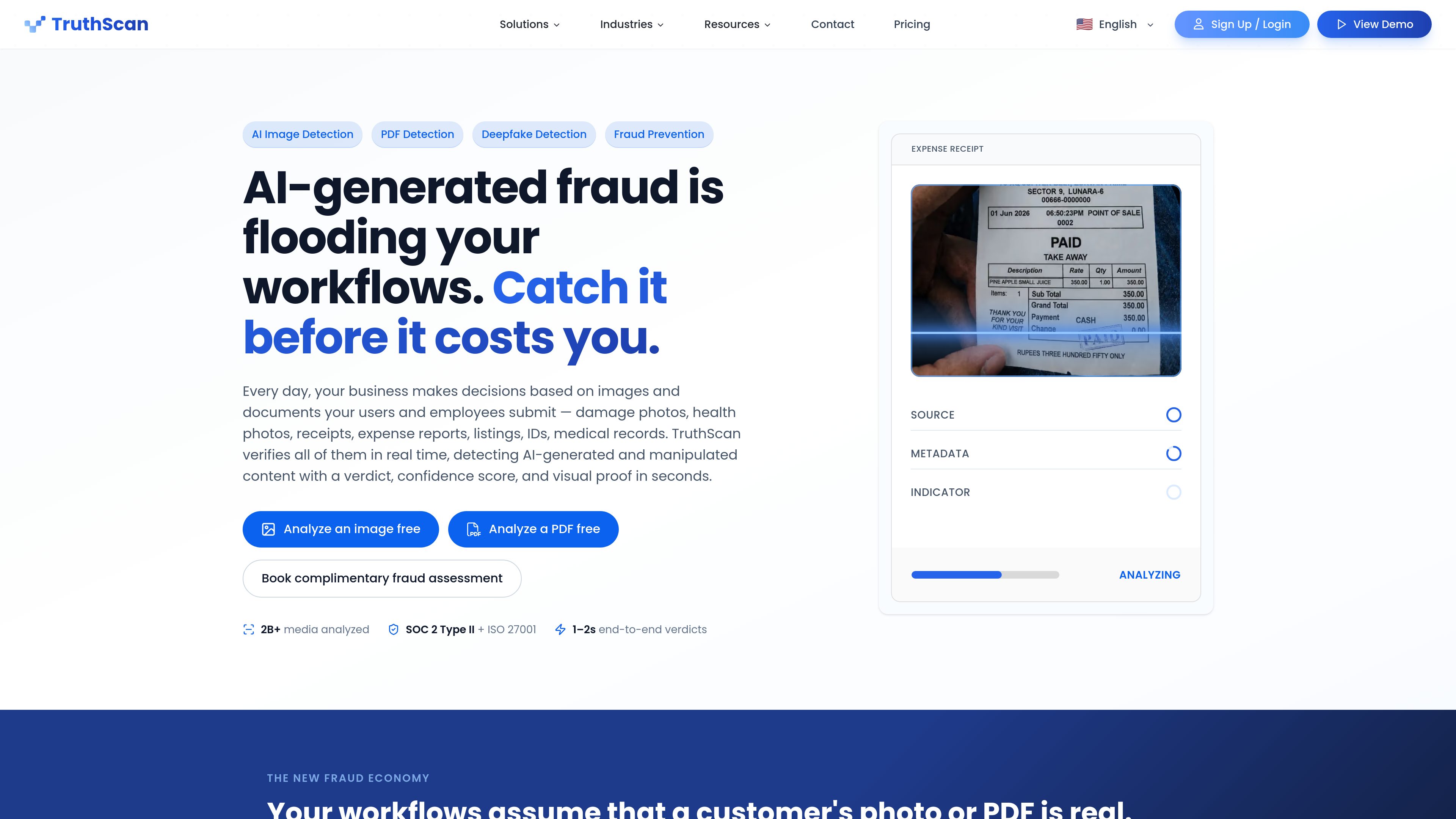
Each result includes a verdict, probability or confidence information, detailed reasoning, and—where applicable—a heatmap showing regions associated with generation or manipulation.
The platform can be connected through REST APIs with webhooks and supports batch or real-time processing. Teams can use it at the point of upload and route higher-risk content to review.
Users can analyze files in the browser without relying on the API, including individual uploads and ZIP batches. The Chrome extension checks images from within the browser.
Images are retained by default. Zero data retention is available on Business and Enterprise plans, with Enterprise options including regional processing, custom integrations, and dedicated or on-premises deployment.
E-commerce, retail, and delivery teams can screen damage photos, wrong-order evidence, and proof-of-purchase documents before issuing refunds or credits, while allowing ordinary submissions to continue through the normal flow.
Claims and digital-health teams can review damage photos, injury imagery, medical invoices, and related documents for AI generation or editing before adjusters or clinical programs rely on them.
Banks and other financial services teams can add a forensic check for identity images, bank statements, proof-of-address files, and other documents that may pass basic format or OCR checks despite being fabricated.
Marketplaces can inspect seller-submitted product images and listing materials for synthetic or manipulated content before publication, helping trust and safety teams investigate questionable listings.
Finance, travel-and-expense, and lending teams can analyze receipts, invoices, pay stubs, and income documents before approving reimbursements or credit decisions.
TruthScan can be used in the browser dashboard, through its Chrome extension, or via API. The site describes REST API access with webhooks and batch or real-time processing; the API is optional for browser-based workflows.
Results include a probability or confidence score, classification or verdict, detailed reasoning, and a heatmap for visualizing relevant image regions. The platform describes these outputs as suitable for review and audit workflows.
Users can upload individual files or ZIP archives. The pricing FAQ recommends ZIP batches of 500 images or fewer for the most reliable results; supported image formats listed there are JPG, PNG, JPEG, TIF, and WEBP, with a 10 MB per-file limit.
Yes. The site says its image pipeline covers fully AI-generated images, AI-assisted edits, traditional digital retouching, and face swaps, and analyzes regions so partial changes can be surfaced. Very small edits may be easier to assess after cropping to the area in question and rescanning.
Images are retained by default. Zero data retention is available on Business and Enterprise plans; with ZDR, submissions and customer data are discarded after detection and are not used for training. Regional processing is available on Enterprise and above.
sensity.ai
Sensity AI is a deepfake and synthetic-media detection platform for analyzing videos, images, and audio. It combines pixel, file, metadata, and voice analysis with explainable forensic reporting and supports cloud, API, web-app, and on-premise deployments.

isthisai.com
IsThisAI is a web-based detector for AI-generated and AI-manipulated images, video, and audio. It helps people assess suspicious media using model analysis, source detection, and visual heatmaps.

walterwrites.ai
Walter Writes AIはAI生成文を自然に整え、AIの兆候を検出

zerogpt.cc
ZeroGPTは、文章が人間によって書かれたように見えるか、AIが生成したものかを確認できるWebベースのAIテキスト検出・執筆支援ツールです。可読性、文字数、テキスト分割の機能も備え、編集者、学生、教師、出版社、マーケターに役立ちます。

www.senthor.io
AIやボットのトラフィックを検知し、コンテンツへのアクセスを制御。適切な場合はリクエストを収益化します。

aidetect.com
AI DetectはAI生成テキストを検出し、公開・提出前に文章を自然な表現へ整えます。