
Headless Tiptap/ProseMirror core
The `@slash-editor/core` package contains extensions, schema, commands, and serializers without React or CSS, allowing editor logic to remain separate from presentation.

A source-owned Notion-style block editor for React with a headless Tiptap core.
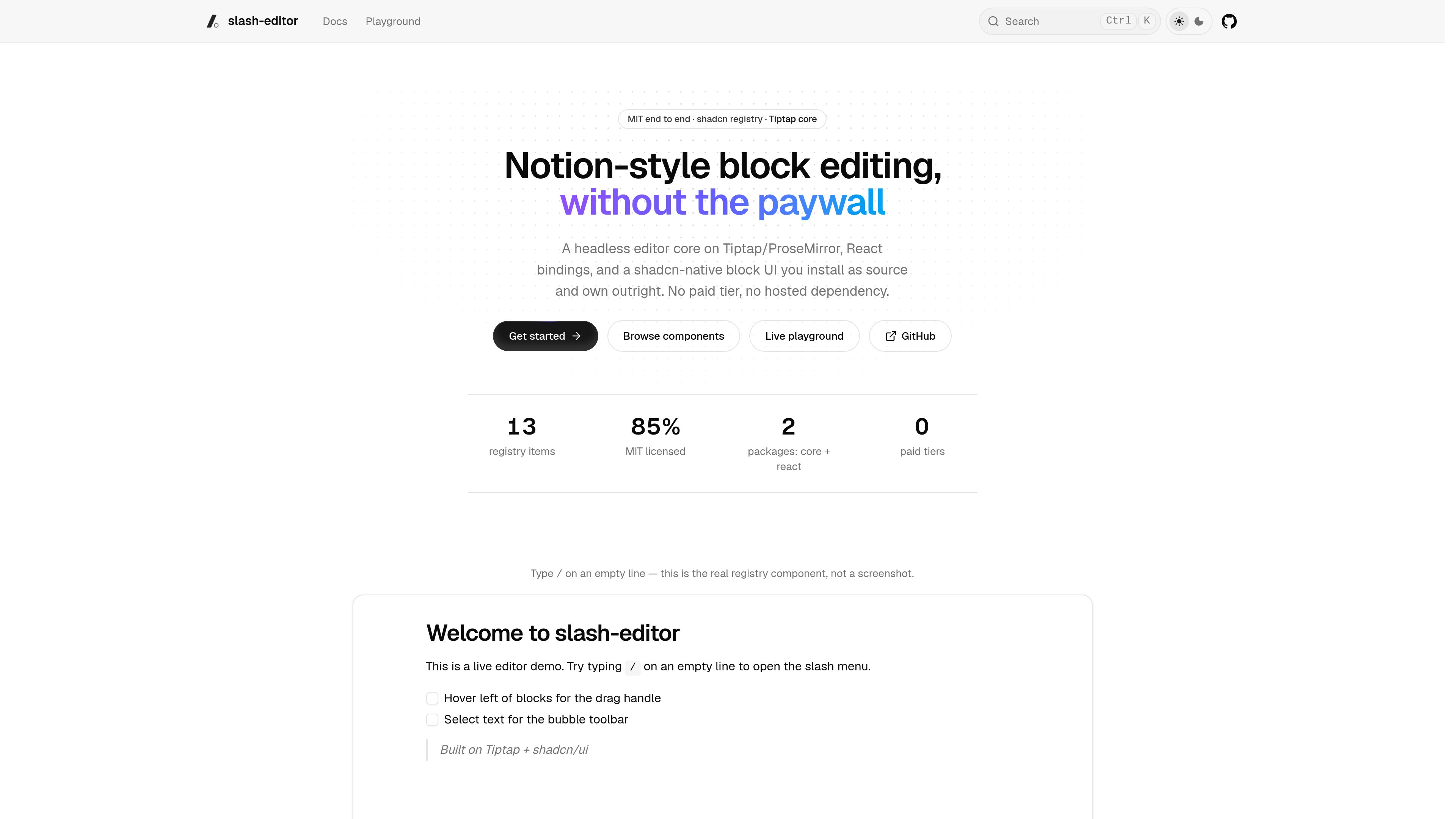
slash-editor is a Notion-style block editor for React. It combines a headless editor core built on Tiptap and ProseMirror with React bindings and a shadcn-native UI that is installed as source. The core supplies extensions, schema, commands, and serializers without React or CSS, while the React package provides hooks and headless primitives. This separation lets an application use the editor behavior while controlling its own interface and styles.
The editor supports block-oriented workflows such as slash insertion, hover drag handles, block reordering, nesting, inline formatting, task items, callouts, toggles, tables, columns, media, mentions, links, and comments. UI components are distributed through a shadcn registry, so they are copied into the application rather than consumed as a locked component library. The project is MIT licensed and has no paid tier or hosted dependency.
The `@slash-editor/core` package contains extensions, schema, commands, and serializers without React or CSS, allowing editor logic to remain separate from presentation.
Users can open a slash menu on an empty line, move blocks with hover handles, reorder and nest content, and use keyboard-oriented commands for common block types.
The slash menu, bubble toolbar, block handle, mention menu, link editor, comment panel, node views, and other pieces are installed from a shadcn registry as editable source.
The documented and demonstrated schema includes headings, lists, quotes, code, rules, tasks, callouts, toggles, tables, columns, Mermaid diagrams, embeds, and image, file, and video upload placeholders.
A self-hosted Yjs and Hocuspocus setup can provide presence carets and comment-thread storage, while AI slash actions stream through an application-implemented `StreamAdapter`.
Product teams can add Notion-style block editing to a React application while keeping the core editing model and the rendered interface under separate control.
Teams that need to change tokens, markup, or component behavior can install registry UI into their own repository and maintain it like other application source.
Applications can connect the editor to self-hosted Yjs and Hocuspocus services for real-time editing, presence carets, and comment-thread storage.
An application can expose continue-writing, summarize, brainstorm, and spelling or grammar actions in the slash menu by implementing a compatible stream adapter for its model.
The documented workspace includes `@slash-editor/core` for extensions, schema, commands, and serializers, and `@slash-editor/react` for hooks and headless primitives. Tiptap core, Tiptap PM, and Tiptap React are peer dependencies installed by the application.
No. UI components are distributed through a shadcn registry and installed into the application as source. The application can edit and restyle the copied components.
Registry components expect an ancestor with the `.slash-content` class. The editor also needs the documented placeholder rules when using the slash-editor-kit block; other styling targets normal ProseMirror-rendered elements and data attributes.
No hosted service is described. Collaboration is wired through self-hosted Yjs and Hocuspocus, and AI actions use a `StreamAdapter` that the application implements against its chosen model.
トラフィックデータは参考情報としてご利用ください。