
Voice control for Mac
Open or switch apps, press Return, adjust volume, open Mission Control, lock the screen, and control playback in Chrome or Safari with natural spoken requests.

A voice assistant for controlling Mac apps, dictating text, finding files, and adding events.
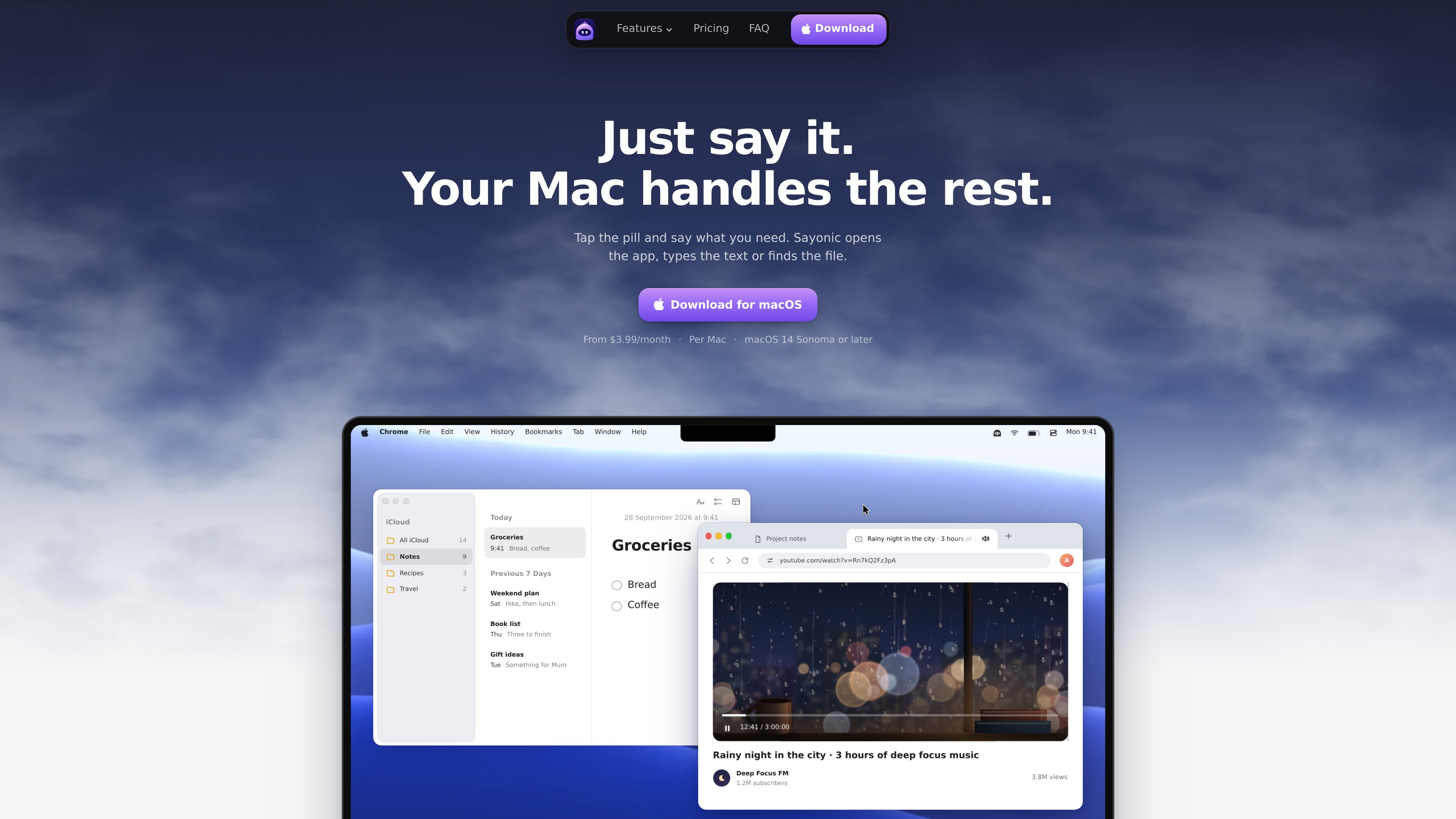
Sayonic is a voice assistant for Mac that runs from a small pill at the edge of the screen or in the notch. Tap it and describe a task in plain English: Sayonic can open or switch apps, type into the active field, find files, control media in Chrome and Safari, and add Apple Notes or Calendar entries. It answers aloud and displays its words in the pill as it works.
The assistant is designed for short Mac actions as well as spoken back-and-forth. It asks when a request is unclear, lets users stop or update an unfinished task, and supports typed requests when speaking is inconvenient. File searches use Spotlight and can search filenames or document text in iCloud Drive and added folders.
Sayonic runs on Apple silicon and Intel Macs with macOS 14 Sonoma or later. It understands English and requires the internet for voice and its AI brains. Users can choose Sayonic Cloud, their own API keys, or supported coding agents, depending on their setup and plan.
Open or switch apps, press Return, adjust volume, open Mission Control, lock the screen, and control playback in Chrome or Safari with natural spoken requests.
Speak text into the message, document, search box, or other field currently selected in a Mac app. A dictated note can be sent directly to Apple Notes.
Find files by name or by words inside documents, including files in iCloud Drive and folders the user adds. Sayonic opens matching files but does not open apps, scripts, or installers.
Say a note once to add it to Apple Notes, or describe an event so Sayonic adds it to Calendar. Sayonic does not read the user's calendar.
When a step is ambiguous, Sayonic asks before proceeding. Users can add a task while it runs, stop it from the pill, and resume unfinished tasks later.
Use voice or type through the pill. The assistant can use Sayonic Cloud, personal API keys, local models through an OpenAI-compatible endpoint, or supported CLI coding agents with configurable access levels.
Click into a message, document, or search field, tap the pill, and speak. Sayonic types the words into the selected field, which is useful when composing text without switching to a separate dictation tool.
Say a short note such as a shopping reminder for Apple Notes, or describe a meeting with its time so Sayonic adds the event to Calendar.
Ask for a file using its name or remembered document text. Sayonic searches supported Mac locations through Spotlight and opens the matching result.
Ask Sayonic to open YouTube in Safari, switch apps, or pause, play, or mute media in Chrome or Safari without navigating menus manually.
Use a supported CLI coding agent through Sayonic's voice interface. Each agent retains its own sign-in, while Sayonic's access settings can be Limited, Ask first, or Full access.
Sayonic runs on Apple silicon and Intel Macs with macOS 14 Sonoma or later.
No. Pro and Max use Sayonic Cloud credits without requiring personal API keys. The BYOK plan supports your own API keys or a coding agent with its own sign-in.
Voice and the AI brains require an internet connection. The licence keeps working for up to seven days without a connection.
The site states that Sayonic understands natural spoken English. No fixed command vocabulary is required.
Audio recordings are not saved. When you make a request, your voice and a short summary of the screen can be sent to the selected brain; the site says nothing is sent between requests. API keys are kept in the Mac's Keychain.
トラフィックデータは参考情報としてご利用ください。