
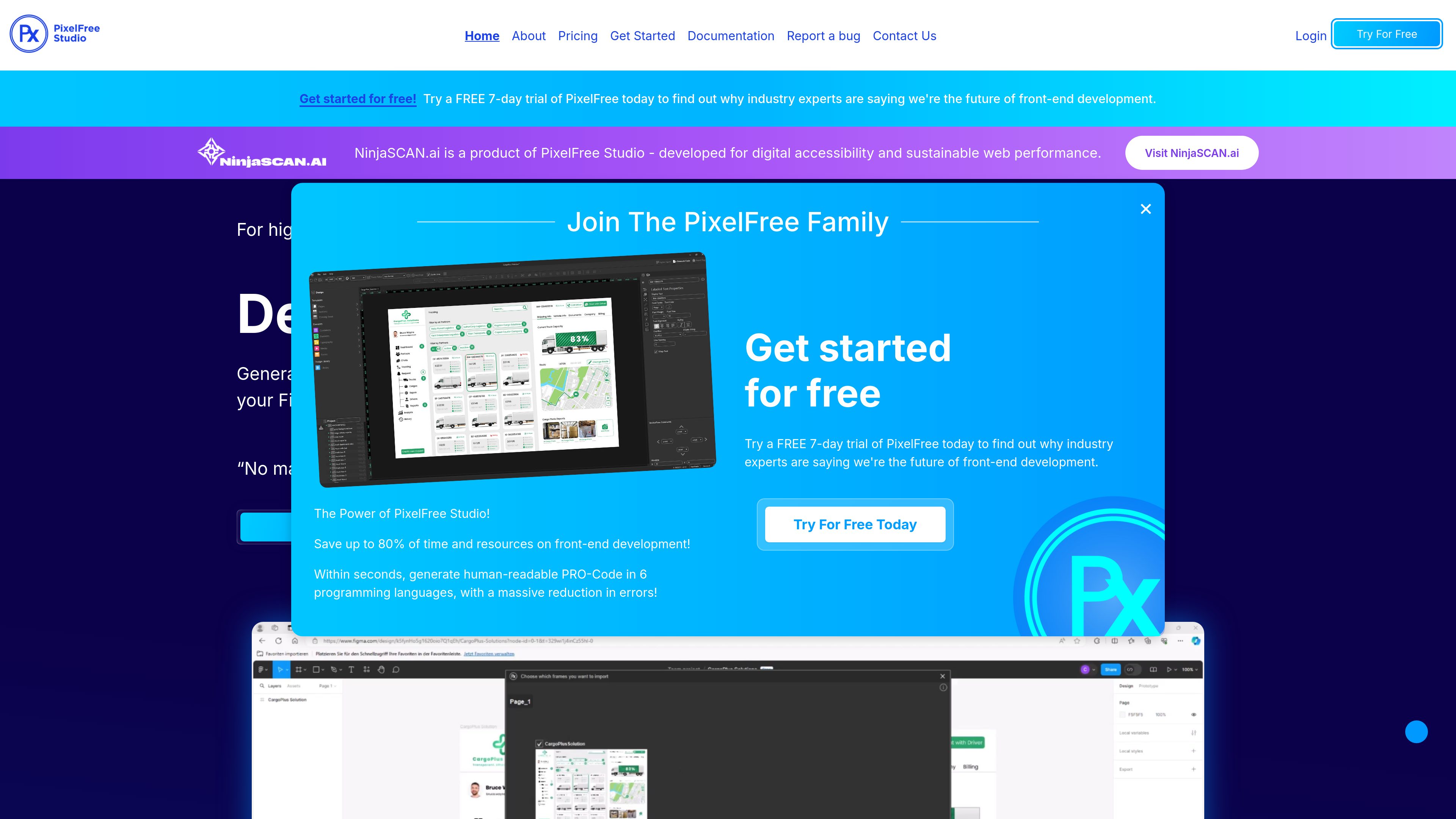
Visual interface prototyping
Create interface designs in the built-in editor, arrange components, and work with templates before exporting implementation code.

A visual low-code builder that converts interface designs into editable front-end and desktop code.
PixelFree Studio is a visual low-code design and development tool for building web interfaces and Windows desktop applications. Users can create layouts in its editor or import Figma projects, then export code for HTML5, Vue, React, Angular, C# web apps, or C# desktop apps. The generated code is intended to be readable and editable, allowing teams to continue development and host or modify their projects outside the design tool. Its central purpose is to reduce repetitive translation of interface designs into implementation code. Use an installed editor and an authenticated PixelFree account for export. Figma imports require project access and preparation; inspect the generated code and add application logic, dependencies, and testing before production use.
Create interface designs in the built-in editor, arrange components, and work with templates before exporting implementation code.
Import selected Figma frames using a project key and personal access token, then map design elements to PixelFree component types. Organize the source file to improve the resulting code structure.
Generate output for HTML5, Vue, React, Angular, C# web apps, and C# desktop apps.
Generate layouts with responsive CSS scaling, then check the intended screen sizes and layout behavior in your target environment.
The editor includes component arrangement tools such as guides, distance indicators, keyboard nudging, and container operations.
Insert project templates and use project backup while working on layouts. Templates are starting points to adapt, rather than finished application behavior.
Import a design and export it to a supported framework or HTML5, giving developers generated code to inspect and continue building.
Use the visual editor and its components to compose interface pages, then export a code version for the chosen target.
Teams working across Vue, React, Angular, or HTML5 can use a shared visual design workflow while selecting different export targets.
For Windows desktop application work, create an interface and export it as C# desktop code.
Export HTML5, Vue, React, Angular, C# web-app code, and C# Windows desktop code. Select a target and destination folder; Vue, React, and Angular also offer export settings for custom components and variables.
Yes. Use a Figma project you can view, provide its project key and personal access token, choose frames, and map elements to PixelFree component types. Prepare grouping and element names before import to avoid unnecessary generated structure.
It combines a visual design and prototyping editor with code generation for its listed web and desktop targets.
A seven-day free trial is available when setting up a license. Single-license plans are $69.95/month or $699/year. Business plans are $49.95/month with a 12-month term or $499/year. Multiple-license enterprise arrangements are quoted separately. A trial is not ongoing free access.
トラフィックデータは参考情報としてご利用ください。