
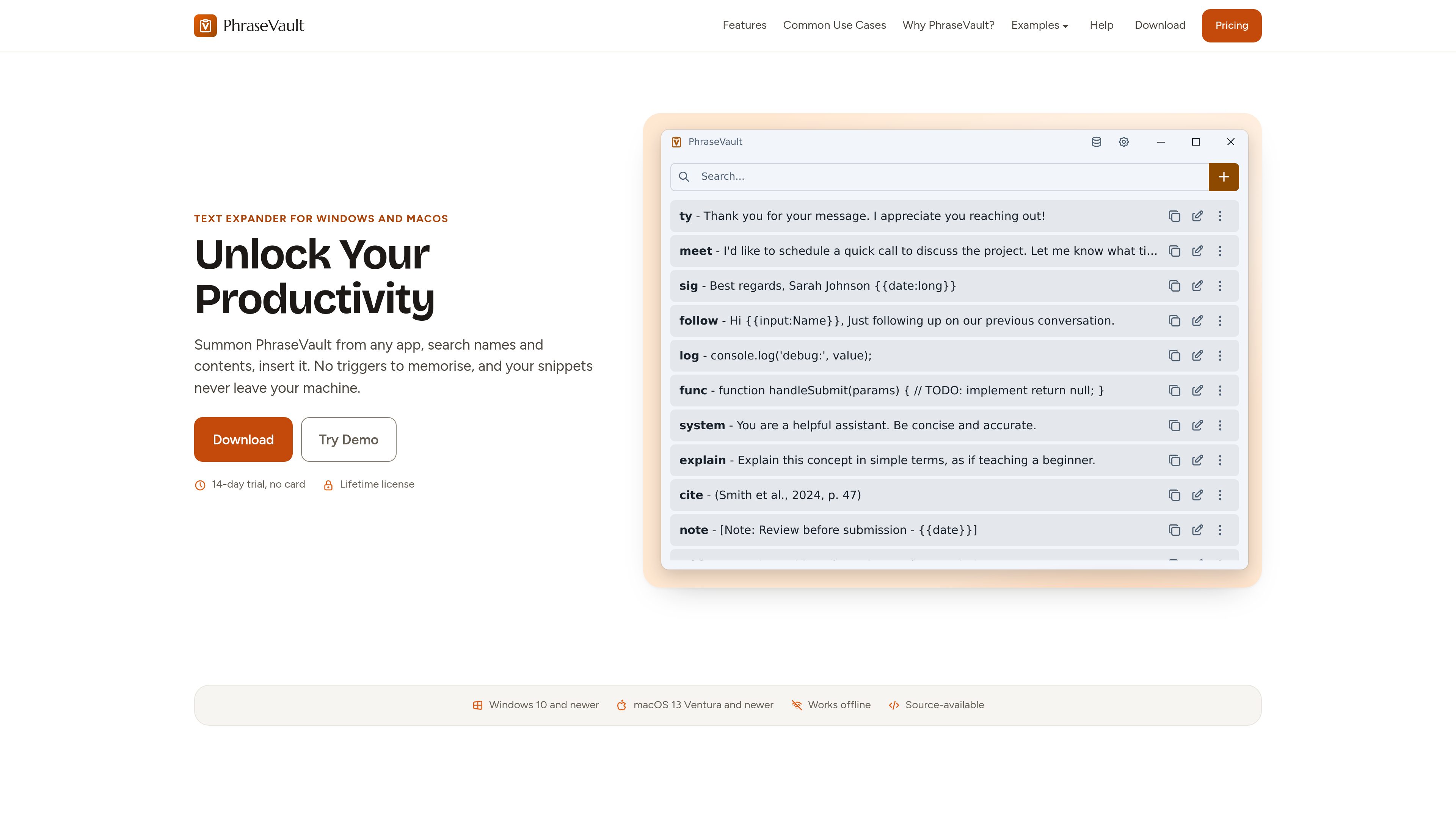
Global search and insertion
Open PhraseVault with a global shortcut, search snippet names or contents, and insert the selected phrase at the current cursor. The workflow does not require memorizing a trigger for every snippet.

PhraseVault is an offline text expander and snippet manager for Windows and macOS. It helps individuals and teams reuse email templates, AI prompts, code, and other text wherever they can paste.
PhraseVault is a source-available text expander and snippet manager for Windows and macOS. It stores reusable phrases locally and lets users summon a picker with a global shortcut, search by snippet name or contents, and insert the selected text at the current cursor. The workflow is designed to work across applications rather than through separate integrations.
It is suited to people who repeatedly write emails, support replies, sales messages, AI prompts, citations, code, commands, or business details. PhraseVault works offline, uses local SQLite storage, and states that snippets do not leave the user’s machine.
Open PhraseVault with a global shortcut, search snippet names or contents, and insert the selected phrase at the current cursor. The workflow does not require memorizing a trigger for every snippet.
Resolve reusable content at paste time with placeholders for dates, localized long dates, user input, dropdown selections, clipboard contents, and embedded phrases.
Store plain text for code and commands, Markdown that can be pasted as rich text, or HTML for signatures, styled templates, and other rich layouts.
PhraseVault uses local SQLite storage and is designed to work offline. The product states that its phrase library is kept on the user’s machine and that there is no PhraseVault account or server receiving snippet text.
Selected phrase contents can be protected with a PIN or password of at least four characters. Protected names remain visible in the picker.
Move content from TextExpander, Espanso, or PhraseVault JSON, and use the included multi-database support to manage separate phrase libraries.
Keep answers to recurring questions, delivery updates, pitches, pricing text, and follow-ups in one searchable library so responses use consistent wording without retyping them.
Store system prompts and reusable instructions for tools such as ChatGPT, Claude, or Midjourney, then search and paste the relevant prompt into the active chat.
Reuse code boilerplate, commit messages, CLI commands, connection strings, and other technical text across an editor, terminal, or documentation workflow.
Save citations, notes, and recurring text for insertion into documents or forms, with placeholders available for dates and other changing values.
Keep frequently requested details such as addresses, phone numbers, and tax identifiers available for pasting into emails, browser forms, and business portals.
PhraseVault supports Windows 10 and newer and macOS 13 Ventura and newer.
It is intended to work anywhere text can be pasted, including email clients, browsers, documents, chat applications, IDEs, terminals, and forms. It inserts at the cursor rather than relying on individual app integrations.
Yes. The product describes itself as offline and says the phrase library is stored on the user’s own disk in local SQLite storage. It also states that there is no PhraseVault account or server that receives the text.
Yes. Placeholders can insert dates, prompt for input, offer dropdown menus, include the current clipboard contents, and embed another phrase when the snippet is pasted.
No. The license is sold as a one-time purchase per user for Windows and macOS. A free trial is available, free updates are included, and major version upgrades may be offered separately.

prompt-genie.com
効率的なAIワークフローを実現するプロンプト管理・最適化とClaude Codeメモリ

thisorthis.ai
1つのワークスペースでAIモデルの出力比較、会話整理、プロンプト再利用を実現。
getdolphin.ai
Pretty Promptは、下書きテキストをAIツール向けの明確なプロンプトに変換します。

portkey.ai
生成AIチーム向けの本番AIプラットフォーム。統合ゲートウェイ、可観測性、ガードレール、プロンプト管理を提供。

prompttokencounter.com
対応するOpenAIモデルのプロンプトtoken数を送信前に確認できます。

impeccable.style
AIコーディングハーネス向けのデザインスキル。構造化セットアップ、コマンド編集、ブラウザでのリアルタイム反復を実現します。