
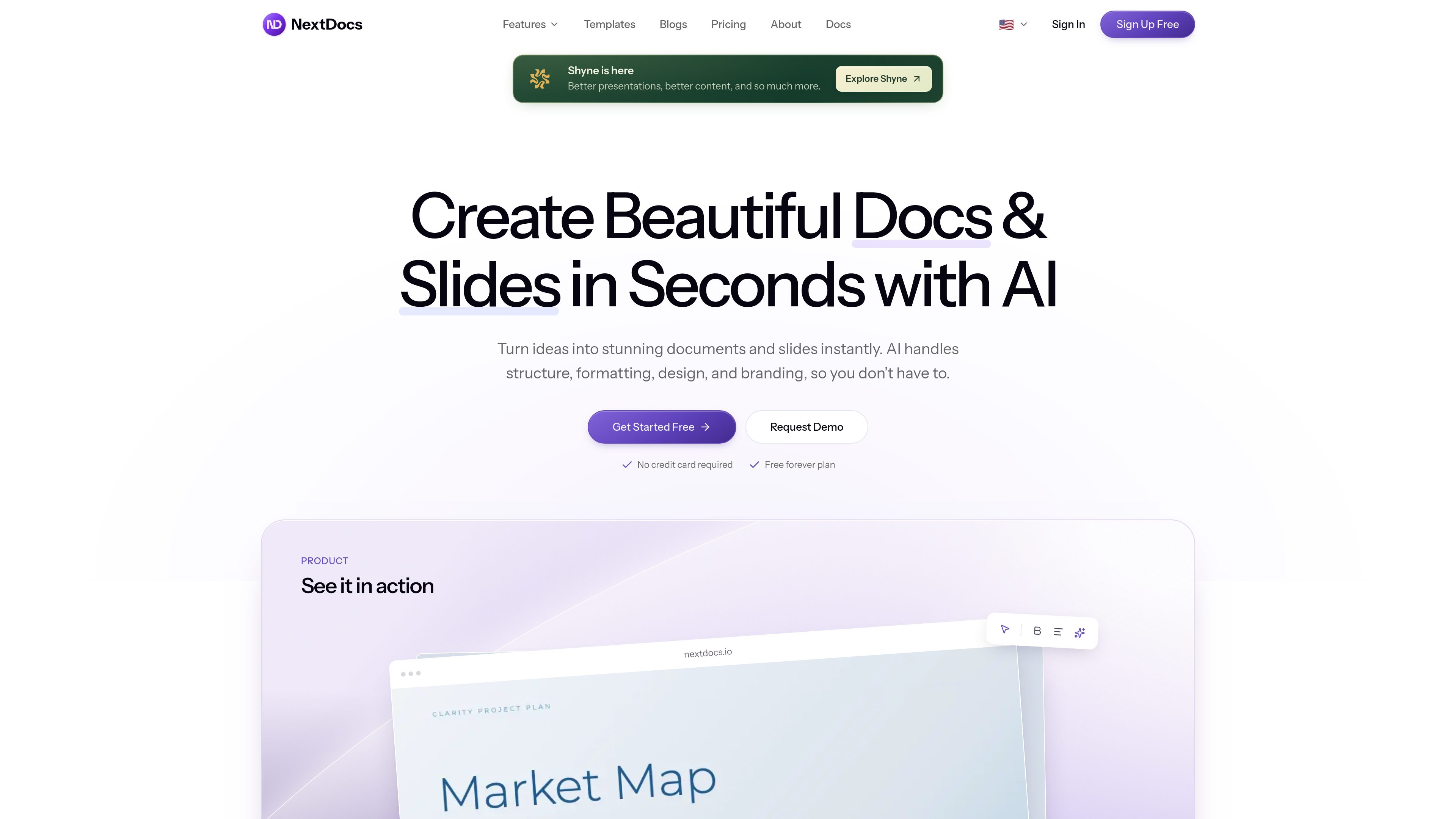
Prompt-based document creation
Describe a presentation, document, or social post and NextDocs generates a structured draft with content, formatting, and layout.

NextDocs is an AI workspace for creating presentations, documents, and social posts from prompts. It helps individuals and teams generate structured drafts, refine content and layouts, apply brand settings, and export finished work in common document and presentation formats.
NextDocs is an AI workspace for creating presentations, documents, and social posts from natural-language prompts. It generates structure, content, formatting, and visual layouts in one workflow, with use cases that include pitches, proposals, reports, contracts, resumes, and training materials.
Users can generate up to four versions of a prompt, compare different structures and layouts, then refine the selected result with AI or manual editing. A brand kit stores colors, fonts, and logos so those settings can be applied consistently across documents.
Finished work can be shared online or exported to PDF, PowerPoint, Google Slides, or Google Docs. The product also offers templates and built-in AI-powered research; available export formats, page limits, credits, and support features vary by plan.
Describe a presentation, document, or social post and NextDocs generates a structured draft with content, formatting, and layout.
A single prompt can produce up to four variants with different structures, styles, and layouts for side-by-side comparison.
Users can ask the AI to rewrite a sentence, revise an introduction, transform a section, or restyle a page, while retaining manual controls for text, images, and formatting.
Store brand colors, fonts, and logos, then apply them across documents for more consistent presentation materials.
The template library provides starting points for formats such as pitch decks, agency proposals, product plans, and roadmaps. NextDocs also advertises AI-powered research within the product.
Completed work can be shared online or exported to PDF, PowerPoint, Google Slides, and Google Docs. Free-plan export options are more limited.
Generate an initial pitch or sales deck from a brief, compare alternative narrative and visual structures, then refine the selected presentation before exporting it.
Create a structured proposal or agency document, apply stored branding, and export a shareable version for a client or partner.
Turn a prompt containing metrics, team updates, or other reporting requirements into a draft with alternative layouts for review.
Use the presentation workflow to outline course or training content, then adjust individual sections and slides manually or with AI assistance.
Start from a document prompt or template for materials such as contracts and resumes, then revise the wording and formatting before sharing or exporting.
NextDocs supports presentations, documents, and social posts. Its examples and solution areas include investor pitches, sales presentations, reports, proposals, contracts, resumes, training materials, and roadmaps.
Yes. The free plan provides 500 credits, supports documents of up to eight pages, allows up to three exports, and includes PDF and image export.
Yes, the product lists PDF, PowerPoint, Google Slides, and Google Docs as export destinations. The pricing page indicates that the free plan is limited to PDF and image export, while the broader export options are available on paid plans.
NextDocs can generate up to four variants from one prompt. The variants may use different structures, styles, or layouts so users can compare them and select a direction.
Yes. The brand kit supports colors, fonts, and logos, and NextDocs says those settings can be applied across documents and presentations.

slidespeak.co
プロンプトやファイルから編集可能なPowerPoint資料を作るAIプレゼン作成ツール

pitchbob.io
起業家向けのAIピッチデック生成・支援ツール

qzoffice.com
秒篇AIPPTは、テーマ・テキスト・URL・文書からPPTを生成し、構成案、Word/PDF変換、原稿作成、テンプレート編集に対応します。

lgppt.cn
テーマやドキュメントから資料を自動生成し、オンライン編集やテンプレートにも対応するAI PPTツール。

funblocks.net
マインドマップ、ドキュメント、スライド、Markdown執筆向けAIワークスペース

pitchavatar.com
営業・研修・サポート・ローカライズ向けAIプレゼン・コンテンツ自動化