
Multi-provider account management
Add Claude plans, ChatGPT, Gemini, DeepSeek, API keys, OpenAI-compatible endpoints, and local models. Moxie can also import existing Claude Code, Codex, and Gemini logins found on the Mac.

Use different AI accounts and models with Claude Code from your Mac menu bar
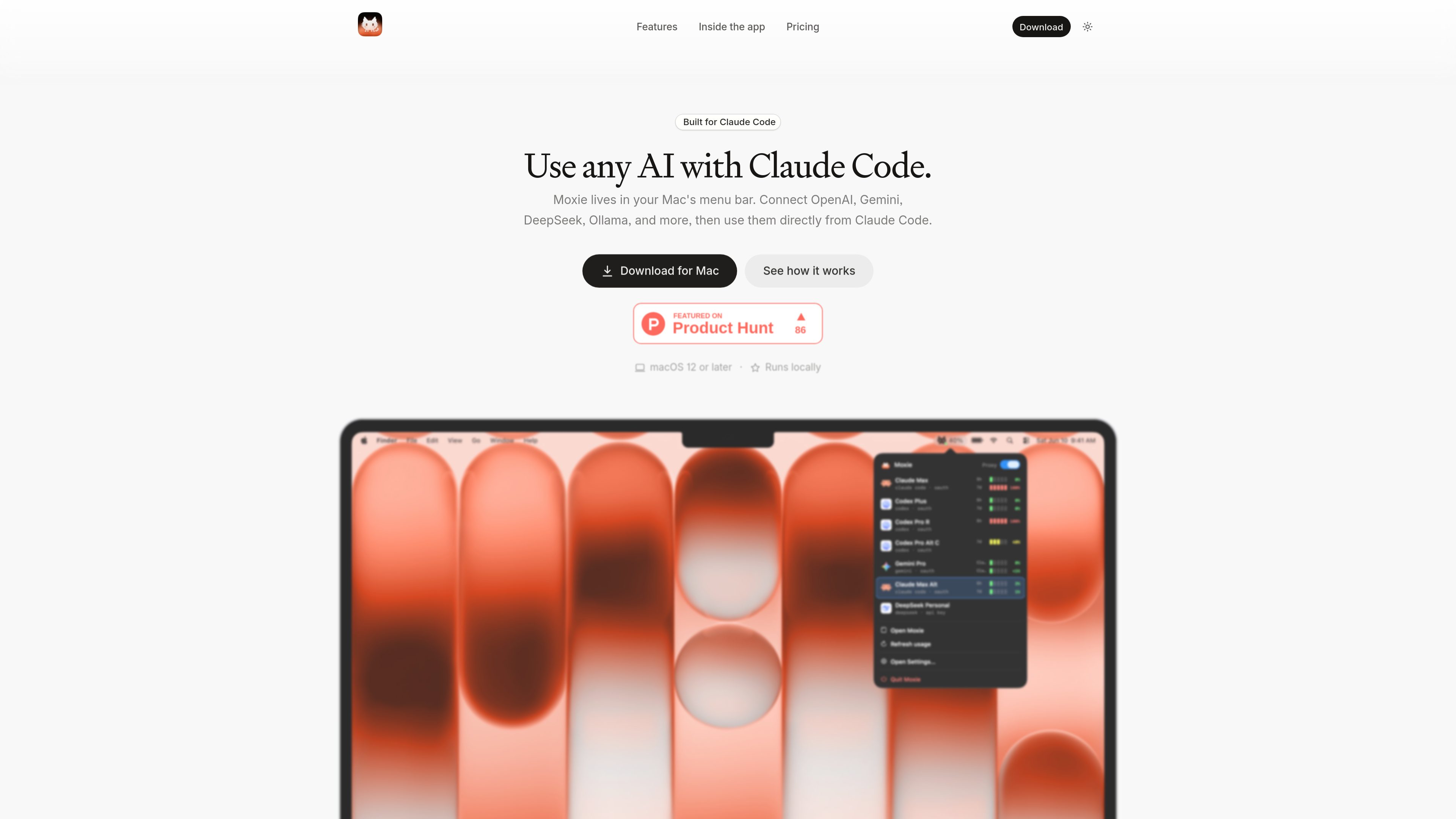
Moxie is a Mac menu bar app that routes Claude Code through the AI account or model you choose. It can work with Claude plans, ChatGPT, Gemini, DeepSeek, API keys, OpenAI-compatible endpoints, and local models such as Ollama or Apple on-device models. The app is designed for people who want to use Claude Code without being tied to one provider or login.
Moxie sets up Claude Code automatically and keeps its configuration in place, including for the CLI and VS Code extension. Once configured, you can change the active account or model from the menu bar or the main app. Requests already in progress finish with their original account, while the next request uses the newly selected one.
The app runs locally on macOS 12 or later. Credentials and login tokens are stored in the macOS Keychain, and requests go directly from the Mac to the selected provider.
Add Claude plans, ChatGPT, Gemini, DeepSeek, API keys, OpenAI-compatible endpoints, and local models. Moxie can also import existing Claude Code, Codex, and Gemini logins found on the Mac.
Moxie configures Claude Code for use with the selected accounts in both the CLI and the VS Code extension. If Claude Code later rewrites its settings, Moxie puts its configuration back.
Change the active account while an agent is working. Requests already running finish with the account that started them, and subsequent requests use the newly selected account.
View reported five-hour and weekly usage windows for accounts, receive notifications at the configured warning threshold, when a limit is reached, and when it resets.
Chat with an account and model in the Playground before relying on it in Claude Code. History records sessions, requests, tokens, and data sent, while Logs record requests and account switches with timestamps.
Credentials and login tokens stay in the macOS Keychain, and requests go directly to the chosen provider. Moxie can back up accounts, settings, and usage history to one file for later restoration.
If a Claude or Codex account is close to or has reached its limit, switch to another connected account while the current Claude Code task continues. New requests are routed through the replacement account.
Developers who have access to several subscriptions, API keys, or local models can select the account or model they need without changing their broader Claude Code workflow.
Use the Playground to send a test chat with an account and model, which helps verify a connection before assigning it to an active Claude Code session.
Review current usage windows, today's cost, session details, and a year of token-use history when comparing accounts or investigating provider consumption.
Connect a supported local model, such as one served through Ollama or an Apple on-device model, while keeping credentials and routing on the Mac.
Moxie is built around Claude Code and supports Claude plans, ChatGPT, Gemini, DeepSeek, API keys, OpenAI-compatible endpoints, and local models. The site also lists Ollama and Apple on-device models, and the app can import some existing Claude Code, Codex, and Gemini logins.
Moxie requires a Mac running macOS 12 or later. It can configure Claude Code for the CLI and VS Code extension.
No. Moxie routes Claude Code to accounts and models you already have. AI usage is billed or counted by the relevant provider under its own plan, API key, or endpoint.
Credentials and login tokens are stored in the macOS Keychain. Requests go directly from your Mac to the provider you select. The product states that there is no Moxie account and no Moxie server apart from license, update, and pricing checks.
The full app can be tried for three days with up to two connected Claude or OpenAI accounts. Standard and Lifetime are one-time purchases with unlimited connected accounts and supported providers; Standard covers two years, while Lifetime does not expire. Each license is for one person and one Mac at a time.
トラフィックデータは参考情報としてご利用ください。