
Team mailboxes on a custom domain
Create individual or shared inboxes such as support or sales on the organization’s own domain. Webmail works in a browser, while IMAP and SMTP support connects Apple Mail, Outlook, and phone mail apps.

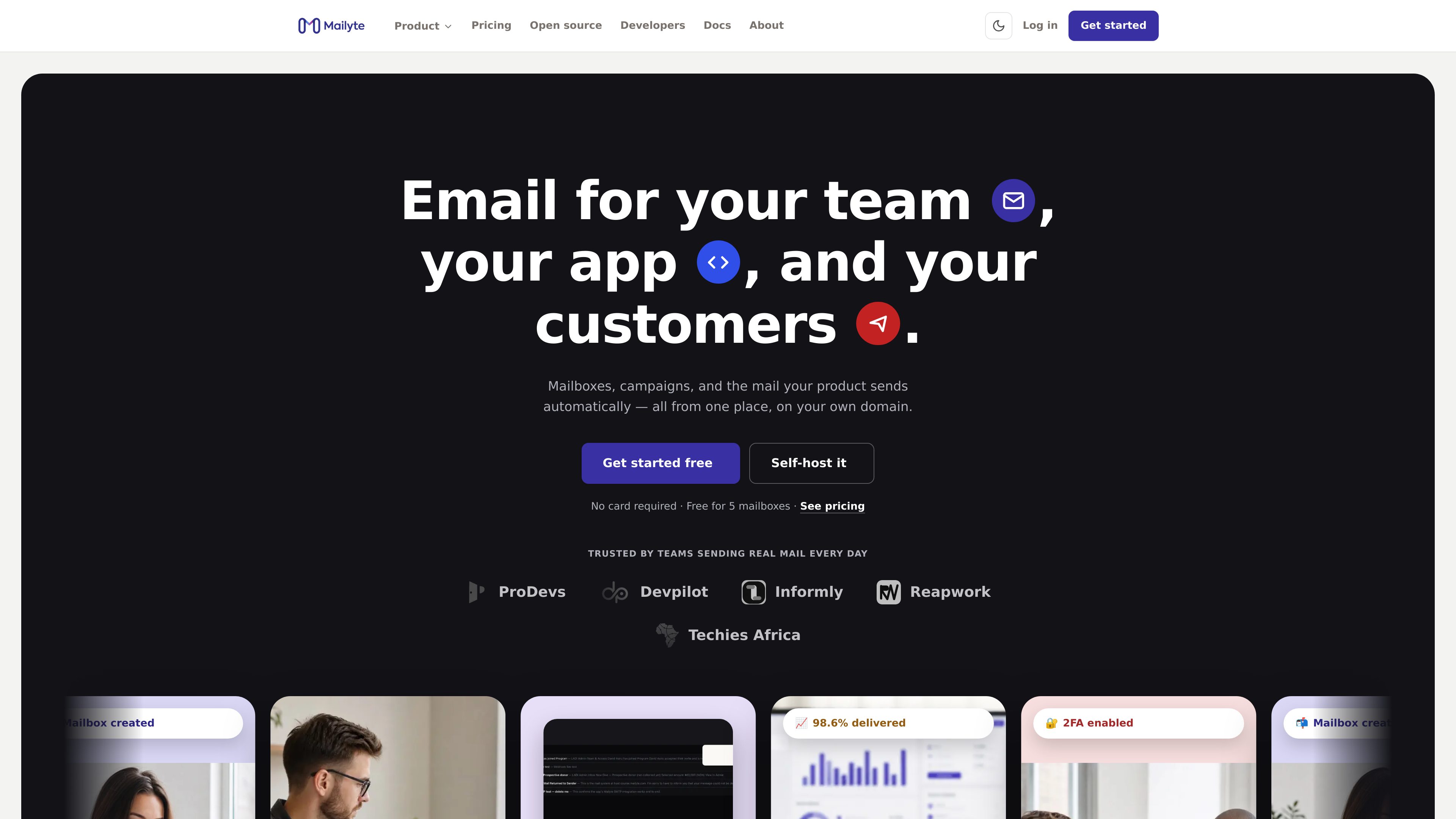
Mailyte combines domain-based team mailboxes, transactional email sending for apps, and email marketing campaigns in one platform. Teams can use the managed service or self-host the AGPL-3.0 open-source product.
Mailyte is an email platform that brings together three distinct functions: domain-based mailboxes for teams, transactional email sent by applications, and marketing campaigns for customers. A business can use one product or combine them, with each product retaining its own plan while the account is paid on one invoice.
The Mail product provides webmail and standard IMAP/SMTP access for desktop and mobile mail clients. The Send product gives developers SMTP and REST API options for receipts, codes, resets, alerts, and other application-triggered messages. Marketing provides campaign management, contact organization, scheduling, and automated journeys for newsletters and customer communications.
Mailyte is available as a managed service or as self-hosted open-source software under AGPL-3.0. The platform’s documented workflows include domain authentication, account security, delivery monitoring, sandbox testing for application email, unsubscribe handling for campaigns, and a review step before an organization’s first marketing campaign.
Create individual or shared inboxes such as support or sales on the organization’s own domain. Webmail works in a browser, while IMAP and SMTP support connects Apple Mail, Outlook, and phone mail apps.
Admins can create mailboxes, bulk-create accounts for a department, filter active and invited users, view storage usage, configure per-mailbox storage and sending limits, and offboard users without losing their mail.
Send application-triggered messages through an existing SMTP configuration or a REST API. The Send product is intended for receipts, one-time codes, password resets, alerts, and order updates rather than newsletters.
Separate keys are available for development, staging, and production. Sandbox messages are kept in a test inbox, while delivery logs and webhooks expose sent, delivered, opened, and bounced events.
Marketing includes campaigns, scheduling, lists, tags, custom fields, segments, and journeys that can respond to events such as a new signup, a birthday, or a changed tag.
The platform describes SPF, DKIM, and DMARC verification, two-factor authentication, admin action logs, one-click unsubscribe handling, suppression of unsubscribed contacts, and a review before an organization’s first marketing campaign.
A company can create addresses on its own domain, give each person a mailbox, and support browser, desktop, and mobile access. Shared addresses can handle functions such as sales or customer support.
A product team can connect an existing SMTP client or use the REST API for receipts, password resets, verification codes, alerts, and order updates. Developers can test with sandbox credentials before sending to real customers.
A marketing team can import or organize contacts, use tags and segments, schedule campaigns, and monitor delivered, opened, clicked, bounced, unsubscribed, and skipped counts. Campaigns include unsubscribe handling and run on a separate sending path from team mail.
A business can configure journeys that start when someone joins a list, reaches a birthday, changes a tag, or triggers an event such as beginning checkout. The journey then sends according to each contact’s timing.
Organizations that want control over deployment can run the full product on their own server using Docker Compose and the AGPL-3.0 source. Others can use the managed service, with the option to move to self-hosted later.
Yes. Mail, Send, and Marketing are separate products with their own plans. A business can use only team mailboxes, only application sending, only marketing, or any combination.
Yes. The Mail product supports standard IMAP and SMTP connections, including Apple Mail, Outlook, and phone mail apps.
Send provides sandbox mode with separate keys or sandbox SMTP credentials. Messages are validated like live messages but arrive in a sandbox inbox and do not go to real recipients.
Yes. The site describes an API workflow in which an application tells Mailyte that an event occurred, such as checkout starting, and a journey can begin from that event.
Campaigns include a working one-click unsubscribe. Unsubscribed and suppressed contacts are skipped at send time, and a campaign without an unsubscribe link cannot be scheduled.
トラフィックデータは参考情報としてご利用ください。

www.omnisend.com
Omnisend is an ecommerce marketing platform for creating and automating email, SMS, and web push campaigns. It helps online stores manage customer segments, lifecycle workflows, forms, and performance reporting in one place.

www.salesforce.com
Salesforce Marketing Cloud is a marketing platform for creating campaigns, managing customer journeys, personalizing experiences, and measuring performance. It supports B2C, B2B, and small-business teams through products that connect marketing activity with customer and revenue signals.

tryholo.ai
Holoは、ウェブサイトやブランドURLから広告、SNS投稿、メールを作成するAIマーケティングツールです。

activecampaign.com
メール、AIキャンペーン、クロスチャネル配信を一元管理するマーケティング自動化

www.mailmodo.com
メール作成・企画・キャンペーン向けAIマーケティングツール

behavly.io
Behavly is an AI follow-up email agent that tracks signed-in users’ product activity, builds behavior-based email paths, and drafts messages from each person’s actions. It is designed for teams that want to follow up with leads and users using their in-product behavior as context.