
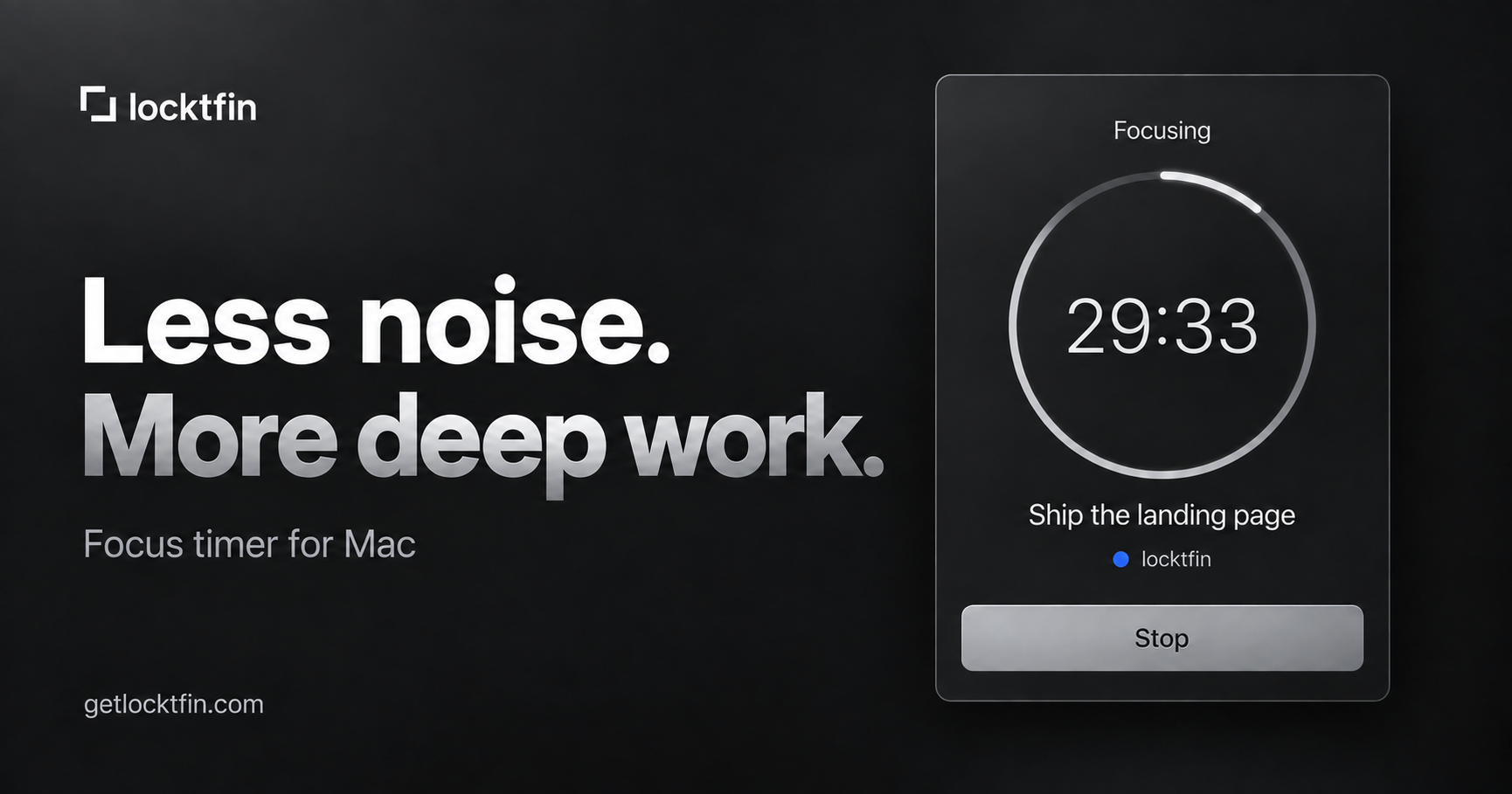
Custom focus and break durations
Choose focus and break lengths that fit the work instead of being limited to a fixed 25-minute session. Changes apply to the next session, while a running timer keeps its original duration.

locktfin is a native Mac focus timer for founders and other independent workers. It combines customizable focus sessions with optional goals, projects, local history, and read-only assistant access through MCP.
locktfin is a native Mac focus timer for founders and other independent workers. It helps users assign a dedicated session to a specific piece of work, with optional goals, projects, and session estimates for added context.
The app supports custom focus and break lengths, a menu-bar timer, and local records of completed sessions. Users can review individual sessions and see focused minutes by day and project in Insights. After initial online activation, the timer, goals, and history work locally and offline.
An optional read-only MCP connection allows compatible assistants to read timer status, session records, project context, and selected non-sensitive preferences. locktfin does not block distracting apps or websites, sync tasks between Macs, or integrate with task managers.
Choose focus and break lengths that fit the work instead of being limited to a fixed 25-minute session. Changes apply to the next session, while a running timer keeps its original duration.
Start with a goal, project, and estimated number of sessions, or leave any of them empty. Estimates provide planning context but do not mark work complete or limit how many sessions you can run.
Open the timer from the menu bar, start a session, and check its current state without opening the main window. The menu-bar timer and main Focus window share the same running timer.
Review individual recorded sessions and see focused minutes by day and project. A session's goal and associated project can be corrected later without changing its recorded time or status.
The focus timer, goals, and history work locally after initial online license activation. License and update services still require internet access.
A compatible assistant can read timer status, session records, and selected non-sensitive preferences through MCP. It cannot start or stop timers, create goals, edit records, or change settings.
Give the next important task a defined focus session, whether it involves building, marketing, support, or another part of running a business. Optional goals and projects preserve the context for later review.
Use a custom-length session for coursework or study without having to follow a fixed 25-minute Pomodoro interval. Add a goal when the session benefits from a clear target.
Set aside a focused block for coding or a specific fix, then review the recorded time by project in Insights. The app tracks the session without attempting to manage the task itself.
Start the timer with no goal or project when planning would add friction. The session can still be recorded locally for later review.
Connect a compatible assistant through MCP to ask about recorded sessions, project time, or current timer status. The connection is read-only, so timer actions and record changes remain in locktfin.
locktfin is a native Mac app and requires macOS 14 or later. It is intended for use on a Mac rather than as a cross-platform or web timer.
No. Goals, projects, and session estimates are optional. You can start a focus session with none of them, or bring in the next item from an existing task list.
Yes. You can choose focus and break lengths before starting a session. A running timer keeps its original duration, and there is no pause mode.
The focus timer, goals, and history work locally after the app has completed its initial online license activation. Internet access is still needed for online license or update services.
The read-only MCP connection can expose timer status, recorded sessions, and selected non-sensitive timer preferences to a compatible assistant. It cannot start or stop timers, create goals, edit records, or change settings.
トラフィックデータは参考情報としてご利用ください。

notchpop.com
NotchPop is a macOS productivity island that places media controls, file handling, clipboard history, timers, calendar information, live activity and other utilities in the Mac notch or a floating island. It supports Macs with or without a physical notch and is aimed at people who want quick access to these tasks without switching away from their current app.