

Long-term memory
Klart Brain is described as a persistent memory layer that retains context across tools and time, so agents can continue work without being briefed from scratch each time.
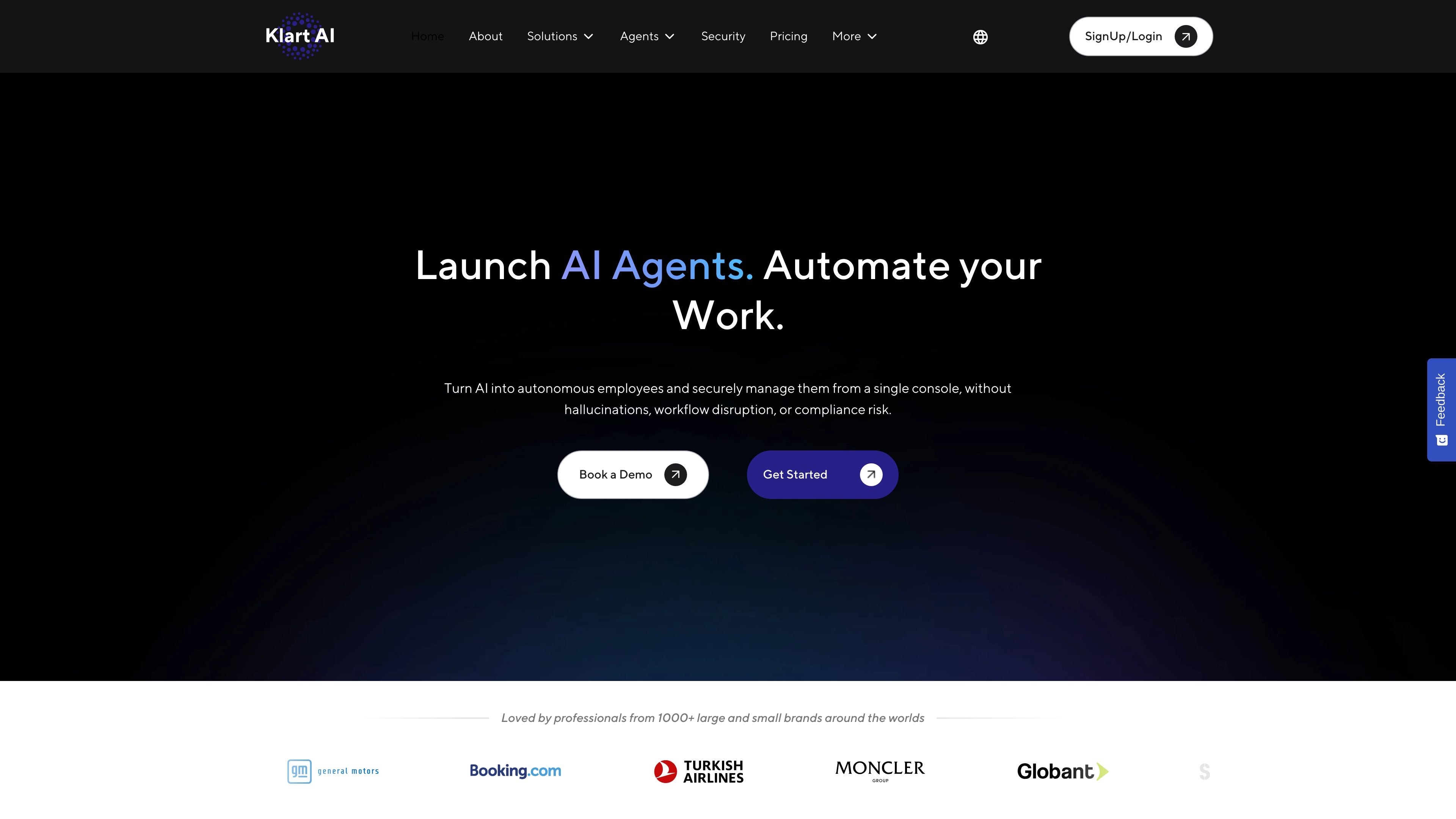
Klart AI is a platform for deploying AI employees that can execute work across connected tools for operations, support, knowledge, and related workflows. The public site frames it as a way to automate repetitive work with agents that are controlled, verified, and grounded in company data.
The product includes specialized agents such as Klarty for executive assistance, Mentor for personal development, Calla for copywriting, Marcus for leadership support, Justa for legal help, Atlas for SEO, Ilber for research, and Lyra for customer support. The site also describes a single console for managing agents, permissions, and workflow behavior across teams and channels.
Klart Brain is described as a persistent memory layer that retains context across tools and time, so agents can continue work without being briefed from scratch each time.
Agents can suggest, draft, or execute actions, and the Autonomy Engine is used to keep humans in control at critical steps when a workflow needs review or delegation.
The product supports Slack, Microsoft Teams, web chat, and customer channels, giving teams a way to use the same agent behavior across internal and external surfaces.
Klart AI says it uses source-grounded retrieval, a Fact Checking System, and verified company data so answers and actions are tied to traceable sources rather than generic model output.
The site describes granular permissions and permission-aware access to internal content, along with GDPR, CCPA, and SOC 2-oriented security practices.
The integrations page states that the platform connects to 100+ apps through native, push API, and web history-based connectors, including work tools such as Gmail, Drive, Slack, Notion, Jira, and Salesforce.
Read incoming Gmail threads, retrieve verified context from connected sources, draft replies, and send or route messages when authorized, so inbox work does not stall.
Answer employee questions in Slack or Microsoft Teams using approved internal knowledge, with permission-aware access that keeps responses tied to what the user is allowed to see.
Handle repetitive customer questions through support channels, use verified sources for answers, and escalate complex issues with traceable context.
Support goal setting, reflection, and decision-making with a long-term memory layer that tracks context over time and surfaces patterns from prior actions.
Connect documents, tickets, chats, and databases so agents can coordinate updates, execute scheduled automations, and keep operational workflows moving across tools.
Klart AI positions its agents as source-grounded and permission-aware. The public pages describe verified retrieval from connected company sources, with agents able to suggest, draft, or execute actions depending on the autonomy settings you choose.
Yes. The pricing page offers plans for individual users and teams, and the home page describes deployment across Slack, Microsoft Teams, and customer channels. The product is designed to scale from single use cases to organization-wide use.
The site describes Klart Brain as the persistent memory layer that uses verified company data and context from past interactions. Agent pages also say answers and actions are grounded in connected sources with citations and traceability.
The integration page says Klart AI connects with 100+ apps through native, push API, and web history-based connectors. Examples listed include Slack, Teams, Gmail, Google Drive, Notion, Salesforce, Jira, Zendesk, Dropbox, OneDrive, and WhatsApp.
Pricing mentions a free trial and paid plans, with fair-use limits on Free and Pro plans. The site does not publish a complete feature-by-feature packaging matrix on the pages provided.
トラフィックデータは参考情報としてご利用ください。

www.relay.app
AIでワークフローを自動化し、アプリ連携と承認を実現

stepfun.com
階躍AIは、知識検索、文章作成、コーディング、日常業務の自動化に対応する個人向け生産性アシスタントです。

creao.ai
CREAOは、繰り返し行う業務を再利用可能なワークフローに変えるAIエージェントプラットフォームです。既存ツールとの連携、スケジュール、承認ゲートに対応します。

browseros.com
BrowserOSは、自然言語の指示でローカルエージェントがWeb作業を自動化するオープンソースAIブラウザです。macOS、Windows、Linux、Chrome拡張機能、MCP連携に対応します。

xiaohuanxiong.com
RaccoonはSenseTimeのAIアシスタント。コーディング、オフィス業務、データ分析、プログラミング学習を支援します。

synthflow.ai
Synthflowは、カスタムAIエージェントで電話対応を自動化するエンタープライズ向けVoice AIプラットフォームです。既存の業務システムと連携し、営業やサポートなどの業務を拡張できます。