
Happycapy icon

Happycapy

Happycapy is a browser-based agent platform that lets users run Claude Code, manage skills, and delegate tasks inside a secure sandbox. It offers a free tier plus paid plans for more automation, email handoff, and larger workloads.

Happycapy

What Happycapy is

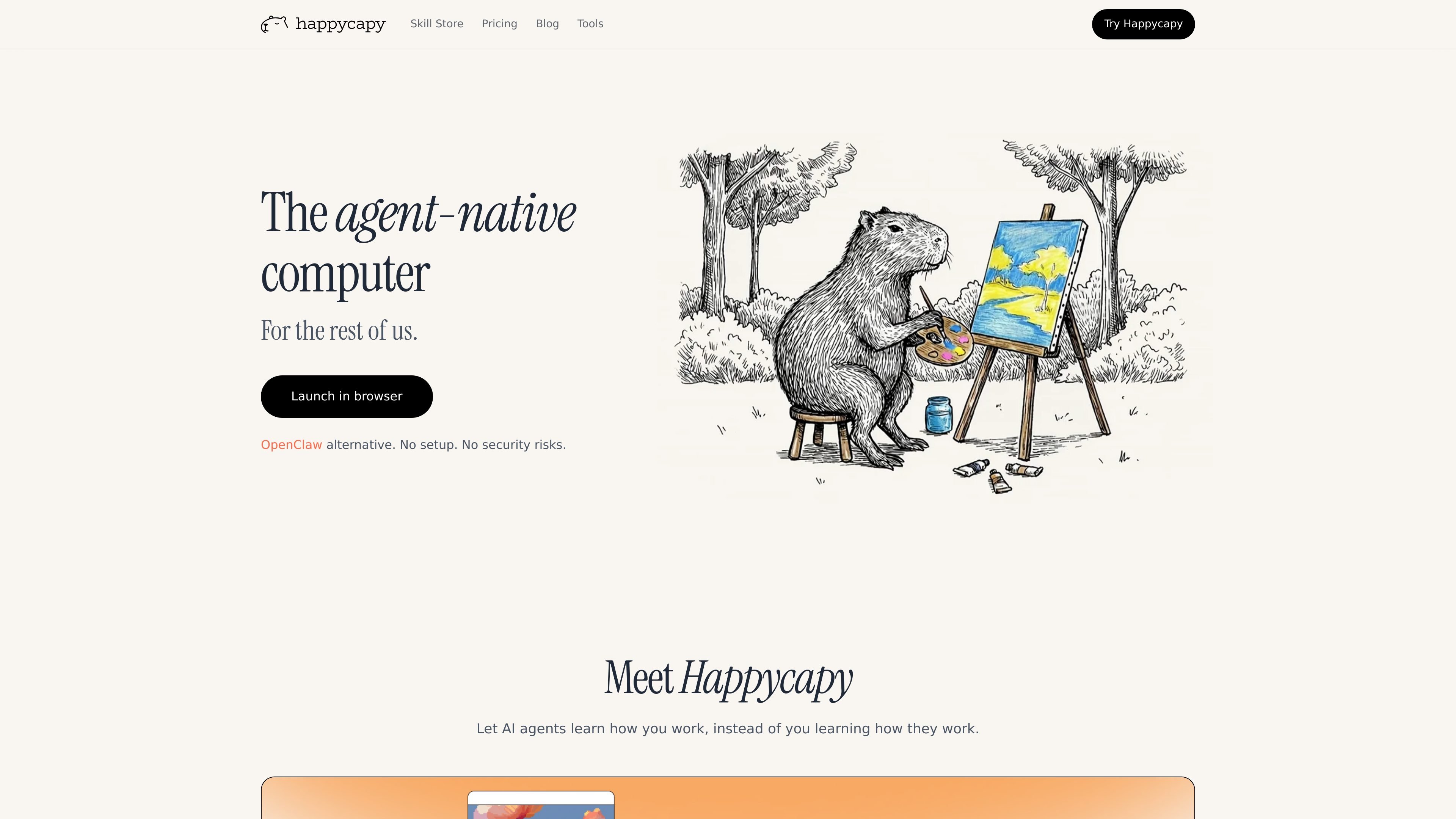
Happycapy is an agent-native computer that turns a browser into a place where AI agents can work on tasks for you. The product combines Claude Code access, a visual GUI, skills, and a private sandbox so users can delegate work without leaving the browser.

The site frames the product around practical jobs such as design, reporting, email, and recurring automations. It is positioned for creators, builders, and everyday users who want agents to complete work and send results back by email, rather than only suggesting next steps.

Core features

Browser-based Claude Code

Run Claude Code in the browser with built-in skills, so agent workflows happen in a visual desktop instead of a local command line.

Secure sandbox environment

Work inside a private sandbox that the homepage describes as isolated, secure, and fully yours, with plan-based sandbox upgrades for more resources.

Automations

Create recurring tasks in the sandbox on paid plans, ranging from basic automations on Pro to larger automation allowances on Plus and Max.

Email handoff through Capymail

Use Capymail to send and receive email from the agent workflow, with email quota included on paid tiers.

Skill store and custom skills

Install and browse skills from the skill store, where skills extend what the agent can do and can include open-source skills.

Browser tools

Access a separate browser tool suite for quick, browser-run tasks such as image generation, panoramas, and HTML page creation.

Common use cases

  • Browser-based task execution

    Use Happycapy when you want an agent to work through a browser task end to end, with visible clicks and a GUI rather than a command-line only experience.

  • Recurring automations

    Set up recurring sandbox automations for repeat work such as weekly tasks, routine checks, or other background jobs that should run without manual intervention.

  • Extendable agent workflows

    Use the skill store or custom skills to adapt the agent to a specific workflow, especially when you need reusable instructions for a recurring task.

  • Email-based handoff

    Send a task to the agent and receive the outcome by email, then reply to continue the work if you need another iteration.

  • Starter experimentation

    Try the free tier for lightweight personal productivity or exploratory use before moving to paid plans for more automations, model access, or email quota.

Pros and Cons

Pros

  • Runs directly in the browser, which lowers setup friction and avoids local installation.
  • Combines Claude Code, skills, a GUI, and a sandbox in one workflow.
  • Offers a free tier with no credit card required.
  • Supports recurring automations and email delivery on paid plans.
  • Includes a skill store and custom skill creation for extending agent behavior.

Cons

  • The public sources do not spell out a full list of third-party integrations or supported apps beyond email-related Capymail and browser-based workflows.
  • Some capabilities appear plan-gated, such as advanced model access, automations, higher email quotas, and stronger sandbox resources.

FAQ

Is Happycapy free to start?

Yes. Happycapy offers a free tier with no credit card required. The tools page also says the core tool suite is available immediately after signup, with some extended capabilities reserved for paid plans.

Do I need to install anything?

No. The tools page says Happycapy tools run directly in the browser with no downloads, plugins, or API setup required, and the product runs in a secure sandbox environment.

Who is Happycapy for?

The site positions Happycapy for people who want AI agents to do work in a browser-based environment, including creators, builders, and everyday users. The pricing page also frames the product around productivity tasks and recurring automations.

What kinds of work can it handle?

The pricing page includes Claude Code access, skills-based model access, automations, and Capymail for sending and receiving email. The site also highlights that agents can deliver results by email and that the browser acts as a visual desktop.

Does Happycapy offer team plans?

Yes. The pricing page includes a Team plan and says it is for teams of all sizes, from startups to enterprise, with flexible plans available.

Quick Facts

Category
AI agent platform
Platform
Browser-based
Primary users
Creators, builders, and everyday users
Pricing
Free tier plus paid plans
Source domain
happycapy.ai
Notable workflow
Agents work in a sandbox and can deliver results by email

Happycapyの代替品

AakarDev AI icon

AakarDev AI

AakarDev AI helps teams manage AI provider access, project-level setups, logs, and analytics from one dashboard. It supports BYOK workflows and lists providers including OpenAI, Google Gemini, Anthropic, Groq, Mistral AI, and Perplexity AI.

Devin Desktop icon

Devin Desktop

Devin Desktop is Windsurf’s desktop product for managing local and cloud agents from one workspace. It supports Mac, Windows, and Linux, with additional access through a JetBrains plugin and a local CLI.

agentskill.sh icon

agentskill.sh

agentskill.shは、Claude Code、Cursor、Copilot、Windsurf、Codexなど対応ツール向けのAIエージェントスキルを検索・閲覧・導入できるディレクトリ兼マーケットプレイス。会話内でのインストール、セキュリティチェック、バージョン追跡に対応。

OpenAI icon

OpenAI

OpenAI is an AI research and deployment company centered on ChatGPT, the API, Platform tools, and Codex. The site helps individuals, developers, and businesses explore conversational AI, build with models, and follow product and research updates.

DDS Hub icon

DDS Hub

DDS Hubは、ClaudeとOpenAI系モデルのワークフロー向けAI APIプラットフォーム。トークン課金、モデル選択、Claude Codeのセットアップ案内まで、開発者向けにまとめて利用できます。

LiteLLM icon

LiteLLM

LiteLLMは、OpenAI互換のAPIで100以上のLLMをPython SDKまたはプロキシサーバーから呼び出し・管理できる開発者向けプラットフォーム。複数プロバイダーを1つの画面で扱えます。