

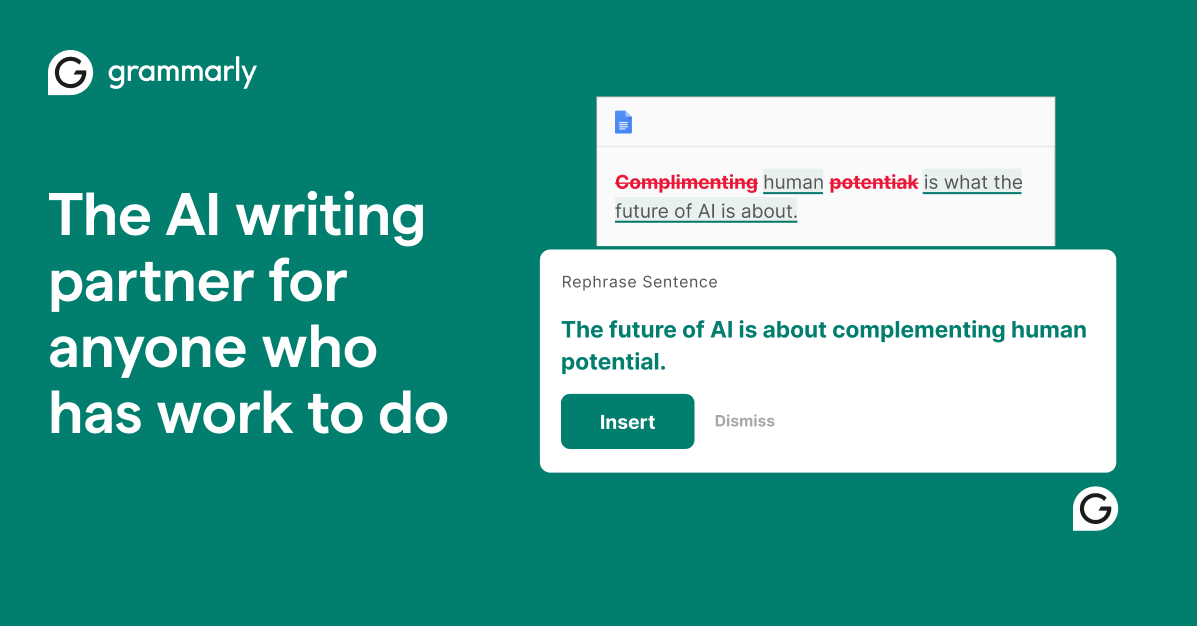
Proofreading and correction
Grammarly checks spelling, grammar, structure, and clarity, with suggestions designed to help writing read more cleanly and correctly.
Grammarly is an AI writing assistant for individuals, teams, and organizations. It helps users write with fewer errors, refine tone, generate text, and revise copy across apps and websites.
The product combines proofreading, rewriting, and prompt-based generation with enterprise-oriented security and admin controls. Its plans range from a free tier for basic writing help to paid Pro and Enterprise options with more advanced writing, collaboration, and governance features.
Grammarly checks spelling, grammar, structure, and clarity, with suggestions designed to help writing read more cleanly and correctly.
Users can rewrite full sentences, improve clarity and flow, and adjust tone so the writing better fits the context.
The product can generate text from prompts, with 100 prompts per month on Free, 2,000 on Pro, and unlimited prompts on Enterprise.
Grammarly includes AI Detector and plagiarism detection on paid plans, helping users review text for AI-generated passages and accidental copying.
Enterprise plans add controls such as custom roles and permissions, SAML single sign-on, data loss prevention, confidential mode, and dedicated support.
Drafting emails, posts, or documents and then checking them for grammar, tone, and clarity before sending or publishing.
Rewriting a rough sentence or paragraph into something more concise, more fluent, or better suited to the audience.
Generating a first draft or starting point from an AI prompt when a user needs help getting words on the page.
Applying style guides, roles, permissions, and data controls when a team needs writing support that fits company governance needs.
Reviewing text for AI-generated content or accidental plagiarism when users need a second pass on originality and source handling.
Grammarly offers free, Pro, and Enterprise plans. The Free plan covers writing without spelling and grammar mistakes, tone checks, and 100 AI prompts per month. Pro adds full-sentence rewrites, tone adjustment, plagiarism and AI-generated text detection, and 2,000 AI prompts. Enterprise includes the Pro features plus team and security controls such as SSO, custom roles, data loss prevention, and dedicated support.
Grammarly writes that it does not sell or monetize user or customer content and does not allow third-party service providers to train their models on user content. The trust center also says users can opt out of product improvement and training in account settings.
Grammarly’s security pages describe privacy, security, compliance, and responsible AI resources, and the pricing page says the product has enterprise-grade privacy and security features. The trust center says Grammarly maintains annual security certifications and third-party security reviews.
The free plan is available at $0 per month, while Pro is listed at $12 per member per month when billed annually or $30 when billed monthly. Enterprise uses contact sales pricing.
トラフィックデータは参考情報としてご利用ください。

aichat1234.com
迅捷AI写作は、論文・小説・業務・コンテンツ制作向けのオンラインAIライティングツールです。テンプレート、オンライン文書作成、多形式出力に対応します。

plume-ai.com
プロンプトを編集可能な文書に変換するWebベースのAIライティングアシスタント

gomoonbeam.com
長文の執筆・編集・チーム協業を支援するAIライティングアシスタント

resea.ai
Resea AIは、学術・業務向けのWebベースのリサーチ・ライティングエージェントです。論文やレポート、業務文書の調査、執筆、修正、引用を支援します。

grantboost.io
資金探しと提案書作成を支援するAI助成金ライティングツール

chatprd.ai
プロダクトマネージャー向けAIプラットフォーム。文書作成、思考支援、ワークフロー連携に対応