Google Sheets logo

Google Sheets

Freemium
訪問

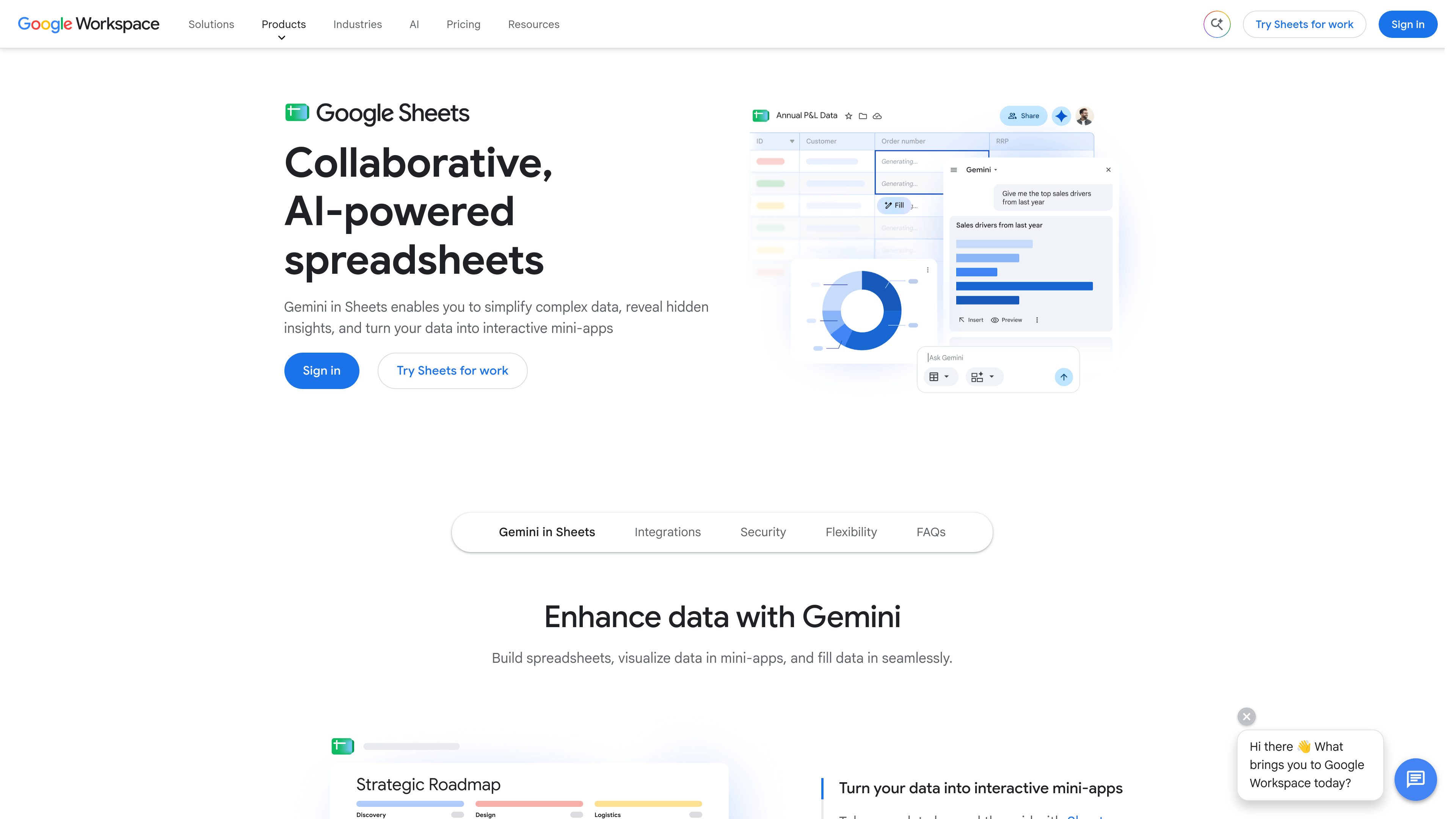
Google Sheets is a cloud-based spreadsheet application for creating, analyzing, and sharing data collaboratively. It supports real-time co-editing, Excel file compatibility, connected data workflows, and Gemini-assisted spreadsheet tasks.

Google Sheetsとは?

Google Sheets is a cloud-based spreadsheet application for creating, editing, analyzing, and sharing spreadsheets. Its core workflow combines spreadsheet calculations and visualization with real-time collaboration: multiple people can work in one file, permissions control access, and revision history supports review and recovery of earlier versions.

Sheets is designed for both routine data work and larger cloud datasets. It can import or directly edit Microsoft Excel files, connect to selected business data sources, and use Connected Sheets to work with BigQuery or Looker data inside the spreadsheet. Gemini-assisted tools can help users create or modify sheets, generate and troubleshoot formulas, populate tables, and find patterns in their data.

The product is available across desktop and mobile devices, with offline editing supported. Anyone with a Google Account can create in Sheets; some Gemini features require Google Workspace or Google Workspace Individual access.

Google Sheetsでできること

Real-time co-editing and access controls

Multiple collaborators can work in the same spreadsheet simultaneously. Sharing settings let owners control who can view, comment, or edit, and revision history enables users to review or revert earlier versions.

Gemini-assisted spreadsheet work

Gemini can build or edit spreadsheets from a prompt, synthesize information from Workspace apps and the web, and use native formulas, pivot tables, and charts in its output.

Formula help and data enrichment

Gemini can write formulas from a plain-language request, explain formula errors, suggest fixes, and populate tables with summarized, categorized, or newly generated data based on an adjacent table.

Sheets canvas and interactive views

Sheets canvas lets users create dashboards, heat maps, Kanban boards, and other interactive mini-apps on top of spreadsheet data without writing code.

Connected data analysis

Connected Sheets provides access to BigQuery or Looker data from within a spreadsheet without requiring users to write SQL, supporting analysis of large cloud datasets.

Excel compatibility and offline access

Users can import Excel files into Sheets or edit Excel files directly without making a copy. Sheets also supports creating, viewing, and editing spreadsheets without an internet connection.

利用シーン

“Collaborative planning and tracking”

Teams can maintain shared plans, trackers, and timelines in one file, with simultaneous editing, controlled permissions, and revision history instead of passing spreadsheet versions between people.

“Operational dashboards and visual boards”

A team can place spreadsheet data into Sheets canvas to create a dashboard, heat map, or Kanban-style board for monitoring work and presenting status in a more interactive format.

“Customer and business data enrichment”

Users can connect selected services such as Asana, HubSpot, Intuit QuickBooks, or Salesforce and use Gemini to summarize, categorize, or extend table data.

“Large-scale data analysis”

Analysts can use Connected Sheets to explore BigQuery or Looker data directly in the spreadsheet, including cloud datasets that are too large for ordinary local spreadsheet workflows.

“Excel-based team workflows”

Organizations moving from Microsoft Excel can import workbooks or edit Excel files in Sheets while using Google’s sharing and collaboration features; Gemini canvas and Fill with Gemini require conversion to Google Sheets format.

よくある質問

Who can create spreadsheets in Google Sheets?

Anyone with a Google Account can create in Sheets. Some Gemini in Sheets features are available only through Google Workspace plans or Google Workspace Individual.

Can Google Sheets open and edit Excel files?

Yes. You can convert Microsoft Excel spreadsheets to Google Sheets format or edit Excel files directly without making a copy; the original file remains intact. Gemini features such as Sheets canvas and Fill with Gemini require conversion to Google Sheets format.

Can several people work in one spreadsheet at the same time?

Yes. Co-editing allows multiple people to work in the same spreadsheet simultaneously. Sharing settings control viewing, commenting, and editing access, while revision history supports reviewing or reverting changes.

Can Sheets work offline?

Yes. Sheets supports creating, viewing, and editing spreadsheets without an internet connection. The supplied source does not specify the setup steps or all feature limitations for offline use.

What kinds of data can Connected Sheets analyze?

Connected Sheets lets users access and analyze BigQuery or Looker data directly from a spreadsheet without writing SQL. The source does not provide a complete list of other supported data sources.

クイック情報

Category
Cloud spreadsheet and collaboration tool
Platforms
Desktop, phone, and tablet
Primary workflows
Spreadsheet creation, data analysis, visualization, and real-time co-editing
AI assistance
Gemini in Sheets for spreadsheet creation, formulas, table population, and data insights
File compatibility
Microsoft Excel import and direct editing
Data connections
Selected third-party services plus BigQuery and Looker through Connected Sheets

Google Sheetsの代替品

Shortcut logo

Shortcut

shortcut.ai

Shortcutは自然言語の指示からExcel編集や財務モデルを自動化するAI製品です。

Microsoft Excel logo

Microsoft Excel

www.microsoft.com

Microsoft Excel is a spreadsheet application for organizing data, building plans and budgets, and turning information into readable insights. Microsoft 365 subscribers can use Copilot in Excel to analyze data, update tables, and uncover patterns.

GPT for Work logo

GPT for Work

gptforwork.com

GPT for Work adds an AI agent and bulk-processing tools to Excel and Google Sheets. It helps spreadsheet users clean, analyze, translate, enrich, and reorganize data, as well as create and check formulas.

Rows logo

Rows

rows.com

Rowsは、コードやSQL、数式なしでデータを取り込み、分析、共有できるスプレッドシート型AIデータアナリストです。

Formulas HQ logo

Formulas HQ

formulashq.com

ExcelとGoogle Sheets向けAIスプレッドシートアシスタント。数式や正規表現、スクリプトを生成・解説

AI Excel Bot logo

AI Excel Bot

aiexcelbot.com

AI Excel Botは自然言語の指示からExcelとGoogle Sheetsの数式を生成し、数式解説、VBAコード生成、Chrome拡張機能にも対応します。