

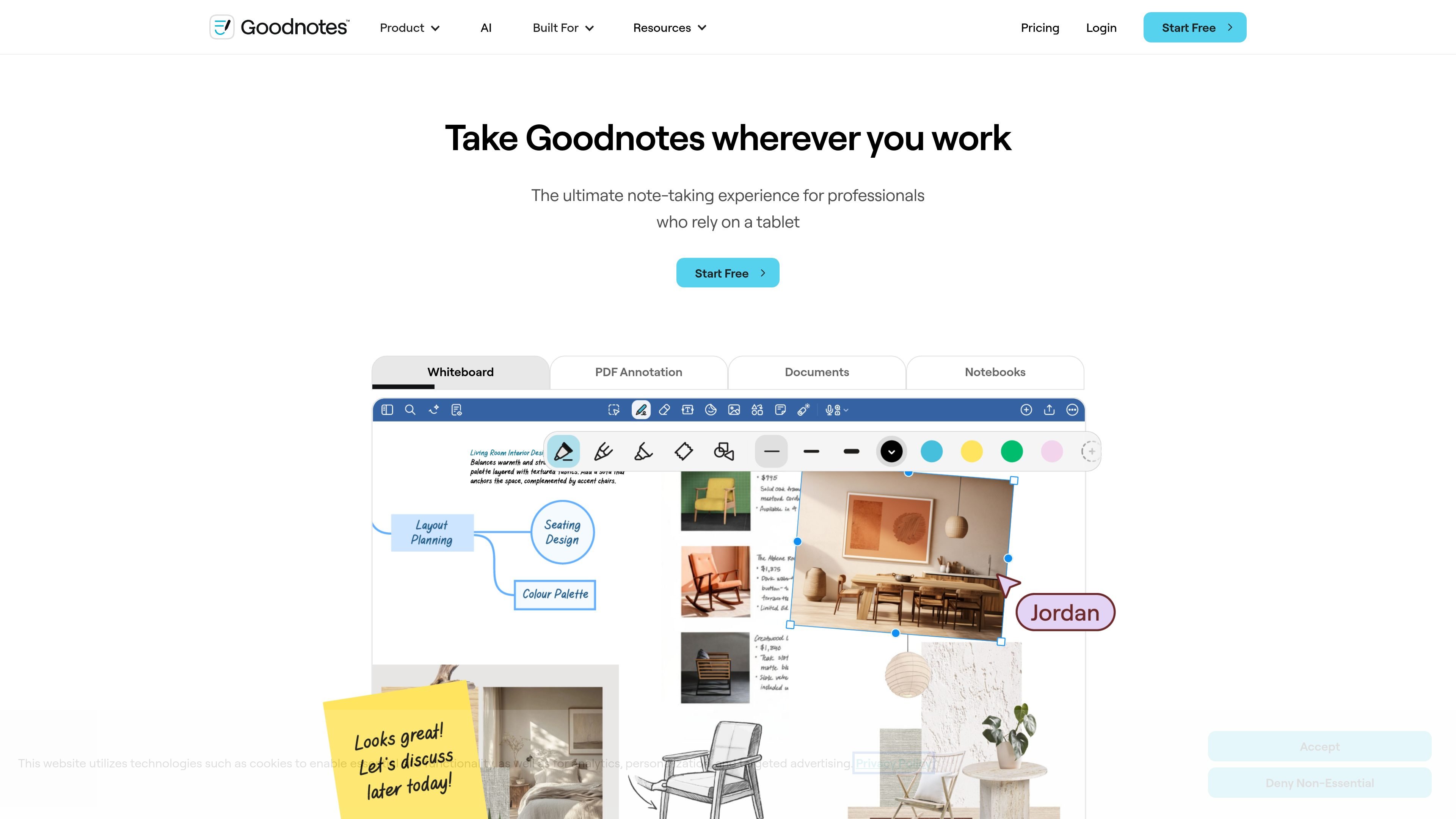
Multiple input modes
Write, type, sketch, or speak in the same workspace. Goodnotes is positioned as a flexible note-taking app rather than a single-format editor.
Goodnotes is a note-taking and collaboration app for handwritten notes, typed documents, PDFs, whiteboards, and meeting work. The site positions it as a flexible workspace for people who want to write, type, sketch, or speak in one place.
It is built for individual and team workflows, with features for real-time collaboration, document review, audio recording, handwriting support, and AI-assisted note use. The site also presents Goodnotes as usable across tablet, phone, and laptop, with plans that range from Free to Enterprise.
Write, type, sketch, or speak in the same workspace. Goodnotes is positioned as a flexible note-taking app rather than a single-format editor.
Annotate PDFs, search annotations, and export when needed. The home page emphasizes reviewing contracts, briefs, and reports without leaving the app.
Work with others across notebooks, documents, and whiteboards in real time. The pricing page also lists comments and link-sharing options on higher tiers.
Use AI tools for handwriting support, Q&A, math help, meeting notes, and turning notes into maps or project plans. The pricing page lists several AI features, with additional AI access available as an add-on on some plans.
Move between tablet, phone, and laptop and keep work in sync across devices. The site presents this as part of a cross-platform workflow for finishing work away from a desk.
Organize work with notebooks, folders, bookmarks, search, templates, and digital stationery. The pricing page also includes storage and notebook limits that vary by plan.
Capture handwritten notes, type into text documents, or mix sketches and audio when you need one place for meeting notes, class notes, or project notes.
Review contracts, briefs, reports, or other PDFs by marking them up directly, searching annotations, and exporting when the work is ready to share.
Work with teammates in shared notebooks, documents, or whiteboards when you need live input without passing files back and forth.
Turn rough notes into next steps with AI tools that can help with Q&A, meeting notes, mind maps, and project planning.
Use Goodnotes on tablet, phone, and laptop when you want to start on one device and continue the same work elsewhere.
Goodnotes is built for note-taking, document annotation, whiteboards, and text documents. The site also highlights real-time collaboration, AI features, and support for both individual and team workflows.
The pricing page shows a Free plan, paid Individual plans, Teams pricing, and an Enterprise option with custom pricing. The site also offers an education-oriented Free option with an Admin console.
Yes. The site says Goodnotes supports real-time collaboration across notebooks, documents, and whiteboards, including shared and private link sharing on higher tiers.
The site highlights collaboration, PDF annotation, meeting notes, audio recordings, handwriting experience, and AI productivity. The home page also says you can use it on tablet, phone, and laptop.
トラフィックデータは参考情報としてご利用ください。
answersai.com
Answers AIは、Web・モバイル・Chromeツールで、学生と教育者に回答、教材、課題支援、採点、進捗管理を提供します。

buildbook-mvp.lovable.app
buildbook is a founder diary for recording the daily work of building a product and turning selected moments into behind-the-scenes posts. It supports private notes, generated artwork, and post drafts for LinkedIn, X, and Reddit.

yapdaily.com
Yap is a voice journal for iPhone that turns a spoken account of your day into a tidy daily page. It is designed for people who want to capture and revisit memories without typing.

heptabase.com
Heptabaseは、学生・研究者・生涯学習者向けのビジュアル知識ベース。ホワイトボード、連携ノート、資料取り込み、AI Tutorで学習を構造化します。

limbiks.com
学習資料をデッキに変換するAIフラッシュカード生成ツール

prodigaltech.com
Prodigalは、ローンサービシングと債権回収のためのAIプラットフォームです。回収エージェント、自動メモ作成、消費者金融チーム向けのエンゲージメントツールを組み合わせています。