
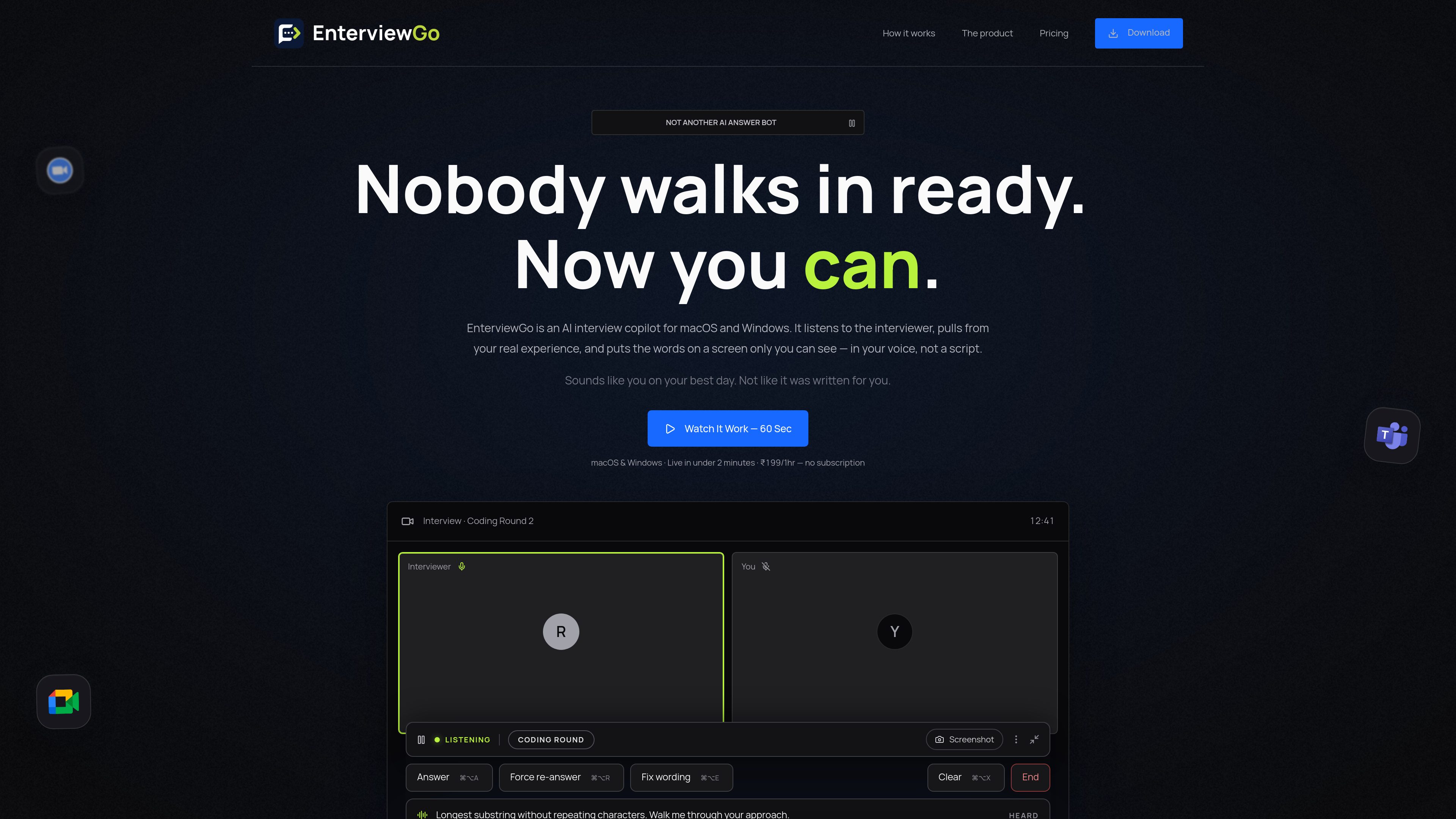
System-audio question detection
The app listens to interviewer audio coming through the computer rather than the candidate’s microphone. It waits for the interviewer to finish and treats detected questions as prompts.

EnterviewGo is a desktop AI interview copilot for macOS and Windows that listens to interviewer audio and displays resume-grounded answer suggestions. It is designed for candidates who want help putting their own experience into words during live interviews.
EnterviewGo is a desktop AI interview copilot for macOS and Windows. It listens to the interviewer through system audio, identifies questions, and displays suggested responses in an overlay while the interview is in progress. Responses are grounded in the user’s uploaded resume and are intended to help the candidate express their own projects, skills, and experience in concise spoken language.
The copilot does not use the candidate’s microphone as its input. It filters out small talk, agreement, praise, and logistics, then waits for the interviewer’s turn to end before generating a response. Users can correct the captured question, force a response, regenerate, edit and resend, or dismiss the result. Sessions are saved as transcripts for later reading.
EnterviewGo is positioned for behavioural interviews, technical discussions, system-design conversations, phone screens, and coding rounds. It can run alongside Zoom, Google Meet, Microsoft Teams, and coding or editing environments. The site reports capture-exclusion verification for live screen sharing in those meeting applications on macOS and Windows, but says recordings, screenshot tools, and other setups should be checked separately.
The app listens to interviewer audio coming through the computer rather than the candidate’s microphone. It waits for the interviewer to finish and treats detected questions as prompts.
After a resume is uploaded, relevant projects, stack, employers, and experience are retrieved for each question. The product states that answers should not add skills or claims absent from the resume.
Small talk, agreement, praise, and logistical remarks are filtered out instead of generating an answer, keeping the workspace focused on questions that need a response.
Users can force an answer when a question is missed, edit and resend a corrected question, regenerate a response, or dismiss a suggestion that is not useful.
The separate interview window uses operating-system capture exclusion. The site reports verification during live screen sharing in Zoom, Google Meet, and Microsoft Teams on macOS and Windows, with other recording and capture setups requiring their own checks.
The desktop app saves each session as a transcript that can be read back after the interview.
Candidates can use resume-based prompts to frame answers around their actual projects, employers, and experience during behavioural questions.
For technical discussions, the overlay can present concise, experience-linked wording while the candidate continues working in the meeting application.
The product’s demonstrated workflow includes coding questions, and the site says it can stay on screen while the user works in environments such as LeetCode or HackerRank.
Because the input is interviewer system audio, the same question-to-suggestion workflow is described for phone screens and meetings held through Zoom, Google Meet, or Microsoft Teams.
It uses the interviewer’s audio coming through the computer’s system audio. The product states that the candidate’s microphone is not an input to the copilot.
You can edit the captured question and resend it. If a question was missed, you can also force an answer; other controls include regeneration and dismissal.
The product says it uploads the resume once and retrieves relevant experience for each question. It is intended to reference the user’s projects, stack, employers, and experience, but the site does not guarantee that every suggestion will be perfect; users should only say what they can defend.
The site reports capture-exclusion verification for live screen sharing in Zoom, Google Meet, and Microsoft Teams on macOS and Windows. It notes that recordings, screenshot tools, and other setups were not part of that testing and should be verified separately.
The site provides macOS and Windows installation steps and says setup takes about two minutes. macOS may require enabling Screen & System Audio Recording and running a Terminal command for the unsigned-app warning; Windows may show a SmartScreen warning requiring More info followed by Run anyway.

senseicopilot.com
Sensei AIは、面接中に構造化された回答を生成するリアルタイム面接 copilotです。

offermore.cc
面试猫は、オンライン面接・筆記試験向けのAI就職支援ツールです。音声・問題のリアルタイム認識、回答提案、知識ベース、 多言語面接、履歴書最適化、面接振り返りに対応します。

acedit.ai
面接練習とブラウザ面接中のリアルタイム指導ができるChrome拡張機能。高度な個別回答とカバーレター生成にも対応。

aina-tech.io
AINA is an AI job-search and career-coaching product for candidates. It builds a professional profile from a candidate’s experience, helps find relevant roles, keeps applications organized, and provides CV reviews and interview practice.

duos-ai.com
Duos is an AI-powered job interview practice app for rehearsing realistic voice interviews, including interviews tailored to a CV, LinkedIn profile, or public job description. It provides interview reports, performance patterns, and practical feedback so candidates can identify what to improve before a real interview.

techscreen.app
リアルタイムの技術面接向けAI面接アシスタント。回答、コーディング支援、安全な画面共有に対応。