
Real-time AI voice conversion
Uses RVC-based voice conversion to change microphone audio into a selected character or community voice while speaking live. Included voices are available in the core app; custom compatible models require Echo Live Pro.

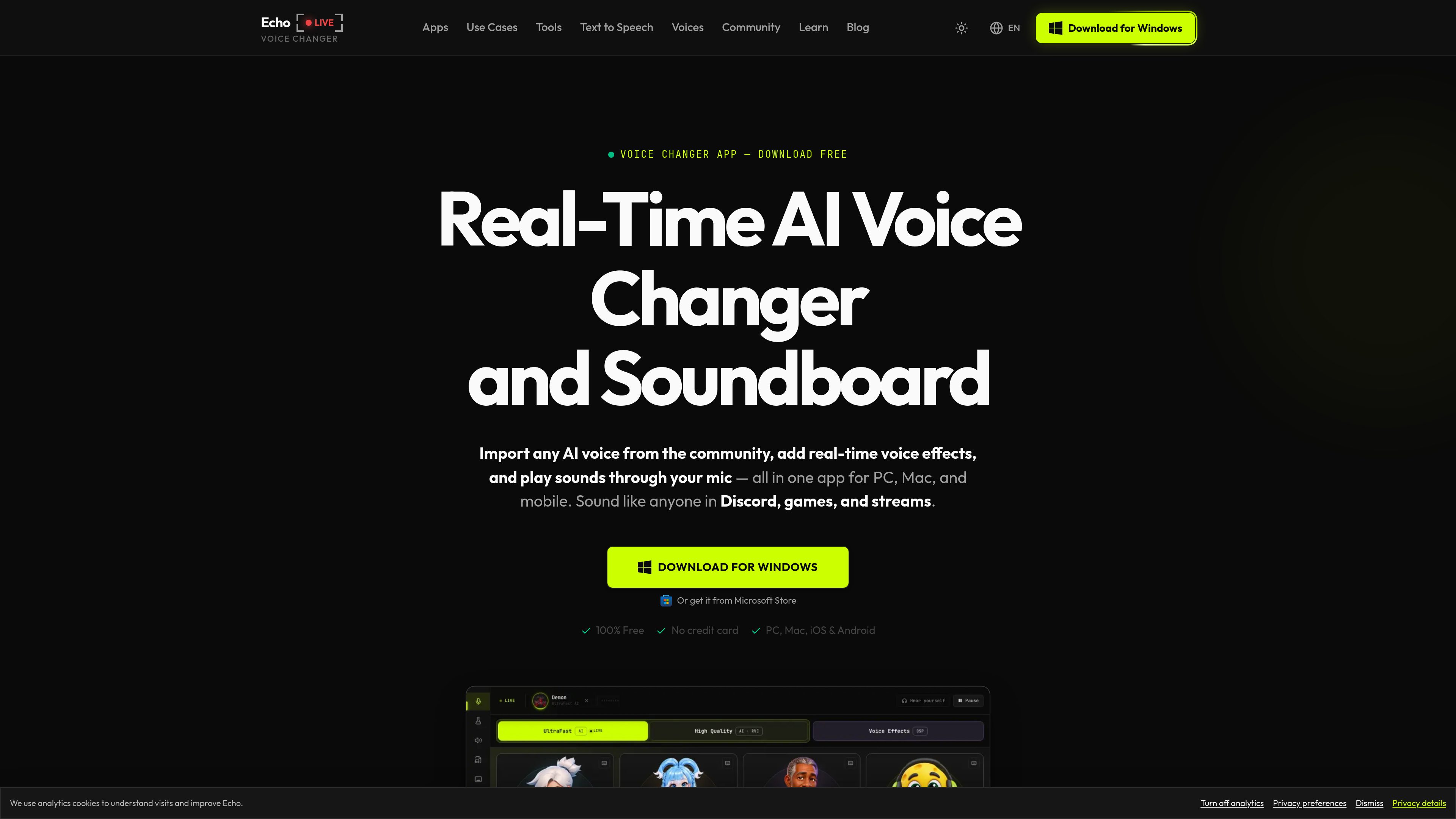
Echo Live is a real-time voice changer for Windows and Apple Silicon Macs that applies AI voice conversion, audio effects, and soundboard audio to microphone input. It is designed for Discord, games, streaming, calls, and other apps that accept a microphone.
Echo Live is a real-time voice changer for 64-bit Windows and Apple Silicon Macs. It processes microphone audio locally, applies AI voice conversion or audio effects, and routes the result through a virtual microphone so it can be used in Discord, games, OBS, calls, and other applications that accept microphone input.
The app combines AI and conventional voice tools with a soundboard and Voice Lab customization. Users can choose included voices and effects, adjust parameters such as pitch, reverb, and compression, and send transformed speech or triggered sounds to another application. An optional Pro plan supports importing compatible custom RVC voice models, while the core app, included voices, and included effects are free to use.
Uses RVC-based voice conversion to change microphone audio into a selected character or community voice while speaking live. Included voices are available in the core app; custom compatible models require Echo Live Pro.
Build a custom voice effect by combining filters and adjusting pitch, reverb, and compression instead of relying only on preset voices.
Trigger meme sounds and custom audio through the microphone path while using voice effects, allowing the output to be heard in a connected game, call, or stream.
Creates a virtual audio input that compatible applications can select as their microphone. The Windows setup flow also supports routing through CABLE Output (VB-Cable) for Discord and game voice chat.
Live microphone processing runs on the device, with built-in noise suppression and Performance Presets ranging from Ultra Low to CPU Safe. Windows GPU acceleration uses DirectML, while Apple Silicon Macs can use CoreML.
Players can select Echo or the configured virtual cable as the microphone in games such as Fortnite, Valorant, Roblox, Minecraft, and other compatible titles, then speak with a chosen voice or effect.
Streamers can route transformed microphone audio into OBS, Twitch, TikTok Live, and other supported streaming tools for character voices, live effects, or soundboard cues.
Users can configure Echo as the input source for Discord, Zoom, Microsoft Teams, Google Meet, Skype, and other calling applications that allow microphone selection.
Creators can generate character speech with the desktop text-to-speech tools, apply RVC conversion, export the result as WAV audio, or save it to the soundboard.
Players can give NPCs or roleplay characters distinct voices in environments such as VRChat and Roll20, using presets or custom Voice Lab effects.
The desktop app supports 64-bit Windows 10 or later and Apple Silicon Macs running macOS 13 or later. Intel Macs are not currently supported. The site also lists Echo availability for iOS and Android, but the desktop requirements apply to Echo Live.
Install and open Echo, allow microphone access, choose your microphone, and complete the virtual-cable setup. In Discord or the game’s voice settings, select Echo or CABLE Output (VB-Cable) as the microphone input.
The core app, included voices, and included effects are free to use without a time limit or credit card. An optional Pro plan unlocks expanded features such as importing custom AI voice models, and the current regional price is shown before checkout.
Yes, Echo Live Pro can import compatible RVC voice models. Free users can use the included voice library and real-time effects.
Live microphone processing happens on the device. Echo still connects to online services for accounts, purchases, updates, and product health. Sharing a Voice Lab effect uploads its settings file, not a microphone recording.
トラフィックデータは参考情報としてご利用ください。

altered.ai
メディア制作とライブ音声向けのAIボイスチェンジャー・音声制作プラットフォーム。

vocs.ai
歌声を選択したAIアーティストの音色に変えるAI音声変換

voice-swap.ai
ミュージシャンやクリエイター向けのAI音声変換ツール

voicemod.net
PCとMac向けのリアルタイムAIボイスチェンジャーとサウンドボード

dubbingai.io
ゲーム、配信、会議向けのリアルタイムAIボイスチェンジャーとサウンドボード。

voicechanger.easeus.com
EaseUS VoiceWave is a Windows real-time AI voice changer for gaming, online chats, meetings, and live streams. It routes modified audio through a virtual microphone and also provides voice presets, sound effects, and custom voice creation.