
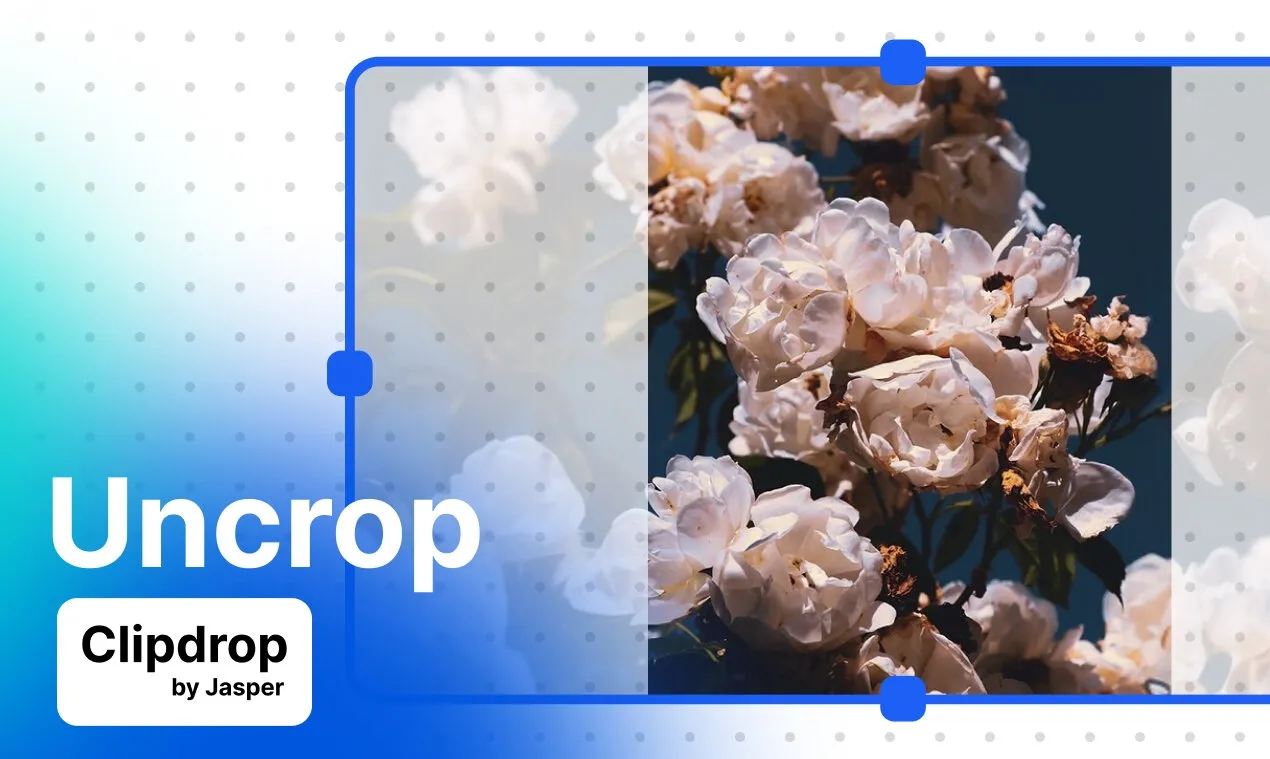
Aspect-ratio expansion
Extend an image beyond its original boundaries to fit a selected new format.

Clipdrop Uncrop expands an existing image beyond its original frame to fit a selected aspect ratio. It is designed for adjusting portraits, artwork, textures, and landscapes when the original composition does not match the intended format.
Clipdrop Uncrop is an AI image-editing tool for changing a photo's aspect ratio by extending the image beyond its original frame. Rather than cropping away parts of an image, it generates additional visual content so the result matches a new format while preserving the central subject or scene.
The workflow is direct: upload or drop an image, select a new aspect ratio, and generate the expanded version. The tool is intended for situations where a portrait, artwork, texture, or landscape needs more surrounding context or a different composition. The available product information does not specify the complete list of supported file formats, output dimensions, or technical limitations.
Uncrop is available as a web tool within Clipdrop. The site also lists Uncrop in its API offering, with documentation and code samples referenced on the APIs page. Clipdrop is now part of Jasper, and the API pages direct users toward Jasper for more current API documentation or service access.
Extend an image beyond its original boundaries to fit a selected new format.
Click or drop a file into the tool, choose the desired aspect ratio, and generate the expanded image.
Add surrounding body, object, or scenery areas when the original image does not provide enough visual context.
The product page presents portraits, art, textures, and landscapes as example applications.
Use Uncrop through the Clipdrop web interface; the APIs page also lists an Uncrop API with documentation and code samples.
Extend the body or surrounding background of a portrait when a taller or wider composition is needed, without relying on a tight crop.
Enlarge the visible canvas around an illustration or other artwork to support a different presentation format.
Extend wood, fabric, metal, or other textures when a larger or differently proportioned surface is required.
Expand a landscape photograph to create a wider, more panoramic presentation.
Adapt an existing image to a new aspect ratio when the destination format calls for a different frame; the source does not identify specific platforms or dimensions.
Clipdrop Uncrop is a tool for editing an image's aspect ratio by extending the image beyond its original frame.
Upload or drop an image into the tool, select a new aspect ratio, and generate the image. Clipdrop states that the generated result matches the selected ratio.
The product page gives portraits, art, textures, and landscapes as example use cases. It does not establish a complete list of supported image types or file formats.
Clipdrop's APIs page lists an Uncrop API and references documentation and code samples. The page also directs users to Jasper for more up-to-date API documentation and API service information.
The Clipdrop pricing page lists Uncrop in its Free tier and also in the Pro plan. The available product information does not establish a current monetary price for Pro.
トラフィックデータは参考情報としてご利用ください。

aiimageextender.com
AI Image Extenderで写真の余白を広げ、さまざまなレイアウトに対応。

extendimage.ai
写真を元のフレーム外まで拡張できるWebベースのAI画像拡張ツール。プロンプトと公開・非公開設定に対応

remade.ai
Remadeは画像・動画・言語モデルを1つのワークスペースに統合した、クリエイティブワークフロー向けAIネイティブキャンバスです。

imglarger.com
画像の拡大・高画質化・拡張・編集・変換に対応するブラウザ型AIツール

www.imejis.io
Imejis.io is an image generation platform with a remote MCP server and REST API for creating, editing, and rendering structured designs. It helps AI-agent users, developers, and automation workflows turn templates or structured data into PNG, JPEG, WebP, and single-page PDF outputs.

photoroom.com
EC向けAI画像編集で背景除去、商品画像作成、出品準備を効率化