

Remote Claude Code approvals
View the exact command or edit behind a permission prompt, then allow it once, for the session, or under a suggested rule. You can also deny it with a typed or dictated reason.
Clair is an independent companion app for Claude Code that sends permission prompts, questions, and plan reviews to an Android phone and optionally a Wear OS watch. It lets users respond away from the terminal, while the first response from Clair or the terminal settles the prompt. A background agent runs on the computer where Claude Code is installed and communicates with the phone through a pairing and relay connection.
View the exact command or edit behind a permission prompt, then allow it once, for the session, or under a suggested rule. You can also deny it with a typed or dictated reason.
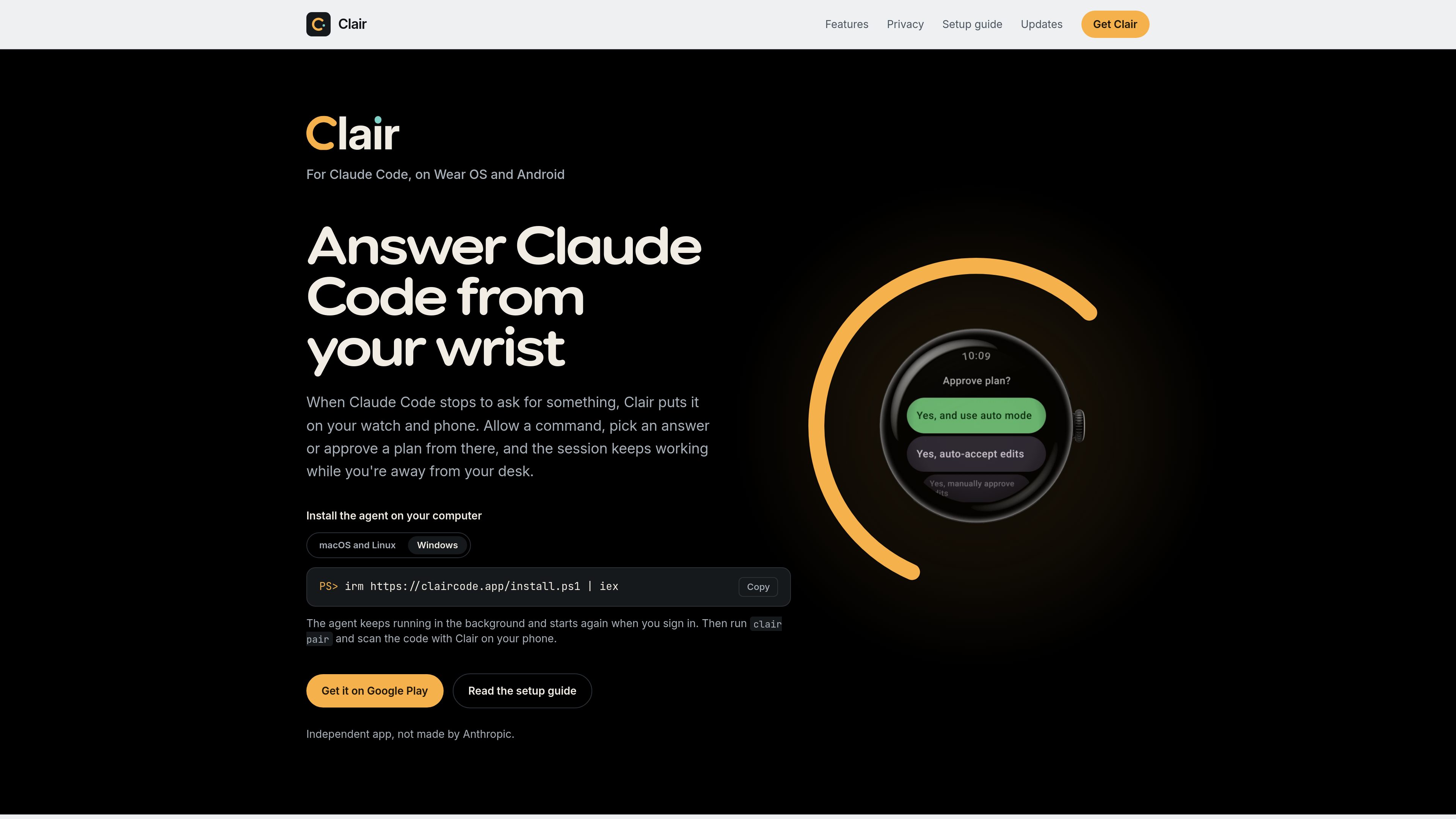
Choose from described options or provide a custom response. For plans, switch to auto mode, auto-accept edits, approve edits individually, or send the plan back with notes.
Every prompt reaches the Android phone, and an optional Wear OS watch can show prompts, sessions waiting for attention, and usage indicators. The phone can be used without a watch.
Prompts remain available in the terminal as well as in Clair. The first answer wins, and the other pending copies clear, allowing users to move between the keyboard, phone, and watch.
The phone app lists paired computers and sessions, including recent prompts, Claude output, tool calls, and background agents or commands. Watch tiles, complications, and the Wear OS 6 watch face provide at-a-glance status.
The computer agent seals prompts before sending them to the relay, and the phone holds the key to open them. The computer and phone can connect from different networks without an open inbound port.
When Claude Code pauses for permission while you are away from the terminal, review the command on your phone or watch and allow or deny it without returning to the computer.
Use an LTE- or Wi-Fi-connected Wear OS watch during a run or away from the phone. The phone must remain on and online, but it does not need to stay within Bluetooth range.
Read a Claude Code plan on the phone or watch and choose an automatic approval mode, approve edits one at a time, or return feedback before work continues.
Pair more than one computer and view sessions together in Clair, with each session labeled by its computer name and waiting sessions placed first.
The phone app requires Android 12 or later. A watch is optional and requires Wear OS 4 or later. The Clair agent supports Claude Code on macOS, Linux, and Windows.
No. The Android phone receives and answers prompts on its own. A watch adds wrist-based prompts, a tile, a complication, and Clair's watch face on supported Wear OS versions.
Install the Clair agent on the computer running Claude Code, run `clair pair`, scan the displayed code with the phone, confirm the pairing, and restart Claude Code so its hooks load.
No. Both connect outward to Clair's relay over HTTPS, so a computer on office Wi-Fi can reach a phone on mobile data without an open inbound port.
Installing Clair and following sessions is free. Answering prompts from the phone or watch requires a Google Play subscription. A free trial may be available if Google Play offers one for the account; without a subscription, prompts can still be answered in the terminal.
トラフィックデータは参考情報としてご利用ください。