
Live session dashboard
Lists active and recent Claude Code sessions with project, path, task, status, model, input/output/total tokens, uptime, and last-active information.

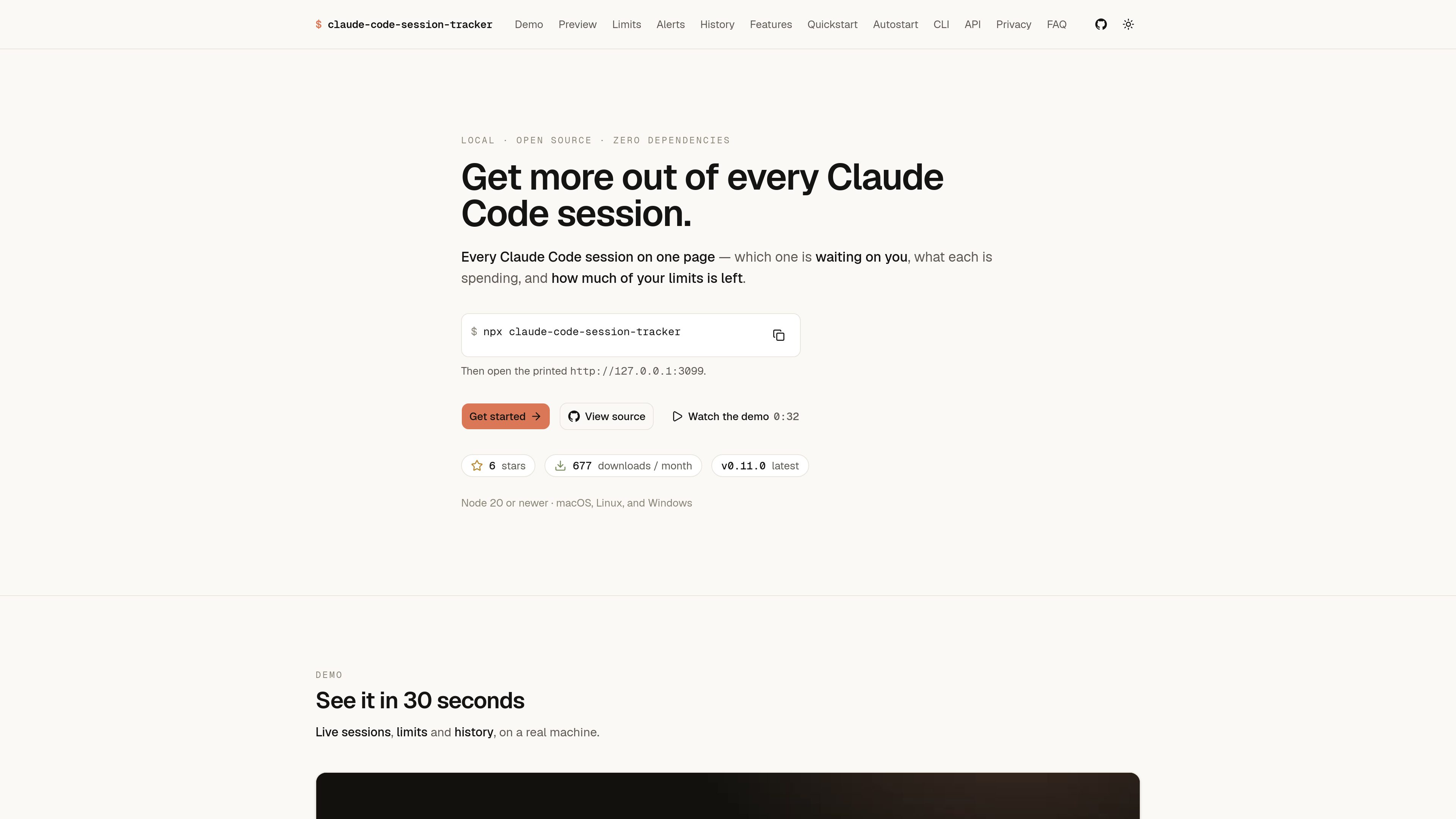
A local dashboard for monitoring Claude Code sessions, token usage, limits, and history.
claude-code-session-tracker is a local dashboard for Claude Code. It brings active and recent sessions into one interface, shows the remaining five-hour and seven-day usage windows, and provides session-level token details. The tool is designed to help Claude Code users understand what is running, what is consuming tokens, and how close they are to a limit.
It also provides a history view for reviewing billed tokens by day, hour, project, and model. Session details include context-window usage and static context sources such as CLAUDE.md, skills, tools, agents, and MCP instructions.
Lists active and recent Claude Code sessions with project, path, task, status, model, input/output/total tokens, uptime, and last-active information.
Displays Claude Code's five-hour session and seven-day weekly windows, including elapsed time, remaining time, usage percentage, reset timing, and an estimate based on recent pace.
Opening a session shows input, output, total, cache read, and cache write figures, plus context remaining and the estimated static context loaded before the first turn.
Separates context contributions such as CLAUDE.md, skills, deferred tools, agents, and MCP instructions to help identify what fills a session window.
Charts billed tokens by local day and supports views by day, hour, project, and model, with selectable ranges, summary totals, export, and a shareable visual.
Can notify users before a session or weekly window is expected to run past its limit. Notifications are off by default and use separate intervals for the two windows.
Use the sessions view to see which Claude Code project is busy, waiting for input, or idle without switching between individual terminal workflows.
Open a long or expensive session to compare input, output, cache activity, turns, and static context, then identify context sources that may be contributing to window usage.
Check the current five-hour and seven-day readings, reset times, and pace-based projections before starting additional Claude Code work.
Use the history page to compare token activity across days, hours, projects, and models, and export the report for a separate record.
Enable desktop notifications when working in a background browser tab or editor and receive an alert when a usage window is on course to exceed its limit.
Run `npx claude-code-session-tracker`, then open the printed local address, shown by the site as `http://127.0.0.1:3099`.
The site lists Node 20 or newer and macOS, Linux, and Windows support.
The product is described as local and read-only, bound to loopback, with the statement that nothing leaves the machine.
It displays a five-hour session window and a seven-day weekly window, including their remaining time, reset timing, usage, and pace-based projection.
Yes. Desktop notifications are available for both windows, but they are off by default. The settings provide separate notification intervals for the session and weekly limits.
トラフィックデータは参考情報としてご利用ください。
