
Browser panes and workspaces
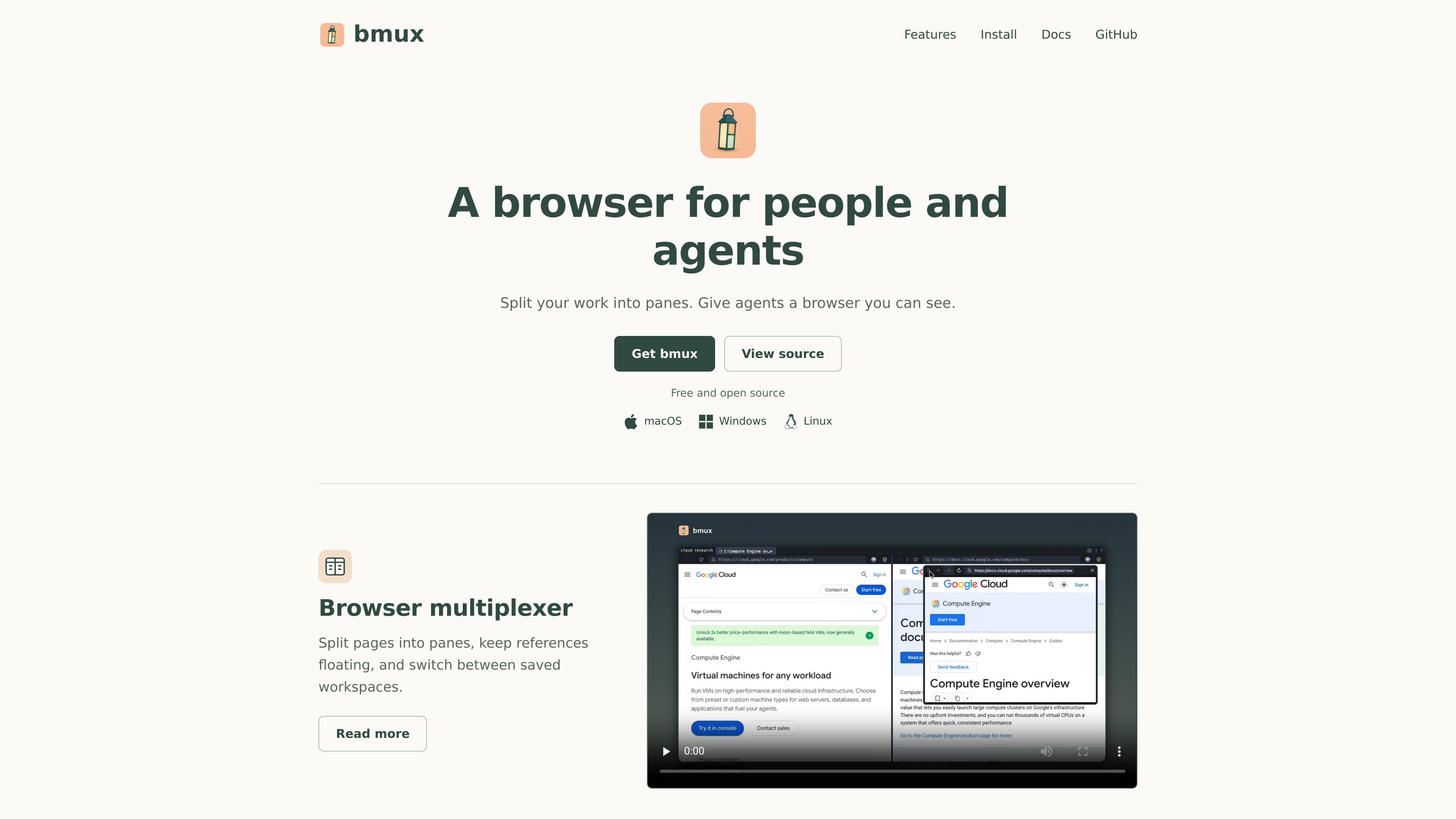
Split pages into panes, keep references floating, and switch between saved workspaces to organize multi-page browsing.

An open-source browser for split panes, agent-controlled sessions, mobile simulation, and monitored browser workers.
bmux is a desktop browser for people and agents. It combines split-pane browsing, saved workspaces, agent control, mobile-device simulation, and monitoring for browser workers in one interface. Its core purpose is to make multi-page work and visible browser automation easier to organize.
The browser multiplexer divides pages into panes, keeps references floating, and lets users switch between saved workspaces. For agentic browsing, a pane can be controlled from the CLI while multiple agents work in independent profiles. The homepage also describes automated scraping that combines profile connections, simulated devices, and monitored browser workers.
bmux is available for macOS, Windows, and Linux and is presented as free and open source. The bundled CLI requires Node.js 22.12 or newer; Linux host setup additionally lists Xvfb and system libraries.
Split pages into panes, keep references floating, and switch between saved workspaces to organize multi-page browsing.
Control a browser pane from the command line while keeping the activity visible in bmux.
Watch several agents work in separate browser profiles, providing distinct environments for concurrent agentic browsing.
Choose a phone preset, browse a mobile layout, and switch orientation without leaving the browser.
Combine profile connections, simulated devices, and browser workers that can be monitored together for automated scraping workflows.
Download bmux for macOS, Windows, or Linux, with macOS installation available through Homebrew or a DMG.
Use split panes and saved workspaces to keep related pages and floating references together while moving between browsing tasks.
Give agents a visible browser pane, control it through the CLI, and observe multiple agents working in independent profiles.
Select a phone preset, inspect a site's mobile presentation, and change orientation during responsive browsing checks.
Combine profile connections and simulated devices with browser workers when a scraping process needs visible monitoring.
bmux is a desktop browser that combines split panes, saved workspaces, agent control, mobile-device simulation, and browser-worker monitoring.
The homepage lists downloads for macOS, Windows, and Linux. Linux packages include x64 and ARM64 host options.
Yes. The homepage says a pane can be controlled from the CLI. The bundled CLI requires Node.js 22.12 or newer.
Users can choose a phone preset, browse a mobile layout, and switch orientation without leaving bmux. The source does not specify the complete preset list.
The documented Linux setup lists Node.js 22.12 or newer, Xvfb, and host system libraries. It also provides x64 host commands using the downloaded archive.
トラフィックデータは参考情報としてご利用ください。