
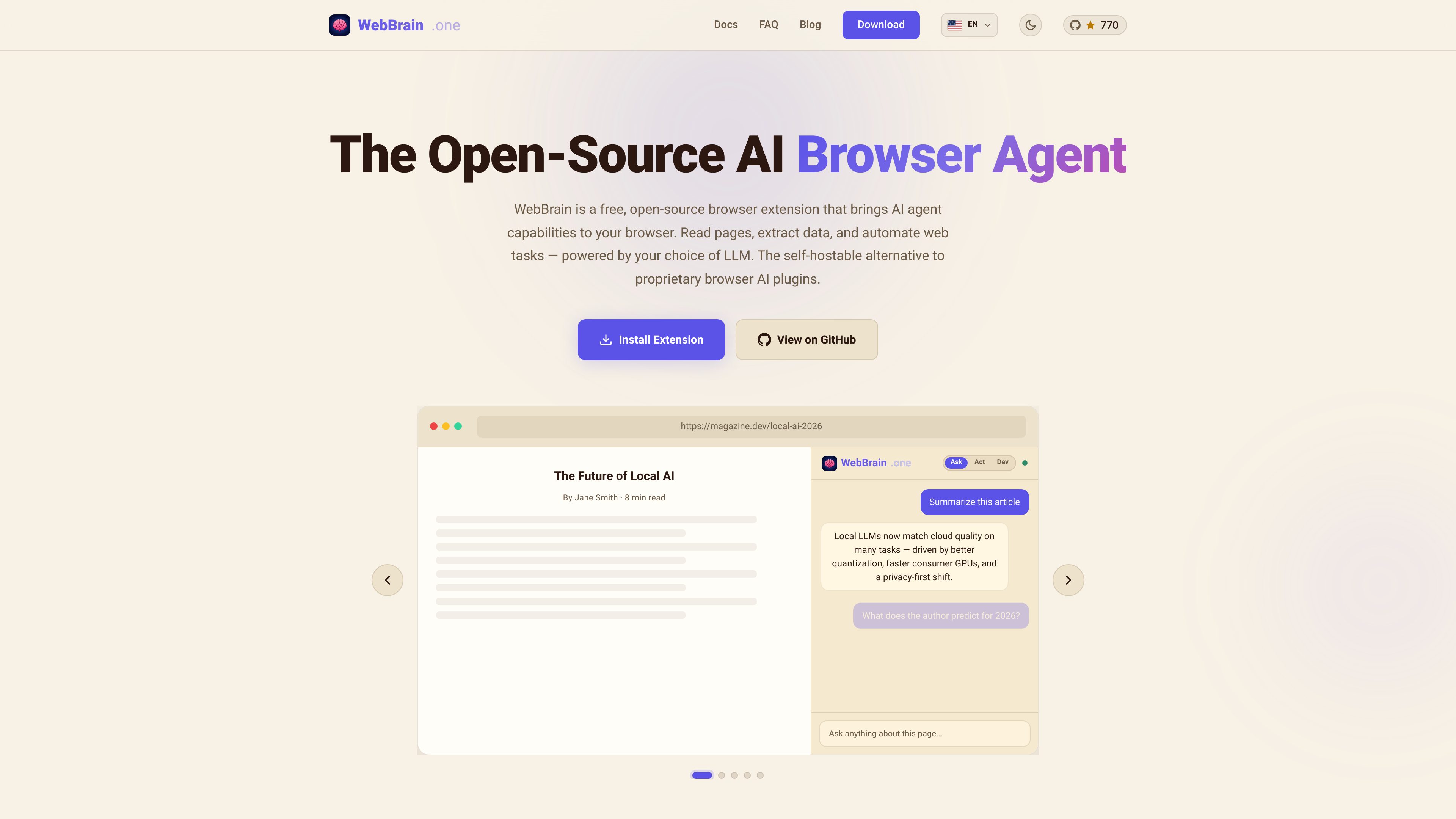
Page understanding
Reads articles, docs, dashboards, and forms, then answers questions based on the current page content.

WebBrain è un’estensione del browser gratuita e open source che porta le funzionalità degli agenti AI su Chrome, Firefox ed Edge. Legge le pagine, estrae dati e automatizza le attività del browser con il provider LLM che preferisci, inclusi i modelli locali.
WebBrain is a browser extension that adds AI agent features to your browser sidebar. It can understand pages, answer questions from the current content, extract structured data, and automate tasks such as clicking, typing, scrolling, and navigating.
The product is designed as a free, open-source alternative to proprietary browser AI tools. It supports Chrome, Firefox, and Edge, and the docs say it works with multiple LLM providers, including local models that can run entirely on your machine.
Reads articles, docs, dashboards, and forms, then answers questions based on the current page content.
Clicks, types, scrolls, navigates, and interacts with pages on your behalf for repetitive or multi-step browser work.
Extracts tables, lists, links, and form data from web pages and can work with PDFs as well.
Works with local llama.cpp setups, OpenAI, Claude, and OpenRouter, so users can choose the model and deployment style they prefer.
Supports local LLM use for reduced data leakage and is described as open-source with no telemetry, tracking, or accounts required.
Uses smart context management to reduce token overflow, starts in read-only Ask Mode by default, and asks before consequential actions.
Open a page in the browser and ask for a summary or a direct answer from the visible content, without copying text into another tool.
Use natural language prompts to pull names, prices, addresses, links, or other structured fields from a page, including PDFs.
Let the agent click through pages, fill forms, scroll, and navigate when a workflow requires multiple browser actions.
Run WebBrain with a local LLM when you want browser assistance without sending page content to a cloud model.
Use profile autofill for saved plaintext details so the agent can move through simple sign-up flows more quickly, while keeping the feature off by default.
Yes. The site describes WebBrain as a free, open-source browser extension, and the FAQ says it is a free alternative to Claude's browser plugin.
The FAQ says WebBrain has versions for Chrome, Firefox, and Edge, with identical features across the Chrome and Firefox builds.
The product page says it works with local llama.cpp models, OpenAI, Claude, and OpenRouter. The docs also say you can connect any OpenAI-compatible API or run a local model.
It can read page content, answer questions, extract structured data, and automate browser actions such as clicking, typing, scrolling, and navigating.
Yes. The site says you can run it with a local model, and the docs describe local LLM use as a privacy-oriented option that can keep data on your machine. It does not claim fully offline use for every feature in every setup, so availability depends on the model and configuration.
I dati sul traffico sono solo a scopo di riferimento.

harpa.ai
Estensione Chrome e agente browser che combina modelli AI e automazione web per navigare, scrivere, riassumere ed estrarre dati.

chat4data.ai
Chat4Data è un’estensione Chrome di web scraping con IA che estrae dati strutturati tramite prompt in linguaggio naturale, supporta più pagine ed esporta in CSV, XLSX o JSON.

pandaextract.com
Estensione Chrome per estrarre dati strutturati dai siti web, con esecuzioni locali e cloud.

okaapps.com
Aye è un browser AI per Mac e Windows che delega attività ripetitive su siti web reali, come scaricare contenuti multimediali, rispondere alle email di supporto e gestire i social. Pianifica, agisce e verifica i risultati, lasciando i passaggi sensibili all’approvazione dell’utente.

oxylabs.io
Piattaforma di dati web con proxy, API di scraping, strumenti browser e dataset personalizzati per AI, ricerca, e-commerce, marketing e sicurezza.

reworkd.ai
Reworkd è una piattaforma end-to-end di web scraping che usa gli LLM per analizzare le pagine, generare codice di estrazione e automatizzare la raccolta dei dati.