
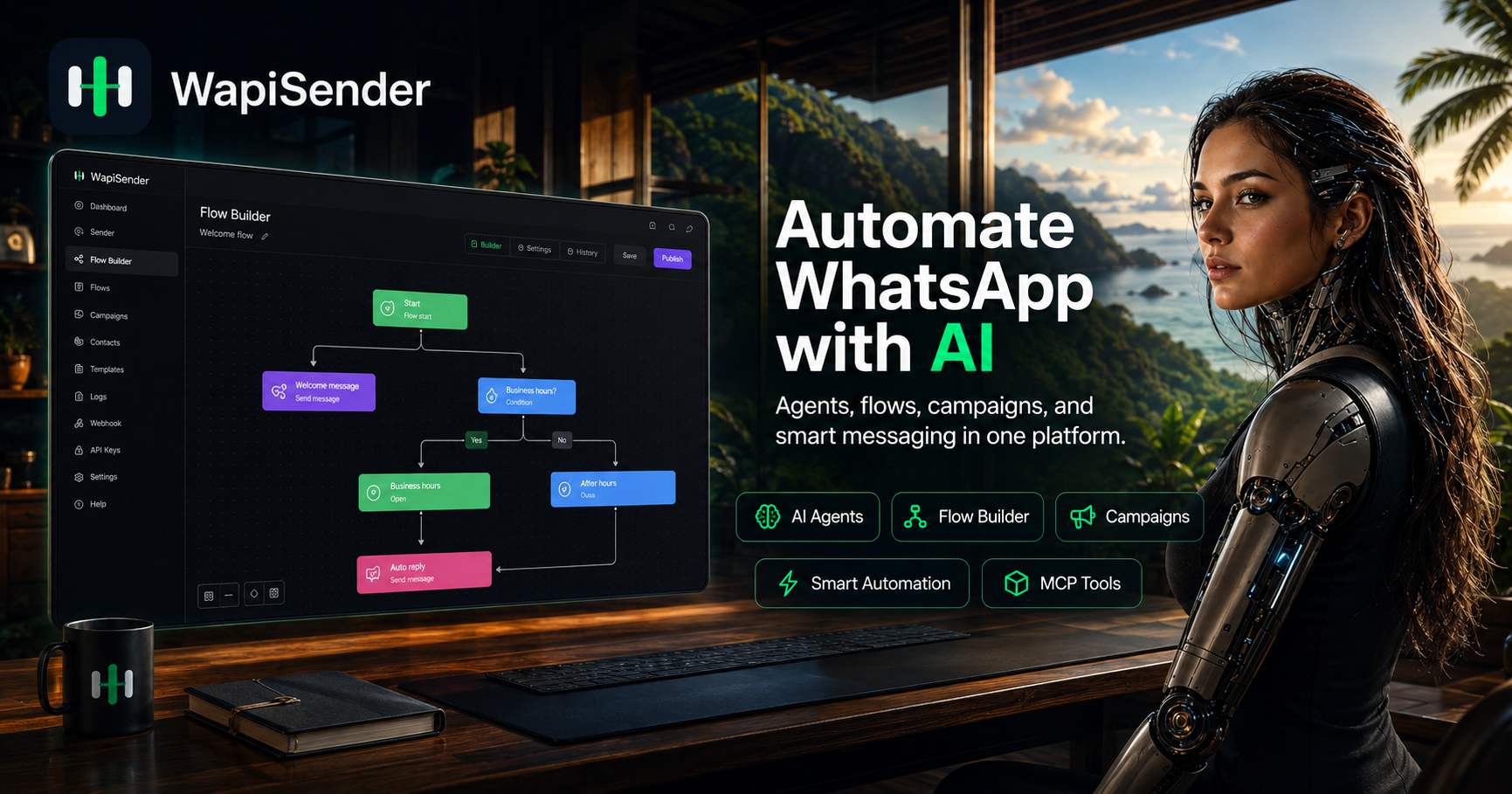
Visual WhatsApp Flow Builder
Create conversational workflows with drag-and-drop logic, keyword or message triggers, conditions, delays, webhooks, variables, and end nodes without assembling separate scripts.

WapiSender è una piattaforma di automazione WhatsApp per creare conversazioni assistite dall’AI, flussi di lavoro visivi, campagne e integrazioni, con progettazione no-code, API, webhook, SDK e un server MCP.
WapiSender is a WhatsApp automation platform that combines a visual flow builder with programmable APIs and AI-assisted conversation tools. Teams can connect a WhatsApp account, create message and branching logic, and automate support, sales, lead capture, notifications, and follow-up workflows.
The platform supports both dashboard-based and developer-led implementation. Its flow builder can trigger on keywords or incoming messages, send text and rich media, wait or branch based on conditions, call external webhooks, and use an AI Agent node for classification, reply generation, routing, or lead-data extraction. Developers can also work through the API, SDKs, webhooks, or the official MCP server for Claude Code.
Create conversational workflows with drag-and-drop logic, keyword or message triggers, conditions, delays, webhooks, variables, and end nodes without assembling separate scripts.
Use an OpenAI, Claude, Gemini, xAI, OpenRouter, or Ollama setup inside a flow to generate replies, classify intent, route conversations, or extract lead information.
Send text, images, videos, audio, documents, contacts, locations, interactive buttons, and list menus through the API or supported developer libraries. Official resources include Node.js, Python, and Laravel tooling, with additional language examples documented.
Receive events for messages, message status, delivery and read receipts, connection changes, contacts, chats, groups, and presence to connect WhatsApp activity with external systems.
The official MCP server provides tools for messaging, contacts, flows, webhooks, instance switching, authentication, and AI credentials from Claude Code. The documented setup requires Node.js 20 or later.
Capture structured fields such as name, email, intent, and fit signals, send them to a CRM-connected webhook, store returned values in variables, and route the next step according to CRM results.
Qualify prospects in WhatsApp, collect structured lead fields, send the payload to a CRM through a webhook, and direct the conversation according to ownership, queue, or qualification results.
Use triggers, FAQ-style replies, conditions, AI classification, and human handoff paths to triage incoming support conversations and update ticket-related workflows.
Start from a booking flow, gather details through messages, wait for replies, apply conditions, and use a webhook when an external scheduling system needs to be consulted.
Combine webhook data with automated messages to send order status, delivery notifications, receipts, or post-purchase support responses.
Send real-time notifications, reminders, and personalized sales follow-ups through WhatsApp based on events from an application or CRM.
No single CRM is required by the documented CRM workflow. The integration pattern uses webhooks, variables, conditions, and returned context, so it can be adapted to different CRM setups.
Yes. A flow can call an external webhook, save response values into variables, and use those values to determine the next message or route.
The site describes connecting an account by scanning a QR code. After connection, users can create messages and workflows through the dashboard or integrate through the API.
Yes. The official MCP server connects Claude Code to WapiSender for messaging, contacts, flows, webhooks, and AI credentials. The documented quick start requires Node.js 20 or later and an MCP token.
The flow-builder documentation describes previewing flow logic, debugging routes and message content, and testing before running a live automation on a WhatsApp instance.
I dati sul traffico sono solo a scopo di riferimento.

spoki.it
Spoki è una piattaforma basata su WhatsApp per automatizzare campagne, assistenza e vendite con flussi di lavoro AI e oltre 100 integrazioni.

flowhunt.io
Piattaforma di agenti AI no-code per chatbot e flussi di lavoro automatizzati

seasalt.ai
Piattaforma di chatbot AI e automazione del servizio clienti per WhatsApp, siti web e social media.

ideta.io
Piattaforma no-code per creare chatbot, callbot, live chat e automazioni

glue.ai
Glue è una piattaforma di chat assistita dall’AI per team, con thread persistenti, agenti, app desktop e mobile, prova gratuita e sicurezza per gli spazi di lavoro.

prohost.ai
ProhostAI è una piattaforma di IA per host e property manager di affitti brevi, che integra messaggistica con gli ospiti, flussi di lavoro, pulizie, attività, guide e prenotazioni dirette.