
System-wide dictation
Speak into text fields across applications such as Slack, Gmail, Notion, VS Code, Google Docs, messaging apps, and terminals.

Walkie è un’app di produttività vocale che consente di dettare testi rifiniti in qualsiasi applicazione, trascrivere riunioni, leggere testi ad alta voce ed eseguire a mani libere determinate azioni sul computer. Supporta le piattaforme desktop e iPhone e offre la trascrizione nel cloud o interamente sul dispositivo.
Walkie combines system-wide speech-to-text, meeting transcription, text-to-speech, and voice commands in one application. Users can hold a shortcut, speak, and place transcribed text into the app they are using, including email, messaging, notes, documentation, coding, and terminal workflows. Cloud Mode can clean up filler words, grammar, and formatting, while On-Device Mode is designed for offline use and local processing.
The app also records meetings from the computer, labels the speakers, creates notes during the conversation, and retains transcripts. For reading, users can select text, add a PDF, or use a shortcut or context menu to hear content in one of more than 950 voices, with word highlighting during playback. Walkie additionally supports voice commands and an experimental agent for tasks such as opening apps, checking information, and sending an email.
Speak into text fields across applications such as Slack, Gmail, Notion, VS Code, Google Docs, messaging apps, and terminals.
Cloud Mode formats and edits speech in one step; On-Device Mode keeps transcription fully offline when local processing or offline access is preferred.
On macOS, Walkie adapts output to the current context, using structured formatting for emails, casual one-line text for chats, and literal output for code and terminal commands.
Record computer audio with your voice and other speakers labeled, while Walkie produces notes during the meeting and saves the transcript.
Hear selected text or PDF content in more than 950 voices, with playback highlighting each word.
Use voice commands to open apps or URLs, use snippets for repeated phrases, translate spoken input, and ask the experimental agent for spoken answers or actions.
Dictate a message in Gmail, Slack, iMessage, WhatsApp, or another text field and have the output shaped for the communication context.
Record a call directly from the computer, follow speaker-labeled transcription, and refer to notes generated as the discussion progresses.
Capture ideas in Notion or notes, dictate into documents, or listen to PDFs and selected passages instead of reading them on screen.
Dictate comments, documentation, and commit messages in an editor while keeping code and terminal text literal where supported.
Open applications and URLs, retrieve information, or trigger supported actions through voice commands and the experimental agent.
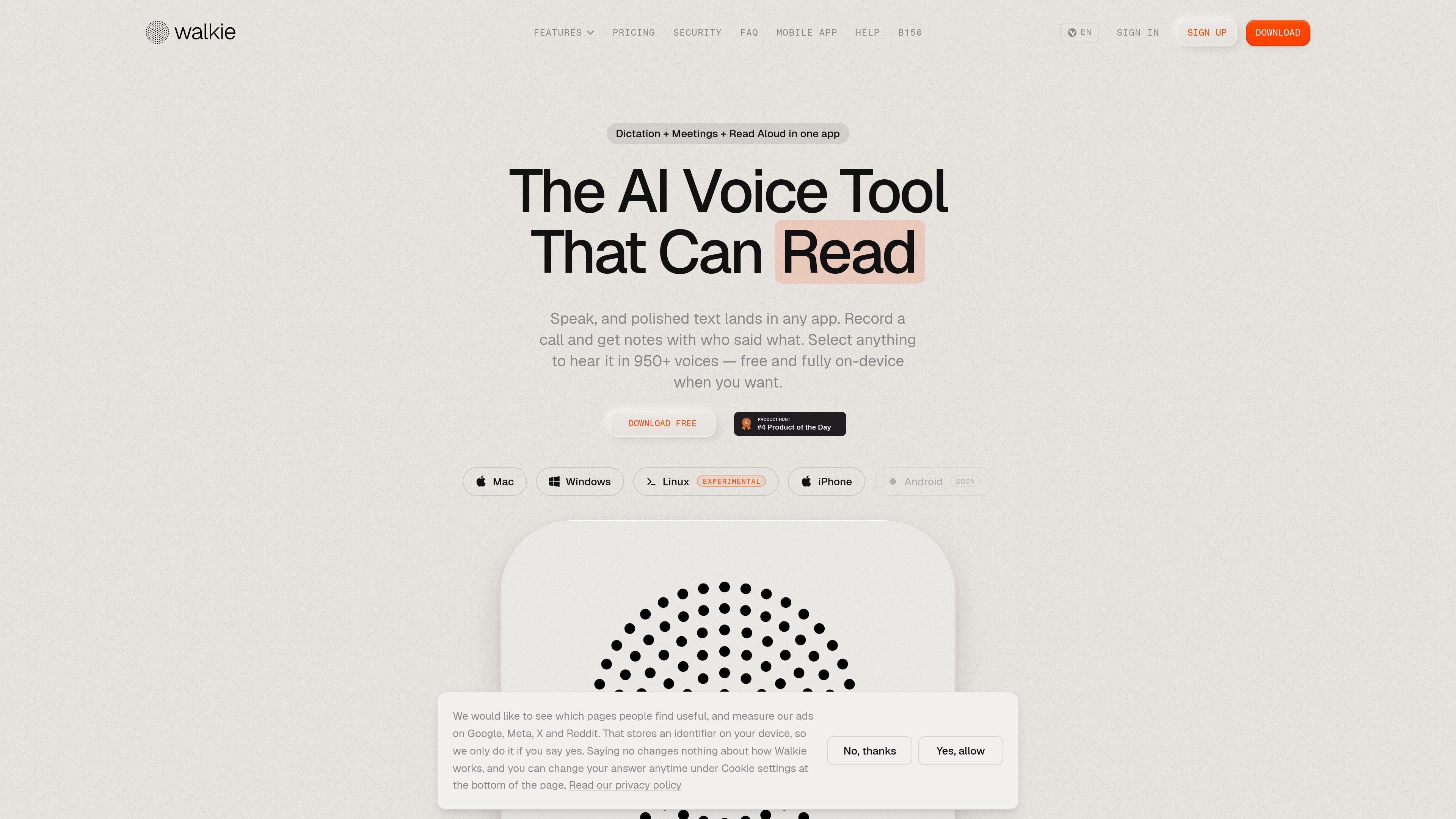
Walkie converts speech into text in the application you are using, transcribes meetings, reads text aloud, and provides voice commands for selected computer actions.
Yes. Its On-Device Mode is described as fully offline. Cloud Mode is available when users want cloud-based transcription, formatting, and automatic edits.
The site lists Mac, Windows, Linux, and iPhone. Android is marked as coming soon. Some capabilities, including app-aware formatting and sentence rewriting, are identified as macOS-only for now.
Walkie records the call directly from the computer, including the user’s voice and other participants, and the site says that no bot joins the meeting.
The site states that 2,000 cloud words per week are included for free. On-device transcription is also presented as free and fully offline.
I dati sul traffico sono solo a scopo di riferimento.

yapdaily.com
Yap è un diario vocale per iPhone che trasforma le registrazioni parlate in pagine giornaliere ordinate, da rileggere in seguito. È pensato per chi preferisce parlare anziché scrivere e desidera un flusso di journaling privato con trascrizione sul dispositivo.

recordmeeting.com
RecordMeeting è uno strumento basato sul browser per registrare e trascrivere le riunioni in Google Meet, con supporto aggiuntivo per Zoom e Microsoft Teams. Crea note AI e consente di condividere e organizzare le registrazioni in uno spazio di lavoro privato.

meetstream.ai
MeetStream offre un’unica API per creare bot per riunioni in grado di partecipare, registrare, trasmettere e trascrivere riunioni su Zoom, Google Meet e Microsoft Teams. È pensato per sviluppatori e team che realizzano prodotti per riunioni con AI, automazioni e flussi di lavoro di analisi.

teameet.cc
Riunioni video multilingue con traduzione vocale AI, sottotitoli, trascrizione, registrazione e controlli per l’host

tryassistly.com
Assistly è un assistente per riunioni in diretta per macOS e Windows: offre indicazioni in tempo reale durante le chiamate e ne prepara un riepilogo al termine. Funziona direttamente dal computer senza partecipare come bot e rende disponibile la cronologia delle chiamate alle app collegate tramite un server MCP.

meetgeek.ai
Assistente AI per registrare, trascrivere, riassumere e organizzare riunioni