
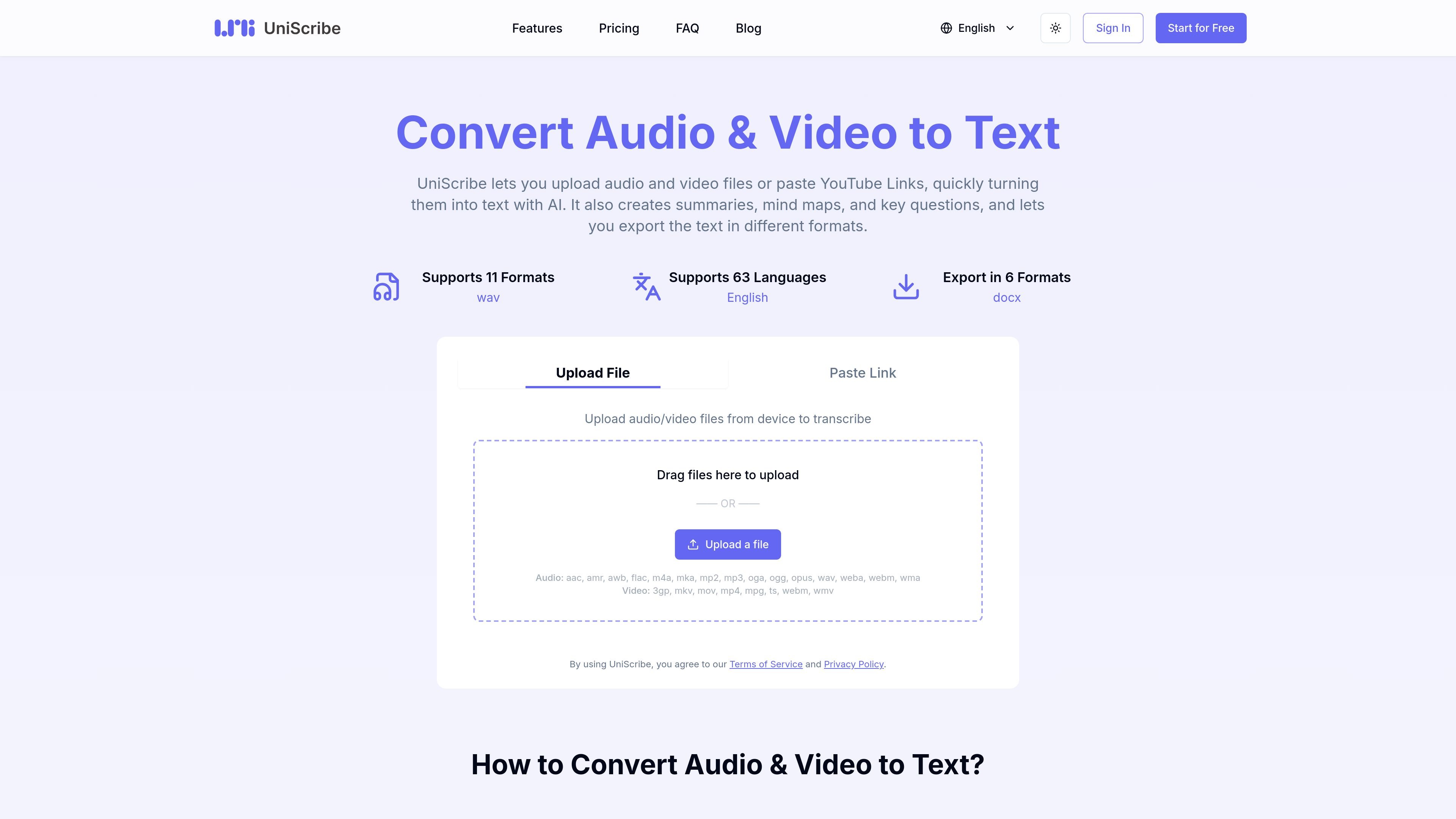
File upload and link-based transcription
Upload audio or video files from your device, or paste a YouTube or other online video link, then start transcription from a single workflow.

Trascrivi audio e video, quindi crea riepiloghi, mappe mentali e domande chiave.
UniScribe is an online audio and video transcription service that converts uploaded files or pasted video links into text. The site positions it as a simple way to turn recordings into transcripts without a desktop workflow or manual typing.
Beyond transcript generation, UniScribe also produces summaries, mind maps, and key questions, and it offers export options for text and subtitle formats. The pricing page shows a free tier plus paid plans with longer file limits, higher volume, and additional features such as speaker identification and API access.
Upload audio or video files from your device, or paste a YouTube or other online video link, then start transcription from a single workflow.
The product turns speech into text and presents exportable transcripts for common document and subtitle formats.
UniScribe can generate short summaries, mind maps, and key questions from uploaded media to help review the content after transcription.
The site lists export formats including TXT, PDF, DOCX, SRT, CSV, and VTT, plus a shareable transcript link.
Paid plans include speaker identification, AI translation, bulk transcription, and an API for programmatic access.
The pricing page indicates transcription support across 63 languages, with language examples shown on the languages page.
Upload recorded meetings, interviews, lectures, or notes and convert them into readable text for review or editing.
Paste a YouTube link to get a transcript without downloading the video first, which suits online talks and tutorials.
Use the generated summary, mind map, and key questions to review long recordings more quickly or prepare study notes.
Export transcripts as DOCX, PDF, TXT, SRT, CSV, or VTT when you need a document, subtitle file, or data file.
Use paid-plan features such as speaker identification, bulk transcription, or API access when you need more volume or programmatic workflows.
Yes. The site shows a free plan with no credit card required. It includes 120 transcription minutes per month, one file at a time, up to 30 minutes per file, and limited to 3 files per day.
UniScribe supports audio and video uploads, and the site lists common formats such as AAC, MP3, WAV, FLAC, M4A, MP4, MOV, MKV, WMV, and WebM.
The site says transcription usually takes less than a minute for a 1-hour file, though actual timing can vary by file and workload.
Export options listed on the site include TXT, PDF, DOCX, SRT, CSV, and VTT. The product also lets you share a link to view the transcript directly.
The pricing page says paid plans include 63-language transcription. The languages page lists examples such as German, English, Spanish, French, Italian, Dutch, Polish, and Portuguese.
I dati sul traffico sono solo a scopo di riferimento.

transkriptor.com
Transkriptor trasforma audio e video in testo modificabile con l’IA, per riunioni, lezioni, interviste, chiamate e note vocali. Disponibile su web, desktop, dispositivi mobili e Chrome, con riepiloghi, esportazioni e vocabolario personalizzato.

transcribeme.app
Trascrizione audio e video via browser, con riepiloghi e traduzioni

yescribe.ai
Trascrizione online di audio e video in 98 lingue, con riepiloghi AI e piano gratuito per iniziare.

soundtype.ai
SoundType AI converte registrazioni audio e video in testo ricercabile, con riepiloghi, identificazione dei parlanti ed esportazione.

wavoai.com
WavoAI trascrive l’audio e crea riepiloghi con IA, riconoscimento dei parlanti e insight.

dictationer.com
Dictationer trascrive audio e video e trasforma i contenuti in sottotitoli, riepiloghi, traduzioni e bozze pronte per la pubblicazione.