
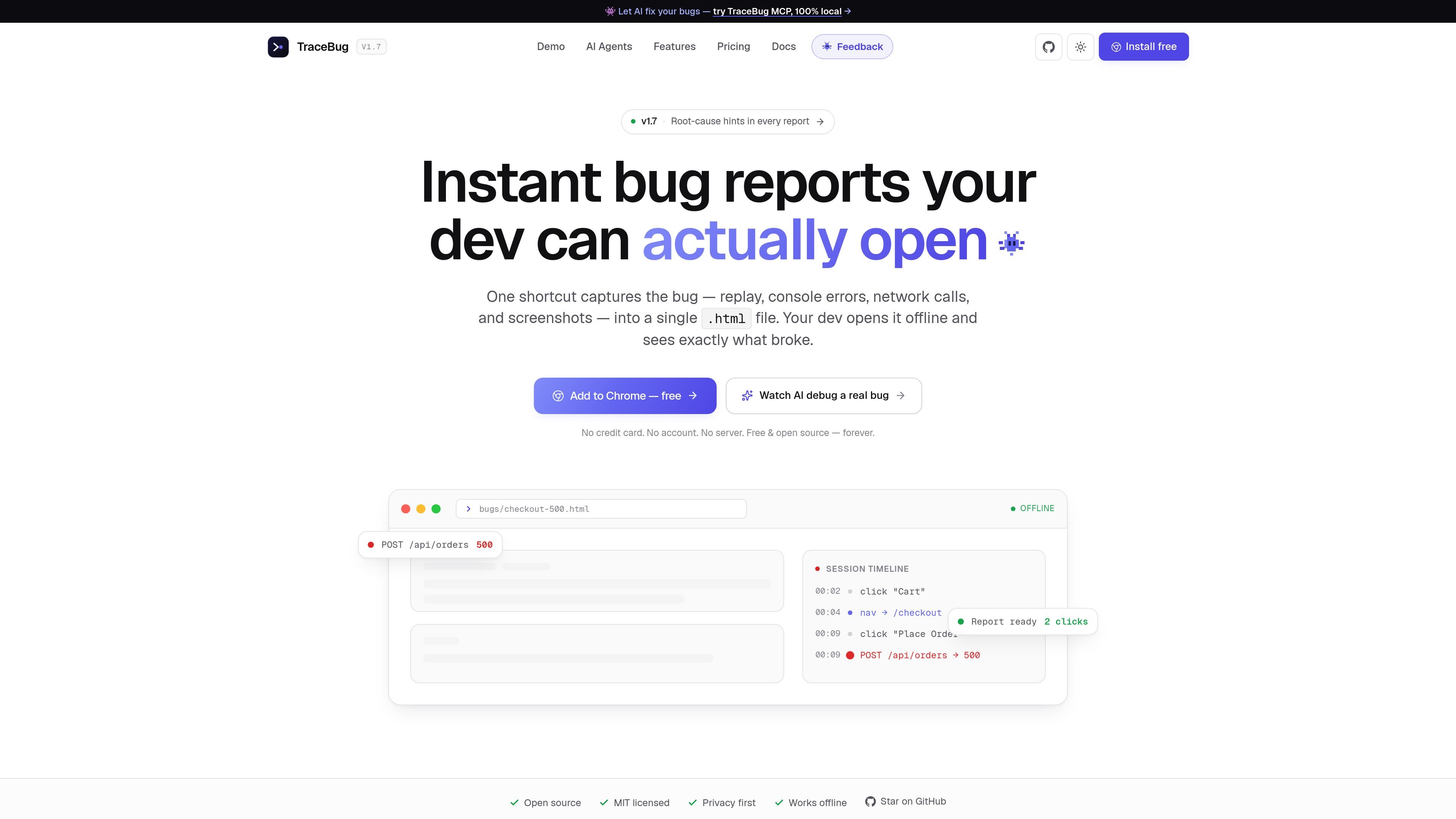
Offline HTML bug reports
Records the user journey into one self-contained .html file so the report can be opened offline and shared like a normal file, not a hosted ticket.

TraceBug è uno strumento local-first per la segnalazione dei bug che cattura i problemi del browser in un report .html autonomo, pronto per essere condiviso offline con gli sviluppatori. Supporta anche il debugging locale basato su MCP e l’esportazione per i comuni flussi di gestione e condivisione dei problemi.
TraceBug is a local-first bug reporting tool that packages a user’s session into a single .html report. The report can include replay, console errors, network requests, screenshots, and captured steps so a developer can open it offline and see what happened.
The product is aimed at the hand-off from tester to developer. Instead of asking someone to retype reproduction steps or paste screenshots into a form, TraceBug turns the bug into a file that can be sent directly, exported into ticket formats, or read by an AI coding agent through its local MCP server.
Records the user journey into one self-contained .html file so the report can be opened offline and shared like a normal file, not a hosted ticket.
Captures the session replay together with console errors, network requests, screenshots, and the user actions that led to the bug.
Adds a root-cause hint at the top of the report, helping the developer see the likely failing request or exception before scrolling through the trace.
Provides export paths for GitHub issue, Jira ticket, PDF, and JSON, so the same capture can be adapted to different hand-off workflows.
Ships with a local MCP server that lets Claude Code, Cursor, Windsurf, VS Code, or another MCP client read reports from disk and investigate them.
Offers a Chrome extension and npm SDK for capture, with offline local bug handling available before any paid collaboration features.
A tester hits a bug in the browser, captures it with one shortcut, and sends the exported file to a developer without filling out a long form.
A developer opens the exported .html report offline to inspect the replay, console error, failed request, and screenshots before starting a fix.
An engineering team uses the local MCP server so Claude Code, Cursor, Windsurf, or VS Code can read a report from disk and investigate the likely cause.
A team that prefers issue trackers exports the same capture into GitHub issue, Jira ticket, PDF, or JSON formats instead of keeping it as a browser file.
A product or support team captures a recurring bug locally first, then decides later whether to use cloud sharing or future team plans for collaboration.
TraceBug captures a bug as a self-contained .html report. The report includes session replay, console errors, network activity, screenshots, and root-cause hints, so the developer can open it offline without needing an account or upload flow.
The browser extension and local capture flow are presented as free. The pricing page says local bug capture and offline .html exports are free forever, while paid plans are reserved for collaboration features such as shareable URLs, integrations, and self-hosting when those are needed.
TraceBug’s MCP server runs locally over stdio. The docs say you can point an MCP client such as Claude Code, Cursor, Windsurf, or VS Code at a folder of exported reports so an agent can read the report from disk and debug against your codebase.
The source pages show exports for GitHub issues, Jira tickets, PDF, and JSON, plus Slack and Linear mentioned in the pricing page. The MCP docs also describe a local hand-off workflow for sending the exported .html file to a developer or agent.
The site describes a free local-first product, plus coming-soon paid plans for Pro, Team, and Enterprise. Pro adds cloud sharing and branding features, Team adds shared workspaces and auto-sync, and Enterprise adds self-hosting and compliance-oriented controls.
I dati sul traffico sono solo a scopo di riferimento.
| apr | 0 |
|---|---|
| mag | 0 |
| giu | 0 |
Le analisi del traffico non sono ancora disponibili.

sapling.ai
Sapling è un toolkit e assistente basato su modelli linguistici per sviluppatori e aziende, con accesso API/SDK e integrazioni per supporto alla scrittura, analisi del testo e flussi di lavoro aziendali.

moxiedocs.com
Moxie Docs si collega a GitHub e trasforma i repository privati in documentazione consultabile, report sulle lacune, contesto MCP per agenti AI e PR di riordino da sottoporre a revisione. Supporta anche centri assistenza pubblici e notifiche Slack sugli aggiornamenti.

airuncode.com
AIRUNCODE è un runtime per agenti local-first che consente di eseguire agenti di codice controllati vocalmente sul proprio computer. È pensato per chi desidera l’esecuzione locale e l’accesso ai provider di IA ai prezzi originali.

mantaai.co
Manta AI è uno strumento autonomo per testare le app web: esegue il crawling di un’app partendo da un URL, mappa i flussi e segnala automaticamente i comportamenti anomali. Genera piani di test in linguaggio naturale per i team che sviluppano prodotti web.