
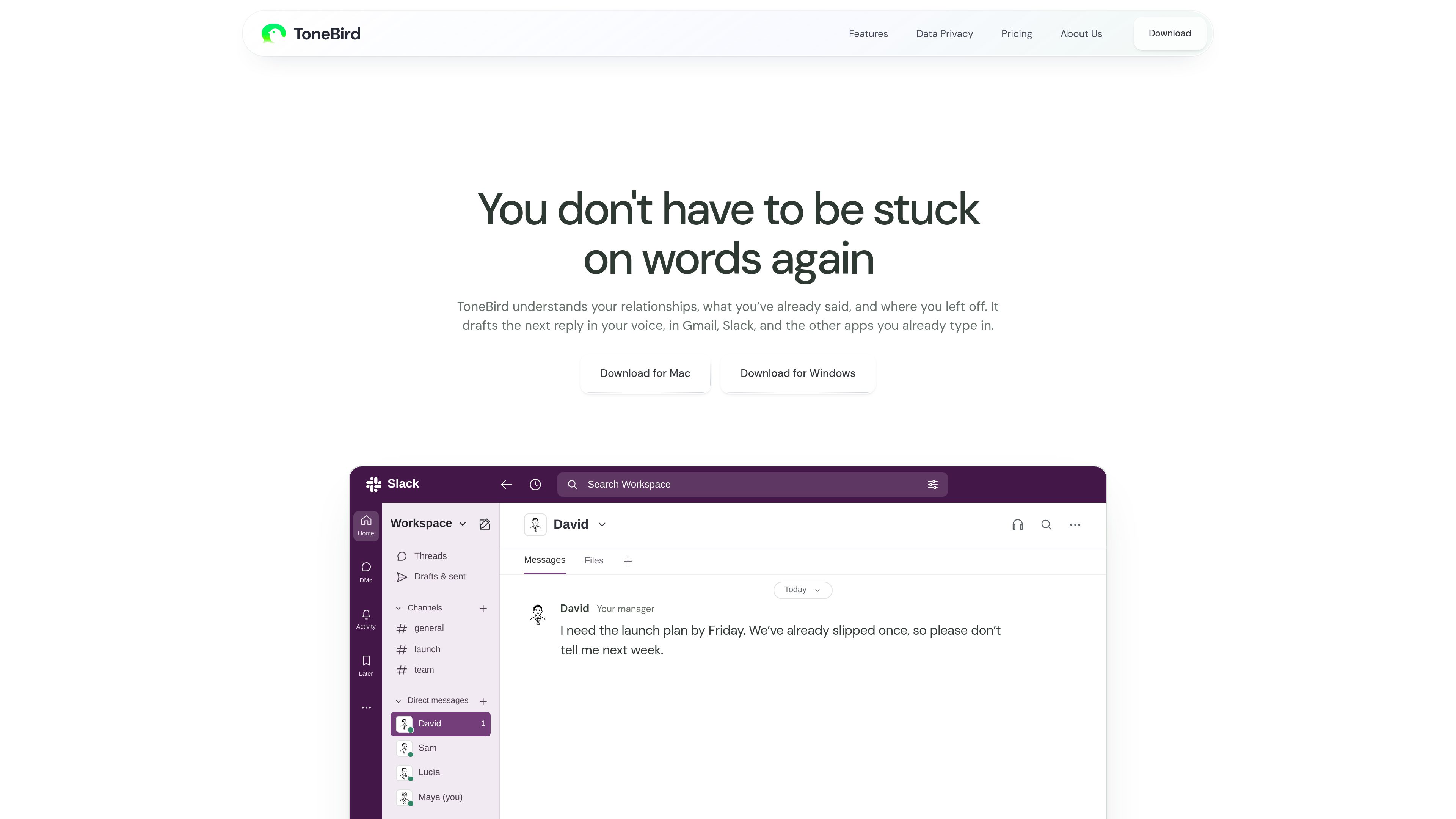
Context-aware reply drafts
Generates three suggested replies based on the conversation, the person being addressed, and relevant context rather than only the latest message.

ToneBird è un assistente desktop con AI che aiuta a scrivere messaggi nelle app di email e chat. Usa il contesto delle conversazioni, la memoria delle relazioni e i documenti collegati per suggerire risposte che puoi modificare, inserire, controllare e inviare personalmente.
ToneBird is a desktop AI reply assistant for macOS and Windows. It drafts responses directly in readable reply fields in the email and chat apps users already use, using the current conversation, earlier exchanges, relationship context, and connected documents to inform its suggestions.
Users receive three draft options, then choose, edit, and insert one into the reply box. The final message remains under the user’s control: ToneBird does not send on the user’s behalf, and the message is reviewed and sent through the original app.
Generates three suggested replies based on the conversation, the person being addressed, and relevant context rather than only the latest message.
Uses remembered details such as earlier conversations, commitments, preferred forms of address, and where a discussion stands to help maintain continuity.
Connected documents or knowledge bases can supply facts and terms, including proposal prices, when they are relevant to a reply.
Users can select a draft, use Tweak to adjust its wording, insert it into the reply field, and review it before sending.
A tone baseline, scene-specific rules, and preferred openers can guide future drafts. Learned changes require review and approval before being applied.
ToneBird can draft replies in different languages, with a reminder to check translations, names, dates, and numbers before sending.
When someone is waiting for a promised update or deadline, ToneBird can use earlier conversation details to help draft a reply with a concrete next step.
A user can connect a proposal or other source document so a draft can include an agreed price or relevant terms when a client asks for confirmation.
For messages about renewals, delays, or previous issues, relationship context helps the user prepare a reply that acknowledges the situation and proposes a practical action.
Tone settings, rules, and preferred openers can provide a repeatable starting point for workplace replies while leaving the user to edit and approve each message.
ToneBird can help draft replies in another language within supported chat or email fields; the user remains responsible for checking the final meaning and details.
ToneBird is available for macOS and Windows. It works beside readable reply fields in apps such as Gmail, Slack, WhatsApp, iMessage, Discord, WeChat, Lark, and X, but support can vary by app and field.
Open a readable reply field, activate the ToneBird bubble or keyboard trigger, and choose one of the three suggested drafts. Use Tweak if needed, select Insert, review the message in the original app, and send it using that app’s own send button.
No. Insert only places the draft in the reply box. You review the text and decide whether to send it.
It can use earlier conversations, commitments, preferred forms of address, and the current status of a relationship. Learned adjustments wait for your review and approval before they affect future drafts.
The product states that tone profiles, person cards, learned corrections, and usage counts are stored on the device. However, generating a reply may send the required context and instructions to an external model provider, so local storage does not mean all processing happens locally.
I dati sul traffico sono solo a scopo di riferimento.

fyxer.ai
Fyxer è un assistente email che organizza la posta in arrivo, prepara risposte con il tuo stile e acquisisce gli appunti delle riunioni. Supporta Gmail e Outlook e offre una prova gratuita di 7 giorni.

0.email
Zero è un client email open source basato sull’IA che aiuta i professionisti più impegnati a gestire la posta in arrivo con chat, riepiloghi, etichette e risposte assistite dall’IA. Offre i piani Free, Pro ed Enterprise, con codice consultabile, a cui contribuire e da ospitare autonomamente.

serif.ai
Serif è un assistente email con IA per Gmail e Outlook che redige risposte, organizza i messaggi in arrivo e gestisce le attività di routine per team e professionisti indipendenti.

filomail.com
FiloMail è uno spazio di lavoro con IA per email e app collegate, che aiuta a riepilogare, redigere, organizzare e gestire i messaggi su desktop e mobile. Offre un piano gratuito e un livello Plus a pagamento con maggiore utilizzo dell’IA e funzioni di automazione.

getinboxzero.com
Assistente email con IA che organizza la posta e scrive risposte

www.hellodeck.ai
Deck è un assistente e-mail con AI che opera dal proprio indirizzo. Puoi metterlo in CC o inoltrargli messaggi, impostare routine ricorrenti e ricevere bozze private, riepiloghi e aiuto per i follow-up, senza installare plugin né concedere l’accesso alla posta in arrivo.