
Technical dialogue
Provides technical Q&A and AI-assisted help for coding problems, based on the Hunyuan code model described on the homepage.

Strumento di coding assistito dall’IA con dialogo, completamento, diagnosi e ottimizzazione
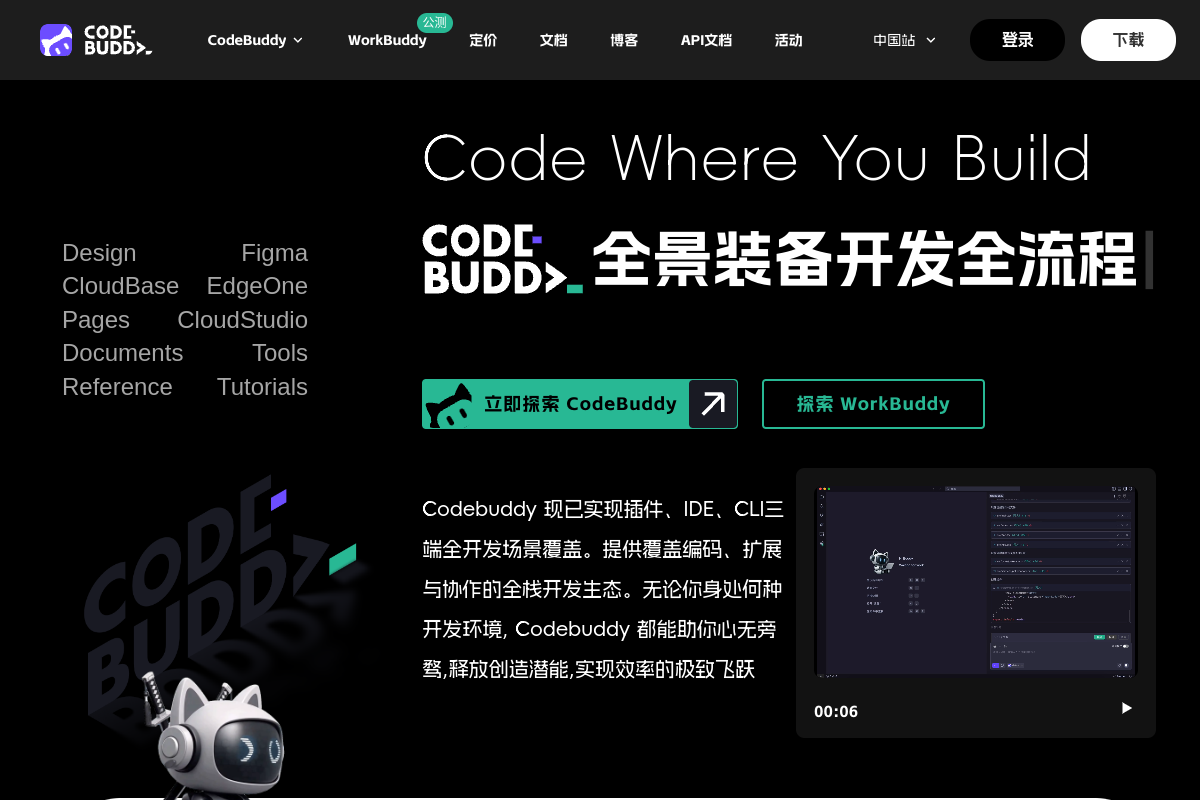
腾讯云代码助手 CodeBuddy is an AI-assisted coding tool for developers and teams. The homepage describes it as being based on the Hunyuan code model and focused on technical dialogue, code completion, code diagnosis, and optimization.
The pricing page shows that the product is offered through multiple plans, including a limited-time free personal plan, a limited-time free enterprise flagship plan, and an enterprise dedicated plan. The setup page adds that CodeBuddy can be used as a plugin in popular editors and development environments, with installation paths for Visual Studio Code, JetBrains IDEs, Visual Studio, WeChat Developer Tools, and Xcode.
Provides technical Q&A and AI-assisted help for coding problems, based on the Hunyuan code model described on the homepage.
Offers code completion and code continuation to help developers move through implementation faster inside their editor.
Supports code diagnosis, checking, repair, and optimization, giving suggestions when code needs review or cleanup.
Includes cross-file understanding and comment generation, helping the assistant work with broader project context instead of isolated snippets.
The setup page describes CodeBuddy Craft as an AI agent that can autonomously generate and rewrite multi-file code, and says it can generate commit messages and support batch code review.
The setup page says the plugin supports MCP integration, enabling connections to external tools and more standardized end-to-end workflows.
Use CodeBuddy while implementing features in your editor when you want inline completion, cross-file context, and technical answers without leaving the development environment.
Use the plugin during code cleanup or debugging to ask for explanations, identify issues, and request repair or optimization suggestions.
Use the Craft agent when a task spans multiple files and you want the assistant to generate or rewrite code across the project.
Use the team and enterprise plans when you need shared usage, member statistics, authorization management, or knowledge-base support for a group.
Use the editor-specific installation paths when your team works in different environments such as VS Code, JetBrains IDEs, Visual Studio, WeChat Developer Tools, or Xcode.
The source pages indicate that CodeBuddy can be installed as a plugin in supported editors, including Visual Studio Code, Visual Studio, JetBrains IDEs, and other editors mentioned in the installation FAQ such as Vim/Neovim. The setup page provides separate installation steps for VS Code, JetBrains IDEs, WeChat Developer Tools, Xcode, and Visual Studio.
The pricing page shows multiple plans, including a limited-time free personal plan and paid business-oriented options. It also presents contact-sales flows for enterprise plans, so teams should review the plan details on the pricing page before choosing.
The setup page says the plugin needs network access to reach AI services. It also notes that fully offline mode is not currently supported.
The setup page says configuration options are available in the editor settings, including API key and model selection. It also says updates are checked automatically, with manual updates available from the editor’s extension management page.
I dati sul traffico sono solo a scopo di riferimento.
| lug | 926579 |
|---|---|
| ago | 1003870 |
| set | 842733 |
Le analisi del traffico non sono ancora disponibili.

morphllm.com
Morph è uno strumento per sviluppatori che combina agenti di coding con servizi specializzati per ricerca, modifica, compressione del contesto e analisi semantica delle tracce tramite API, SDK o MCP.

codewp.ai
Telex è un ambiente di authoring per WordPress assistito dall’IA, per trasformare idee in progetti funzionali.

superset.sh
Superset è uno strumento desktop per eseguire in parallelo più agenti di coding AI sul proprio computer. Permette agli sviluppatori di separare il lavoro in Git worktree isolati, rivedere le modifiche e far avanzare le attività senza aspettare un agente alla volta.

traycer.ai
Traycer AI è uno strumento di sviluppo basato sulle specifiche per pianificare, fornire contesto e verificare i flussi di lavoro di coding con l’IA.

aicodeconvert.com
AI Code Convert traduce il codice tra linguaggi, genera codice dai prompt e include assistenza al coding e uno strumento Base64.

agentloop.tools
AgentLoop è uno strumento locale per cicli di coding che assegna obiettivi circoscritti a nuovi worker, fa verificare i risultati da un revisore indipendente e itera finché non rispettano gli standard del progetto. È progettato per il lavoro non presidiato in un repository locale, non in uno spazio di lavoro ospitato.