
Expense and income tracking
Track income and expenses in the free plan as the base layer for budgeting and reviewing spending patterns.

SmartSpendr è un tracker delle spese e un coach del budget basato sull’IA, pensato per chi vuole capire dove finiscono i propri soldi e ricevere indicazioni su cosa modificare. Supporta il monitoraggio manuale, l’inserimento offline, la sincronizzazione cloud e l’importazione di CSV/XLSX nel piano a pagamento.
SmartSpendr is a mobile budgeting app that combines expense tracking with optional AI coaching. The site describes it as an AI budget coach and expense tracker that shows where money is going and what to fix, rather than only listing transactions.
The basic workflow is to create an account, add income and expenses, and review spending through the dashboard or by asking the AI coach questions in plain English. Supported features mentioned on the site include multi-currency tracking, receipt photo attachments, offline entry with cloud sync, and CSV/XLSX import on the Pro plan.
SmartSpendr is positioned for personal finance tracking rather than professional advice. The terms and privacy policy state that it provides budgeting insights and educational information only, and that AI features are optional.
Track income and expenses in the free plan as the base layer for budgeting and reviewing spending patterns.
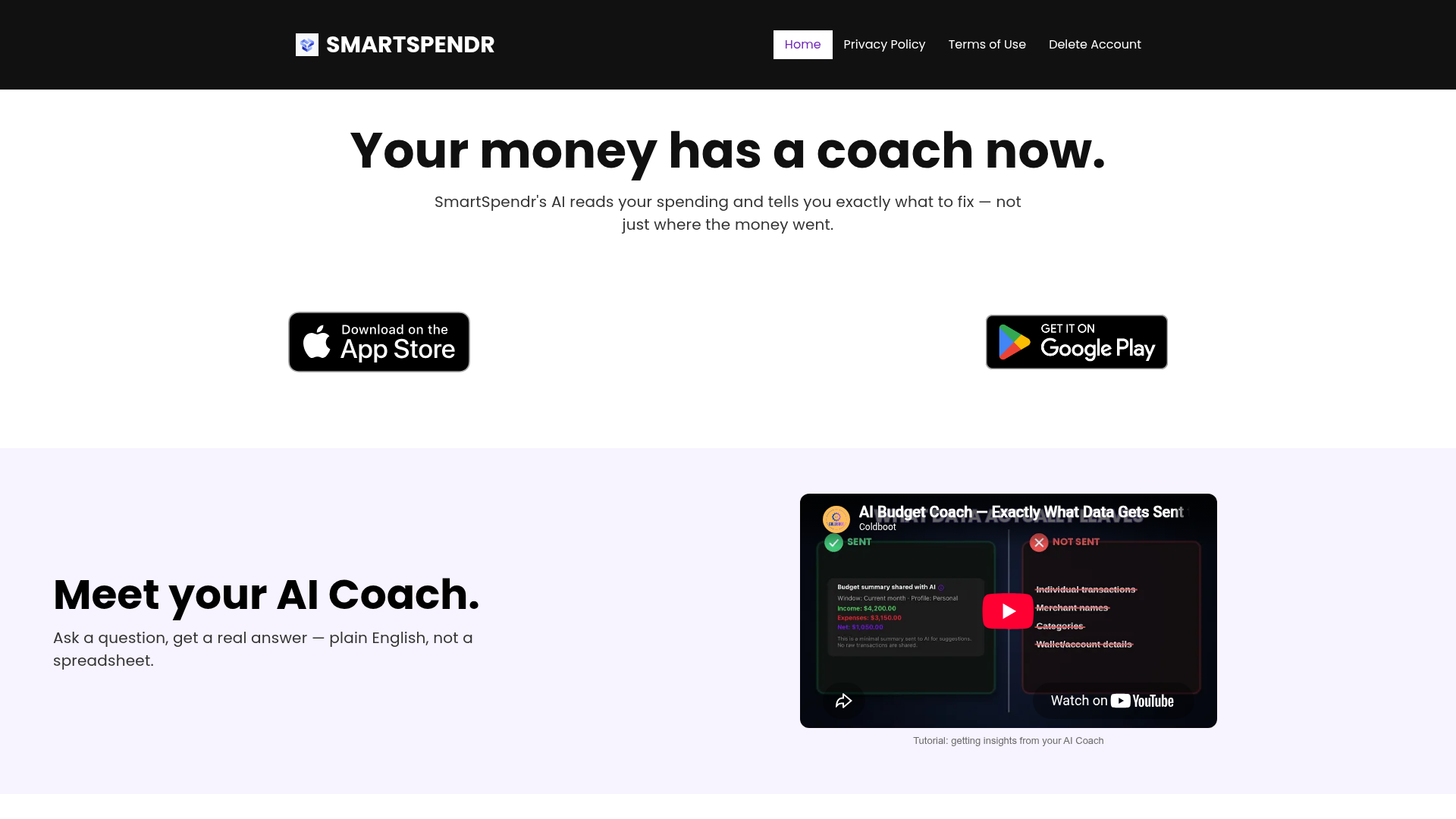
Pro users can ask the built-in AI coach questions and get responses in plain English instead of sorting through a spreadsheet manually.
Import transaction history from CSV/XLSX files on the Pro plan, including supported imports from Wallet: Budget & Money Manager exports.
Record transactions in one currency and view them converted to a preferred currency, with live exchange rates included in Pro.
Enter and edit records without an internet connection, then sync changes automatically once the app is back online.
Attach receipt photos to records to keep supporting documentation alongside expense entries.
Use the app to log income and everyday expenses, then review the dashboard to understand where spending is concentrated over the month.
If you have exported spending data from a supported source, Pro users can import CSV/XLSX files instead of entering older transactions one by one.
Add or edit records when you do not have a connection, then let the app sync those changes automatically later.
Record expenses in different currencies and convert them to a preferred viewing currency, which can help when travel or cross-border spending is part of the picture.
Attach receipt photos to entries when you want a visual record tied to a specific transaction for later review.
Yes. The site says core expense tracking is free, and the Pro plan adds AI budget coaching, CSV/XLSX import, and multi-currency exchange tools.
Yes. The app lets you add and edit records offline, and those changes sync automatically when you reconnect.
SmartSpendr supports multi-currency tracking, letting you record spending in one currency and view it converted to your preferred currency.
Pro users can import transaction history exported from Wallet: Budget & Money Manager in CSV/XLSX format. The site says support for importing from other apps is planned for a future update.
No. The terms and privacy policy say the app provides budgeting insights and educational information only, not financial, investment, legal, accounting, or tax advice.
I dati sul traffico sono solo a scopo di riferimento.

get-monai.app
MonAi è un tracker delle spese basato sull’IA per iOS e Android che consente di registrare le spese digitando, parlando o usando automazioni. Gestisci facilmente budget, spese condivise e transazioni ricorrenti.

klutter.ai
KlutterAI è un tracker delle spese basato sull’IA per iOS e Android: scansiona le ricevute, categorizza le uscite e aiuta a monitorare budget, abbonamenti e abitudini di spesa.

tryglimpse.com
Glimpse è una piattaforma di gestione delle deduzioni basata sull’AI per i brand di beni di consumo. Automatizza la convalida delle richieste, l’apertura delle contestazioni, il recupero dei ricavi e l’applicazione degli incassi, aiutando i team finanziari a ridurre il lavoro manuale e a monitorare i ricavi contestati sui canali retail.

getcanopy.com
Gestione cloud per studi contabili e fiscali, con automazione basata sull’IA.

piere.com
Piere usa l’AI per creare budget, monitorare le spese e automatizzare risparmi e rimborso dei debiti su iOS, Android e web.

getcontroller.ai
Controller AI aiuta i team a creare agenti AI che seguono processi aziendali definiti, grazie a workflow no-code, azioni di integrazione già pronte, approvazioni e visibilità sull’esecuzione. È pensato per i team operativi e le aziende che vogliono far lavorare gli agenti secondo regole chiare, anziché lasciarli agire in piena autonomia.