
PDF reflow reading
Reflows complex PDFs into a cleaner reading layout so text is easier to follow on smaller screens and other devices.

Strumento per leggere articoli di ricerca con riformattazione PDF, traduzioni, riepiloghi, note e citazioni
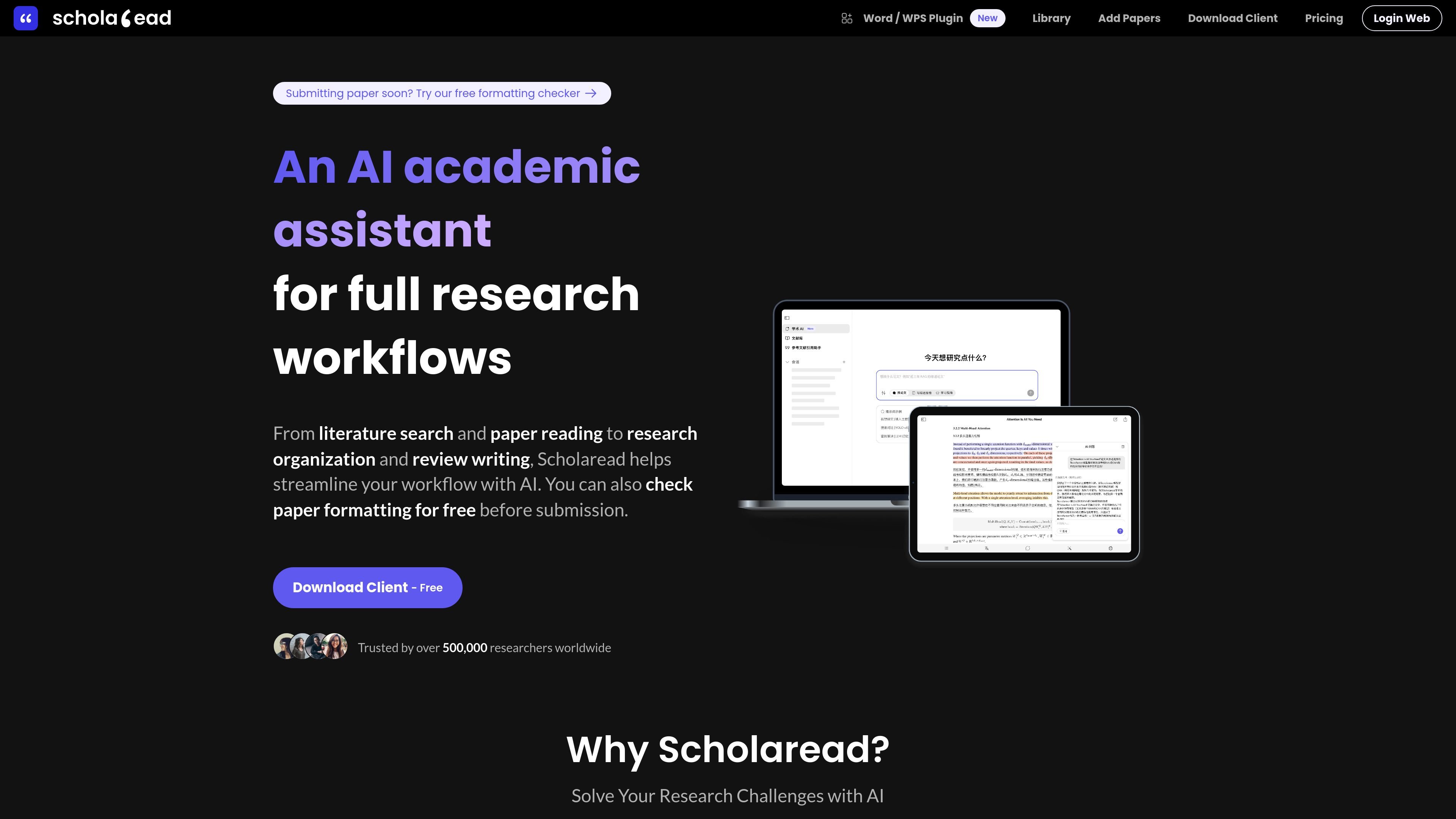
Scholaread is a research paper reading tool that focuses on making PDFs easier to read on mobile devices and across desktop platforms. Its core job is to reformat dense academic documents into a cleaner, text-focused layout while adding translation, summarization, and note-taking tools around the reading flow.
The product is positioned for researchers who read papers in multiple languages, work with complex PDF layouts, or want to move from reading into citation and formatting tasks without switching tools. The site also presents a free plan and paid Pro plans, plus clients for Windows, macOS, Linux, Android, iOS, and an online version.
Reflows complex PDFs into a cleaner reading layout so text is easier to follow on smaller screens and other devices.
Provides AI summaries, AI chat, and key-point highlighting to help readers understand dense papers more quickly.
Supports academic translation and bilingual reading, including paragraph-by-paragraph full-text translation.
Includes highlights, notes, and citation-oriented tools such as a citation assistant and Zotero plugin.
Offers a Word citation add-in and formatting checker for paper preparation before submission.
Syncs across Windows, Mac, Linux, Android, iOS, and online so the same account can be used on multiple platforms.
Read dense journal articles or two-column PDFs on a phone or tablet without constantly zooming and panning.
Translate academic text and compare languages side by side when reading in a foreign language.
Use AI summaries, chat, and highlights to extract the main ideas from papers before a deeper read.
Organize literature with notes, highlights, and citation tools while keeping reading in the same environment.
Prepare manuscripts with the Word add-in and formatting checker before submission.
Scholaread provides client apps for Windows, macOS, Linux, Android, and iOS, plus an online option. It also offers a Word citation add-in for supported desktop and web versions of Word.
The site presents Scholaread as a reading and research workflow tool with AI summaries, AI chat, PDF reflow, translation, highlights and notes, and citation-related tools. The exact setup depends on the client or add-in you install.
The source describes client downloads for desktop and mobile/tablet, along with a Word add-in. It does not provide a step-by-step setup flow beyond downloading the relevant client or add-in.
The pricing page shows Free and Pro plans. Pro includes higher daily limits for AI translation, AI chat, PDF recognition and reflow, larger file uploads, unlimited OCR/selection translation, VIP support, and ad-free reading.
The help content and pricing page emphasize individual reading, translation, note-taking, and formatting workflows. The available sources do not describe dedicated multi-user collaboration features.
I dati sul traffico sono solo a scopo di riferimento.

bibgenie.com
Agente di ricerca AI integrato in Zotero per cercare, leggere, organizzare e salvare fonti con citazioni tracciabili.

beaverapp.ai
Assistente di ricerca AI per Zotero: cerca, leggi, annota e scopri nuovi articoli

aminer.cn
AMiner è un assistente AI per la ricerca accademica, con ricerca di studi, domande sui documenti e sintesi con citazioni.

answerthis.io
AnswerThis è un assistente di ricerca AI basato sul web che genera risposte con citazioni, revisioni della letteratura e testi accademici.

txyz.ai
TXYZ è una piattaforma di knowledge work basata sull’AI per leggere, cercare e scrivere su contenuti accademici e di ricerca. Offre l’analisi di PDF e URL, risposte collegate alle fonti, una biblioteca di ricerca personale, accesso API e prezzi a livelli.

ontosight.ai
Assistente di ricerca AI per cercare fonti scientifiche, dialogare con documenti e scrivere con citazioni