
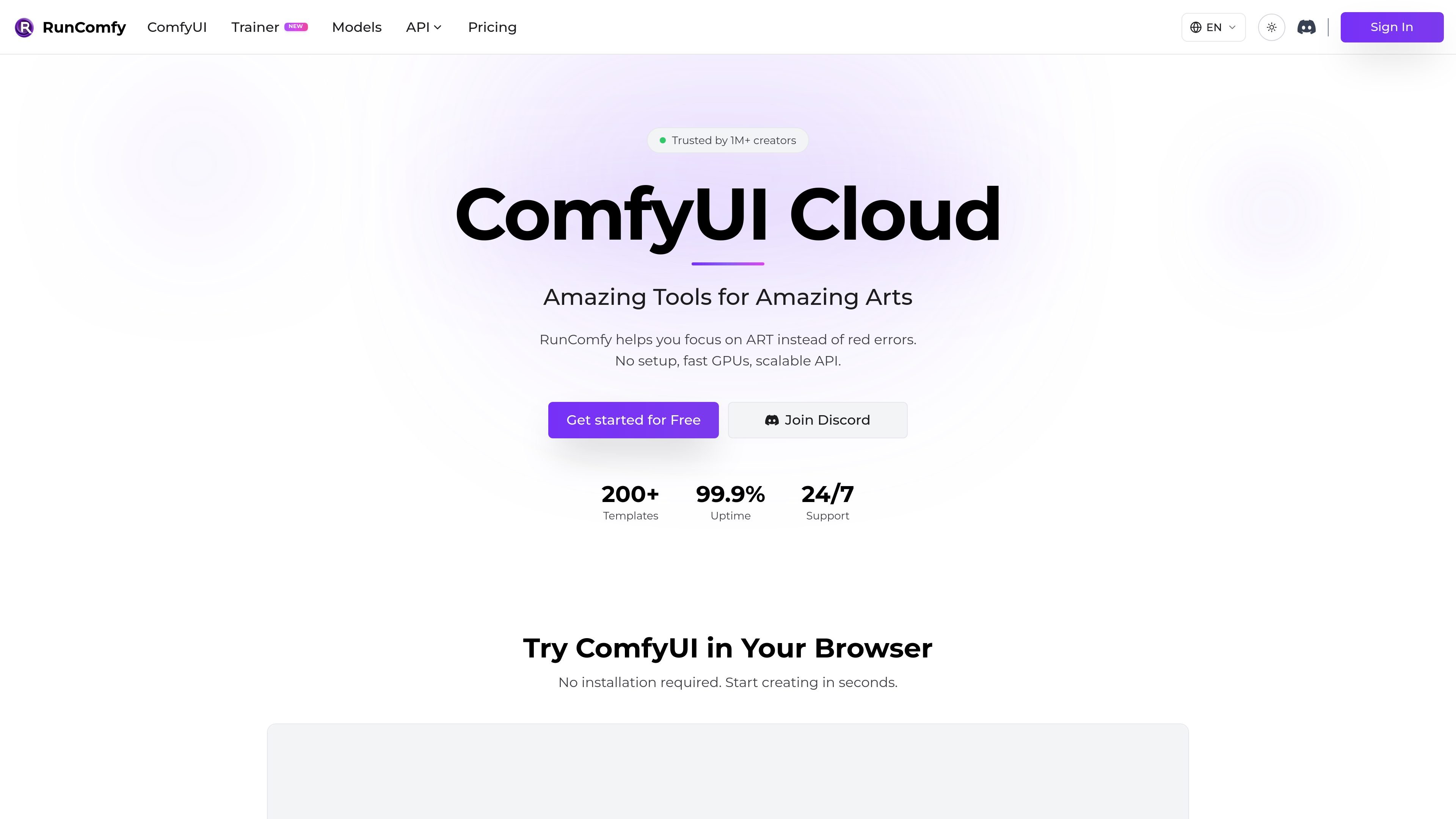
Browser-based ComfyUI
RunComfy provides a native ComfyUI cloud environment so users can work in the browser without local installation or manual setup.

RunComfy è una piattaforma ComfyUI cloud per eseguire workflow nel browser senza configurazione locale.
RunComfy is a cloud ComfyUI platform for running stable-diffusion-style workflows without local installation. It focuses on giving creators and developers a ready-to-use browser environment, plus a consistent way to save, share, and deploy workflows.
The site emphasizes native ComfyUI, automatic setup for missing models and custom nodes, and reusable workflow environments. It also offers pay-as-you-go GPU usage, optional Pro pricing with discounted rates, and serverless API deployment for saved workflows.
RunComfy provides a native ComfyUI cloud environment so users can work in the browser without local installation or manual setup.
Uploading a workflow JSON can trigger automatic installation of missing models and custom nodes, reducing the red-node and import-failed errors common with downloaded workflows.
Users can browse 200+ ready-to-run ComfyUI templates, including image, video, voice, 3D, and multimodal workflows.
RunComfy supports downloadable models from sources such as Civitai, Hugging Face, and Google Drive, and it keeps models persisted across sessions.
Any saved workflow can be turned into a serverless API endpoint, making the same ComfyUI setup usable from apps and scripts.
The platform offers multiple GPU machine sizes, with VRAM options from 16 GB up to 141 GB, plus separate training-oriented GPU pricing for longer jobs.
Open a workflow JSON from another source and let RunComfy install missing models and custom nodes so it can run in a clean cloud session.
Start from one of the platform’s ready-to-run templates when you want to generate images, video, voice, 3D, or multimodal outputs without building a graph from scratch.
Save a working ComfyUI setup and reopen it later with the same workflow graph, models, custom nodes, and environment preserved.
Turn a saved workflow into a serverless endpoint when you want to call ComfyUI from another app or script.
Choose larger GPU instances for heavier workflows or long-running training jobs that need more VRAM and dedicated compute.
RunComfy provides a cloud ComfyUI environment, so you can start a workflow in the browser without installing ComfyUI locally. The site also says it can auto-install missing models and custom nodes from a workflow JSON.
Yes. The pricing page states that any ComfyUI workflow can be deployed as a serverless API endpoint, and the home page describes one-click deployment from a saved workflow.
The pricing page says RunComfy uses a shared balance across Models, ComfyUI, and Trainer. ComfyUI itself is pay-as-you-go, while Pro is optional and adds discounted GPU rates plus extra perks.
The home page says saved workflows can be shared with a simple link so another person opens the same environment, including workflow, models, custom nodes, and ComfyUI setup.
The site supports the ComfyUI graph and notes workflows can include custom nodes, models, and dependencies. It also describes ready-to-run templates and cloud-saved reproducible environments.
I dati sul traffico sono solo a scopo di riferimento.

dev-swat.com
DevSwat è una piattaforma di infrastruttura per l’IA agentica che consente di creare, eseguire e pianificare agenti IA autonomi. Riunisce IDE nel browser, chat, automazione dei workflow, analisi del codice e controlli di governance in un unico ambiente web.

poolside.ai
Poolside è una piattaforma di modelli fondazionali e agenti per lo sviluppo software sicuro e governato su terminale, IDE, browser e workflow headless.

openhands.dev
OpenHands è una piattaforma open source e agnostica rispetto ai modelli per agenti di coding cloud, che automatizza i workflow di ingegneria tramite interfacce web, CLI, terminal UI e SDK, supportando deployment locali, cloud ed enterprise.

happycapy.ai
Piattaforma di agenti nel browser per eseguire Claude Code, gestire skill e delegare attività in sicurezza.

durable.ai
Durable è una piattaforma software con IA che trasforma descrizioni dei processi in linguaggio comune in automazioni pronte per la produzione e software personalizzato, così i team possono creare, distribuire e mantenere workflow senza scrivere codice.

cosyra.com
Cosyra è un terminale cloud mobile per sviluppatori che vogliono eseguire agenti di programmazione AI da iPhone o Android senza gestire un VPS personale. Offre uno spazio di lavoro Ubuntu isolato, archiviazione persistente e fatturazione con la propria chiave API.