
Natural-language code generation
Turn natural-language prompts into R or Python code for data analysis, with the default model set to GPT-4o on the site.

RTutor 2.00 trasforma domande in linguaggio naturale in codice R o Python per analizzare dataset in modo interattivo.
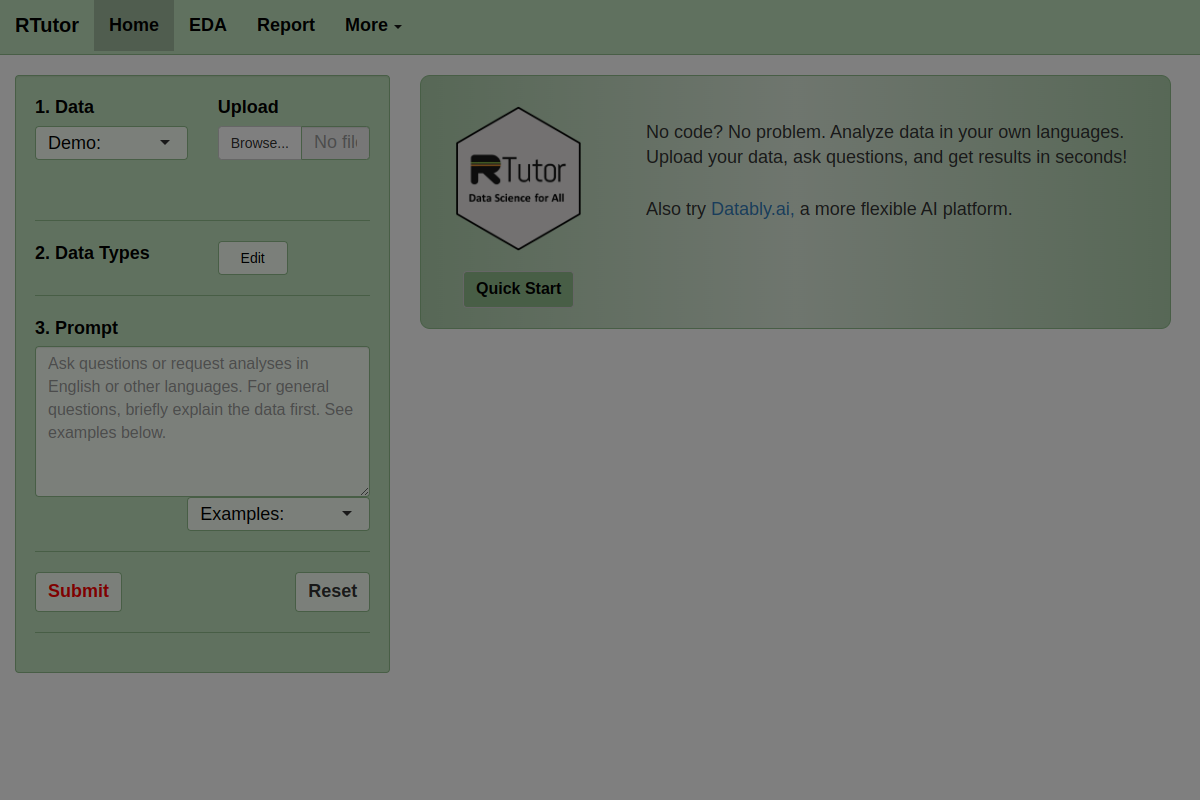
RTutor 2.00 is a web-based data analysis tool that translates plain-English requests into R or Python code. It is designed for users who want to upload a dataset, ask questions, and receive plots, summaries, code, or downloadable reports without writing the analysis from scratch.
The product is aimed at traditional statistics data where rows are observations and columns are variables. The site emphasizes checking column types, starting with exploratory analysis, and using the generated code as a draft that should still be reviewed for correctness.
Turn natural-language prompts into R or Python code for data analysis, with the default model set to GPT-4o on the site.
Upload CSV, TSV/tab-delimited text files, or Excel files and analyze them as a data frame named `df` without manually loading data.
Work with a second file as `df2` when you want to compare or combine two uploaded datasets in one session.
Check data types, basic plots, distributions, correlations, tables, and summary reports through dedicated analysis tabs and generated outputs.
Use a Q&A box to ask about the code, result, or error messages, and refine earlier requests within the same session context.
Download results as an HTML report and use generated code chunks as a starting point for further review and validation.
Upload a spreadsheet or text dataset and ask for basic summaries, distributions, or plots to get a first pass at the data without writing code manually.
Review column types, clean the data, and correct categorical fields before running analysis so the generated code matches the structure of the dataset.
Ask follow-up questions in the same session to refine a chart, adjust a plot setting, or move from a simple question to a more specific analysis.
Use the generated code and HTML report as a starting point for validation, documentation, or further work in R or Python.
Analyze a second file alongside the first one by uploading it as `df2` and referencing it in the prompt when comparison or joint analysis is needed.
RTutor lets you upload a data file and ask questions in plain English. It then translates those requests into R or Python code and returns the result, often as charts, tables, or downloadable reports.
The site says RTutor works with CSV, TSV/tab-delimited text files, and Excel files. It can also analyze a second uploaded file as `df2` when you refer to it in your prompts.
RTutor is aimed at traditional statistics data where rows are observations and columns are variables. The site advises users to prepare and clean data in Excel first and to verify column data types before analyzing.
RTutor includes a Q&A box for questions about code, results, or error messages, and the session keeps previous questions and code chunks as context for later requests.
The site states that RTutor is free for non-profit organizations only and that commercial use requires licensing. It also notes that businesses can discuss custom, locally installed deployments.
I dati sul traffico sono solo a scopo di riferimento.

getdot.ai
Analista dati AI per domande in linguaggio naturale, analisi e report automatizzati

energent.ai
Strumento di analisi dei dati con AI senza codice che trasforma file, documenti e link in analisi, dati estratti e report esportabili per business, finanza e analisi documentale.

rows.com
Rows è un analista di dati AI basato su fogli di calcolo per importare, analizzare e condividere dati senza codice, SQL o formule.

askyourdatabase.com
AskYourDatabase è un analista dati e chatbot SQL basato sull’IA per interrogare database in linguaggio naturale, creare dashboard e gestire gli accessi.