
Multiple page translation modes
Translate a full page beside its original text or replace the source with the translation. A paragraph can also be translated on demand, and selected text can be translated in place.

Read web pages and video subtitles with translations alongside the original, then save useful words and sentences as flashcards for scheduled review.
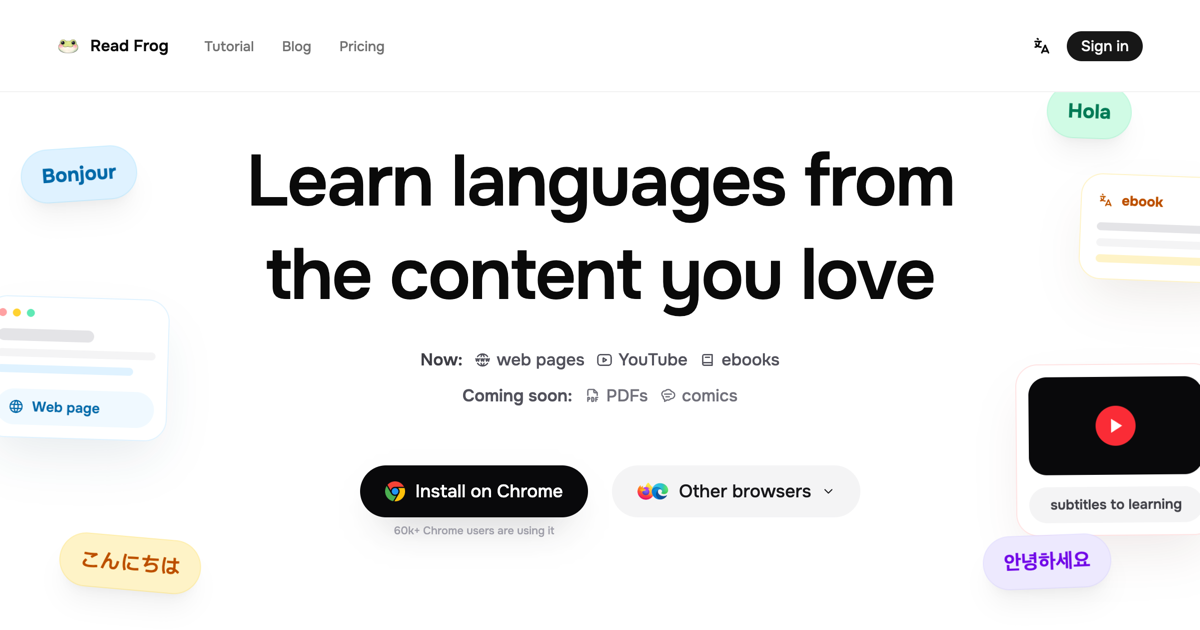
Read Frog is an open-source browser extension and web app for language learning through everyday reading and video. The extension translates web pages, selected text, paragraphs, and supported video subtitles, with options to compare translations beside the original or read a translated page. Words and explanations saved from the extension can be organized in a Notebase and reviewed as flashcards on a spaced-repetition schedule. Translation can be used without an account; the web app provides note management and review.
Translate a full page beside its original text or replace the source with the translation. A paragraph can also be translated on demand, and selected text can be translated in place.
Show original and translated subtitle lines together on YouTube, Netflix, and X. Select words in subtitles to look them up and save them for later review.
Create repeatable prompt-based actions that return structured cards, such as word lookups, sentence analysis, writing feedback, or summaries. Actions can use built-in AI or a compatible provider you configure.
Save words and explanations to a Notebase, make them into cards, and review on a spaced-repetition schedule. The extension can save study material as you read.
Text-to-speech supports more than 70 languages, including sentences that mix languages.
Read Frog supports 179 languages. Google Translate and Microsoft Translator work without an API key; users can also connect their own model provider.
Keep the source text visible while checking a page translation when needed, or switch to translation-only mode for uninterrupted reading.
Watch YouTube, Netflix, or X with original and translated subtitles together, and capture unfamiliar vocabulary directly from a subtitle.
Select a long sentence for a structured analysis that identifies its clauses and sentence parts, with a translation to support comprehension.
Save a word with its page-specific definition and review it later as a flashcard rather than separating study from the material where it appeared.
Run an action on selected text to check phrasing or perform a repeatable task such as summarizing, using the surrounding page context where relevant.
Translation works without an account. Google Translate and Microsoft Translator can be used immediately without a key. Built-in AI Actions have a limited daily allowance without an account; signing in raises that allowance.
Read Frog is a browser extension with a web app for managing notes and reviewing flashcards. The extension works with web pages and subtitles on YouTube, Netflix, and X.
Yes. You can choose an LLM provider that supports structured output for Custom AI Actions. The site also describes a bring-your-own-key workflow for providers such as OpenAI, Gemini, and DeepSeek.
Users can import books through a third-party EPUB reader and use the extension while reading. Read Frog's own EPUB reader is in beta for selected accounts, and uploading books to it is a Pro feature.
PDF and comic reading are not currently supported.